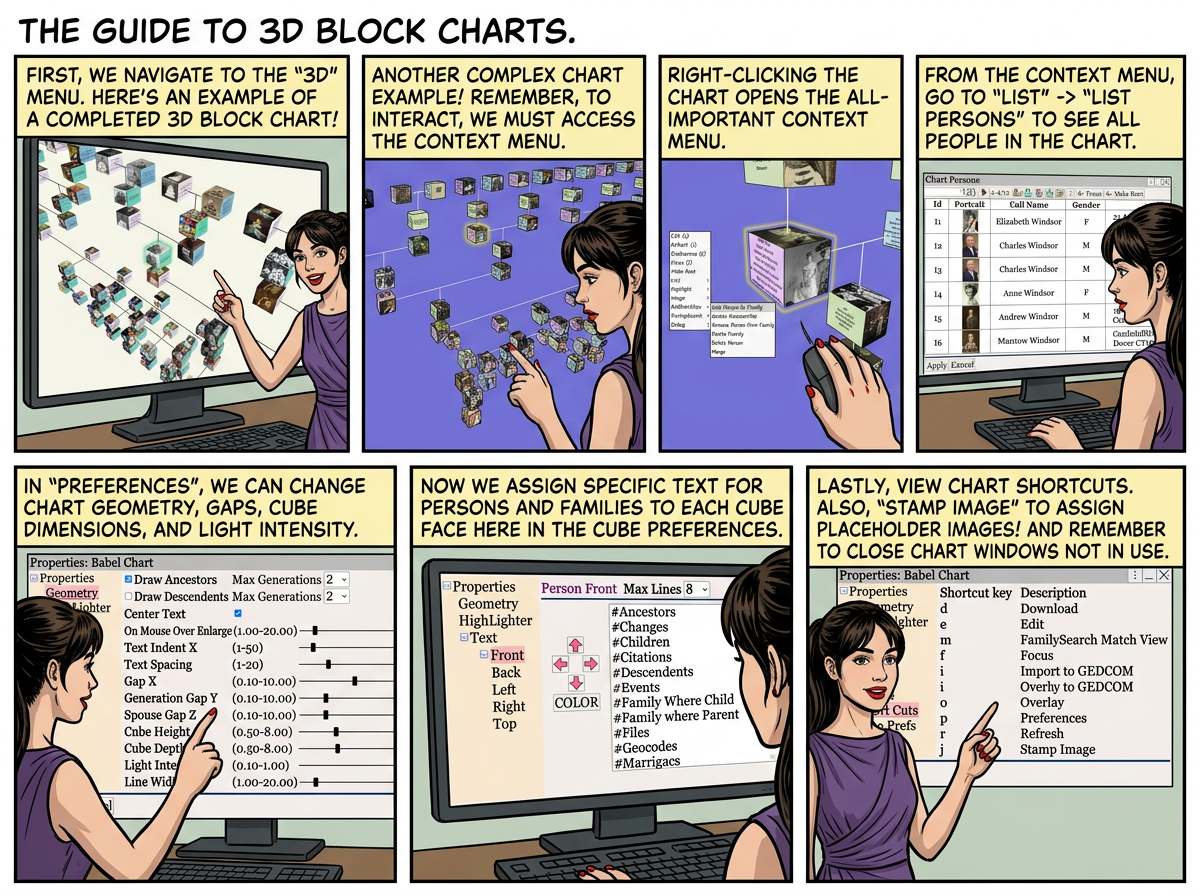
Create the 3D chart from ⟶ 3D ⟶
Example 3D Charts


Right Click on the chart, to view the context menu

Right Click ⟶ List ⟶ List Persons to view the a list of persons in the chart.

| Set the camera focus person for the chart | |
| Set the root person for the chart |
Right Click ⟶ Preferences to change the chart geometry.

Right Click ⟶ Preferences to change the chart text/font.
Assign text to each face of the cube for persons, and families.

Right Click ⟶ Preferences to view the chart shortcuts.

• Right Click ⟶ Image ⟶ Stamp Image (j) to assign a placeholder image to a person.
 3D charts can slow down Augean, close 3D charts using when not used.