Add Portraits to FamilySearch


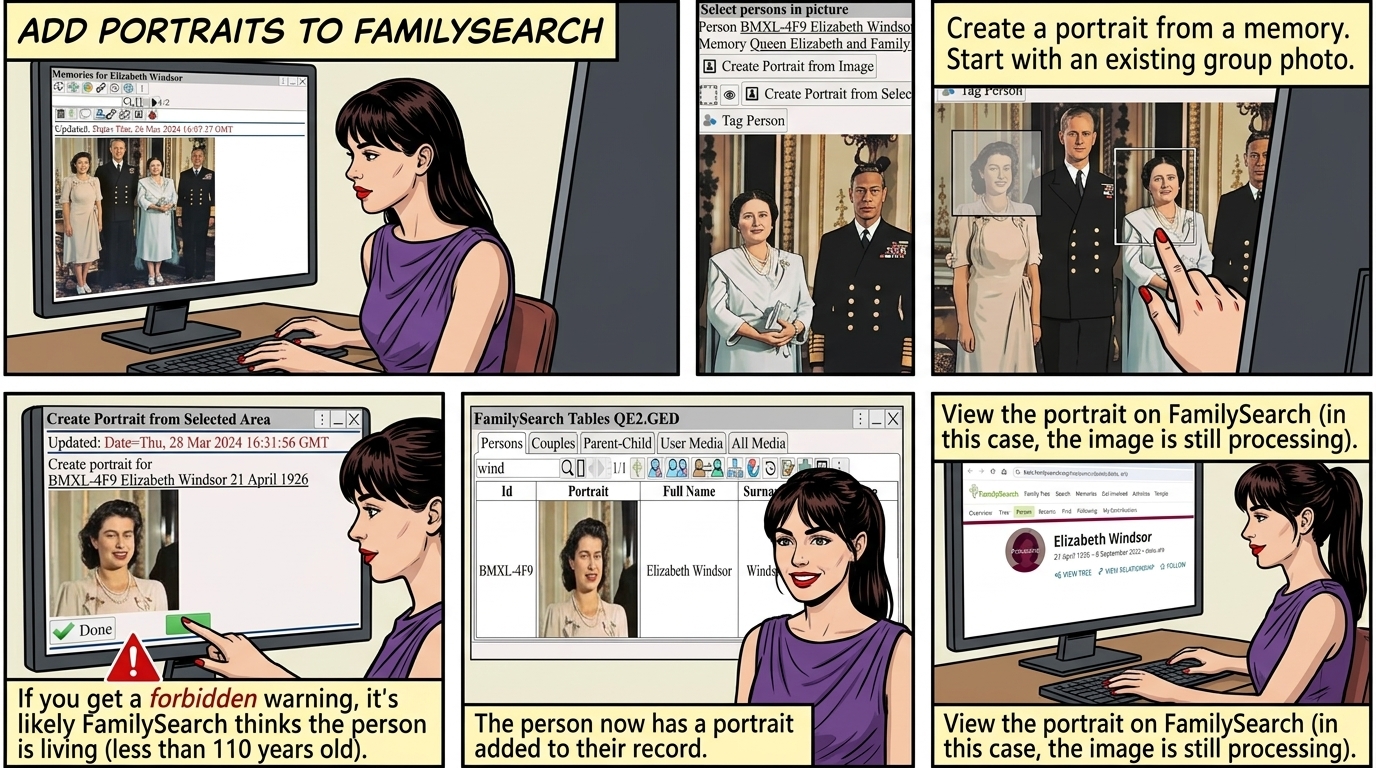
Create a portrait from a memory.
 ⟶ 
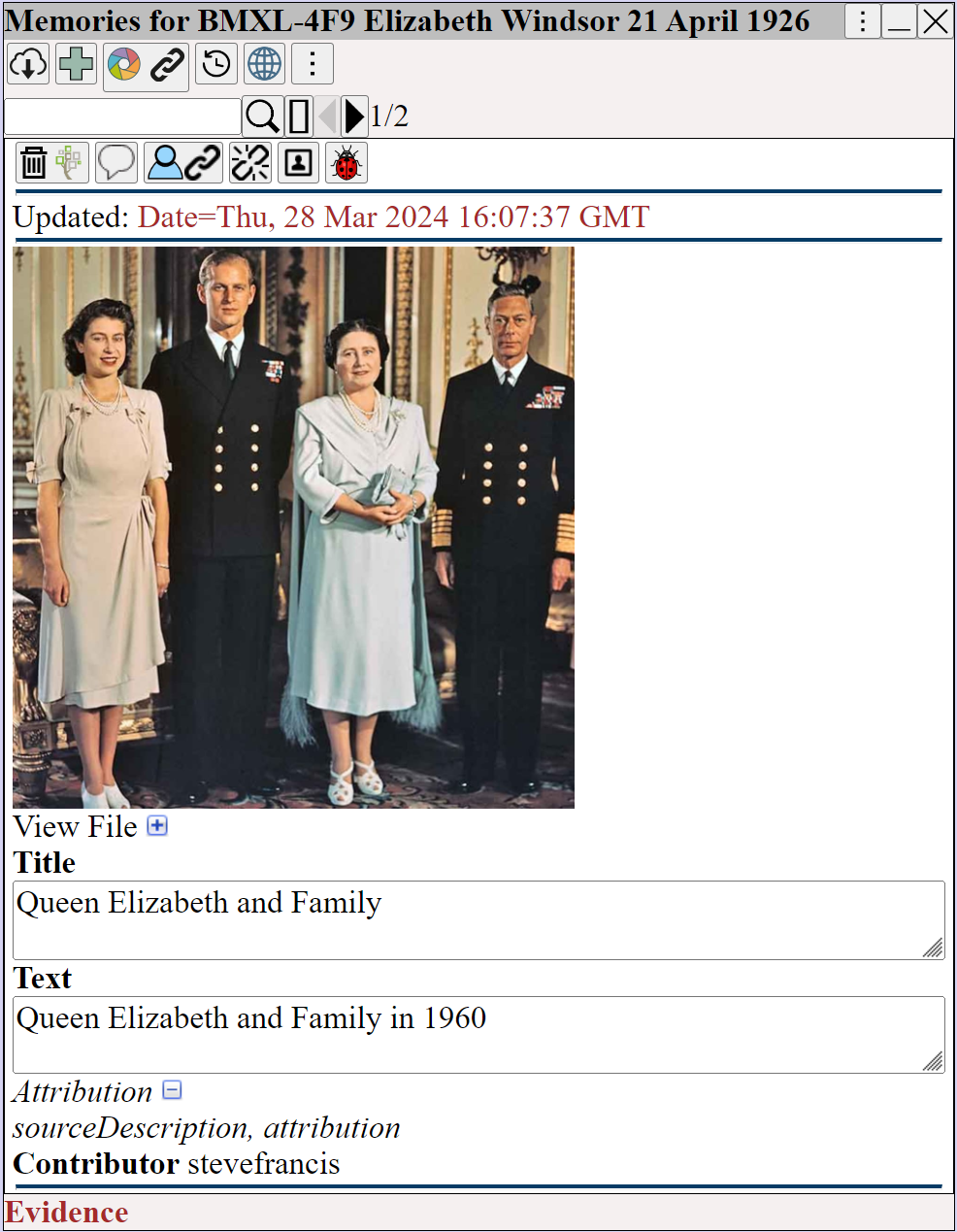
Augean Memories window showing a historical family photo. Genealogists can use this tool to extract individual FamilySearch portraits from group pictures.


 ⟶ 

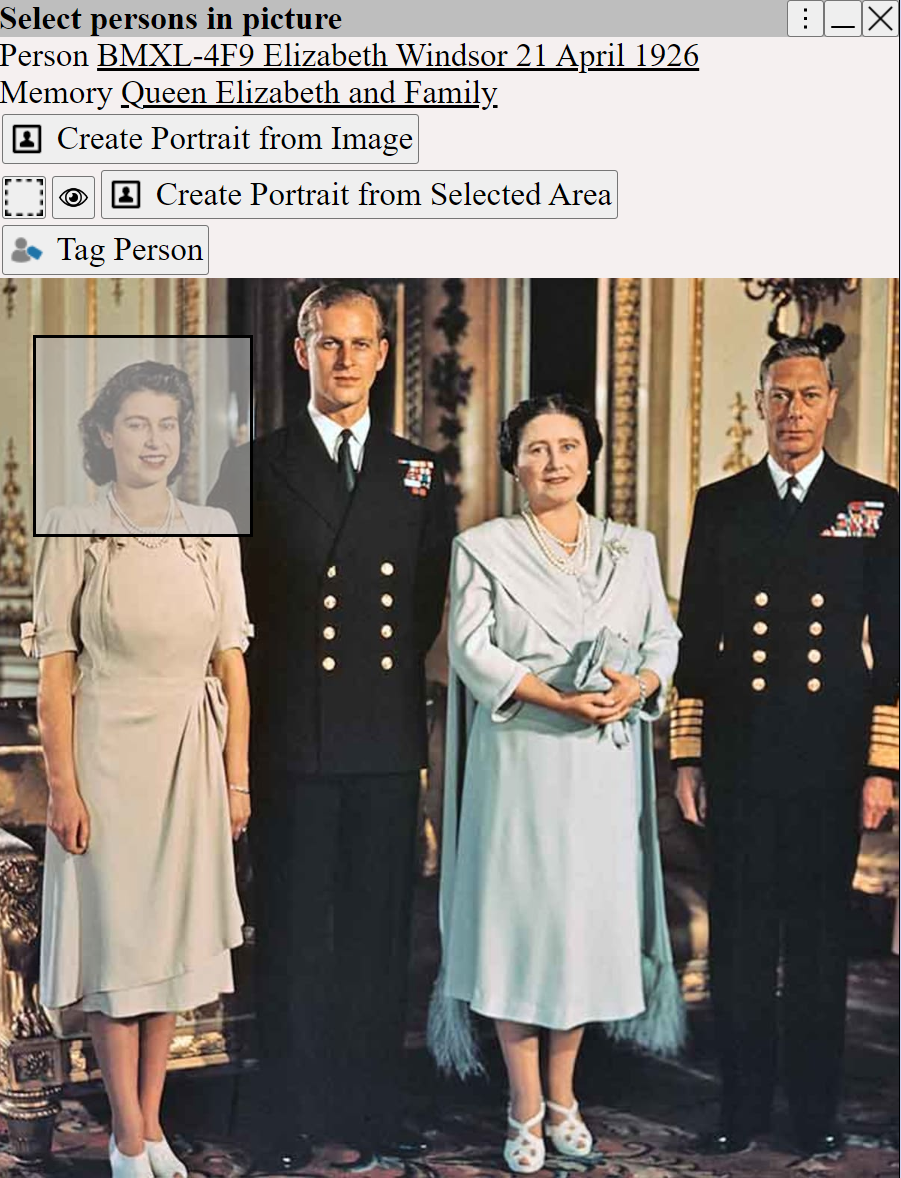
Drawing a selection box around a face in Augean. The Create Portrait from Selected Area feature lets genealogists crop profile pictures from group photos.


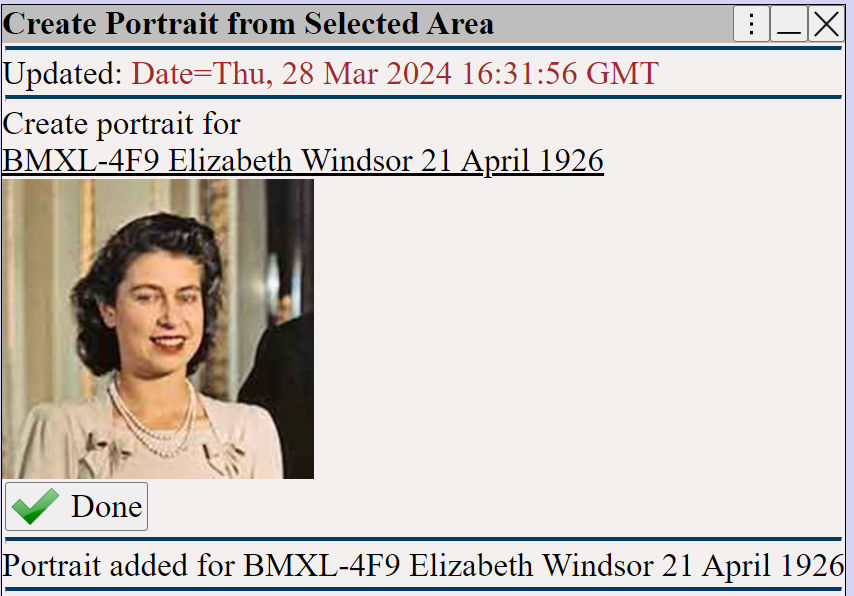
Create Portrait confirmation window in Augean showing the cropped face. Clicking Done instantly creates a FamilySearch profile picture without external editors.


 If you get a  forbidden warning  when adding a portrait, it is probably because
FamilySearch thinks the person is still living (less than 110 years since birth)

The person now has a portrait.
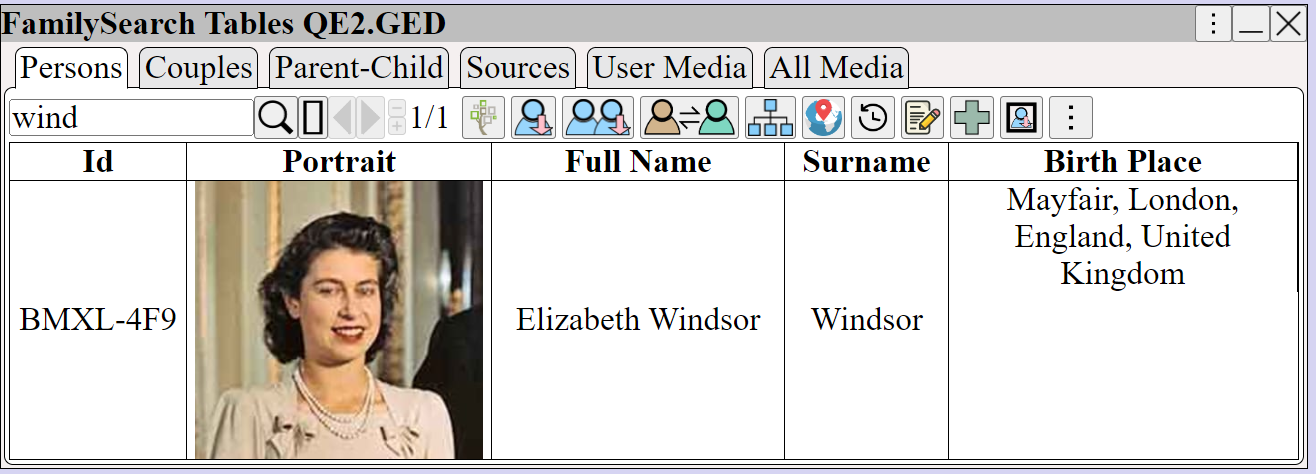
Augean FamilySearch Tables view displaying the newly extracted portrait thumbnail alongside the ancestor's ID and birth data for easy genealogy management.


to view the portrait on FamilySearch (in this case, the image is still processing)
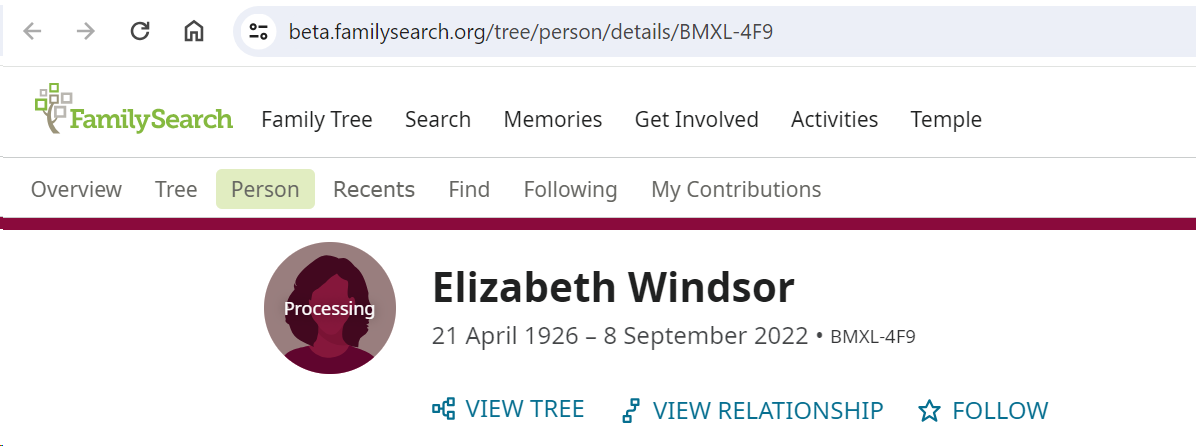
FamilySearch profile page showing the new portrait in a Processing state, confirming the successful direct upload from the Augean genealogy tool.