Importing persons from FamilySearch to GEDCOM
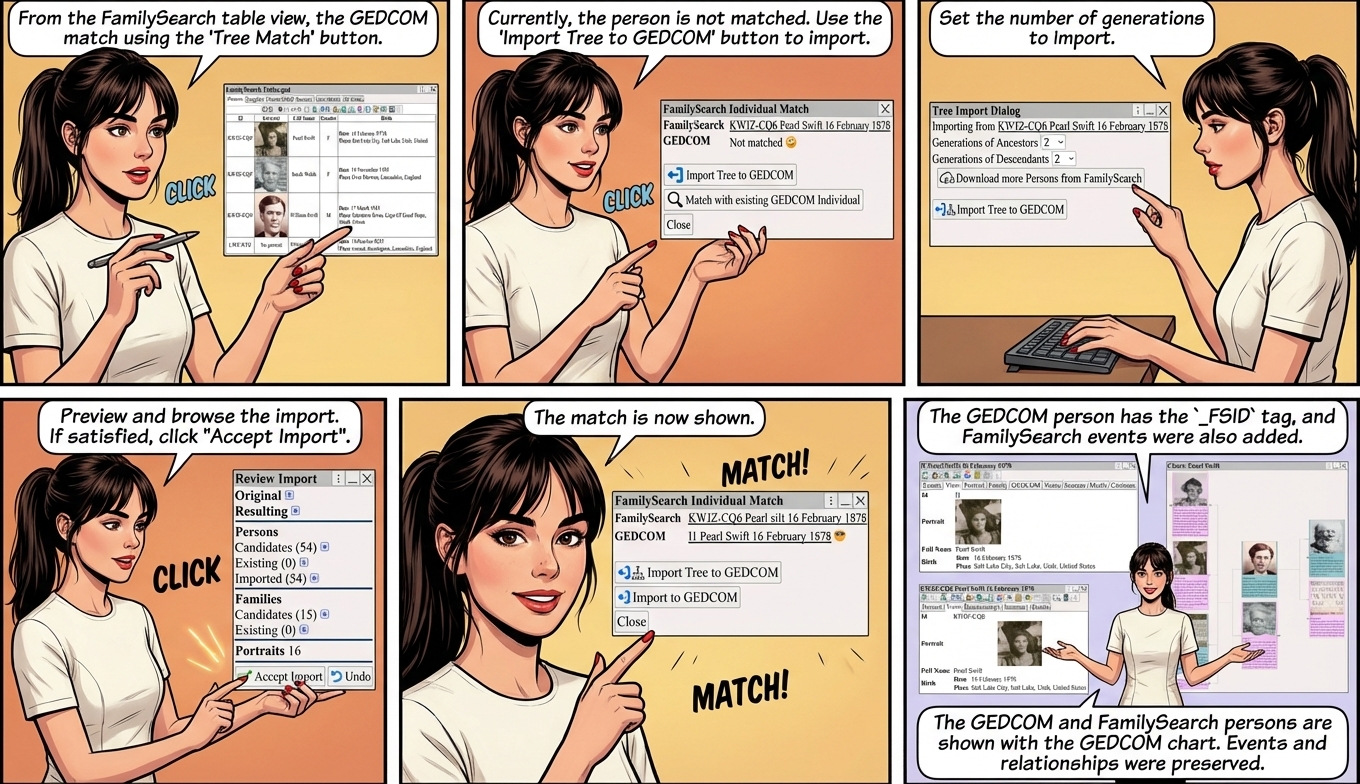
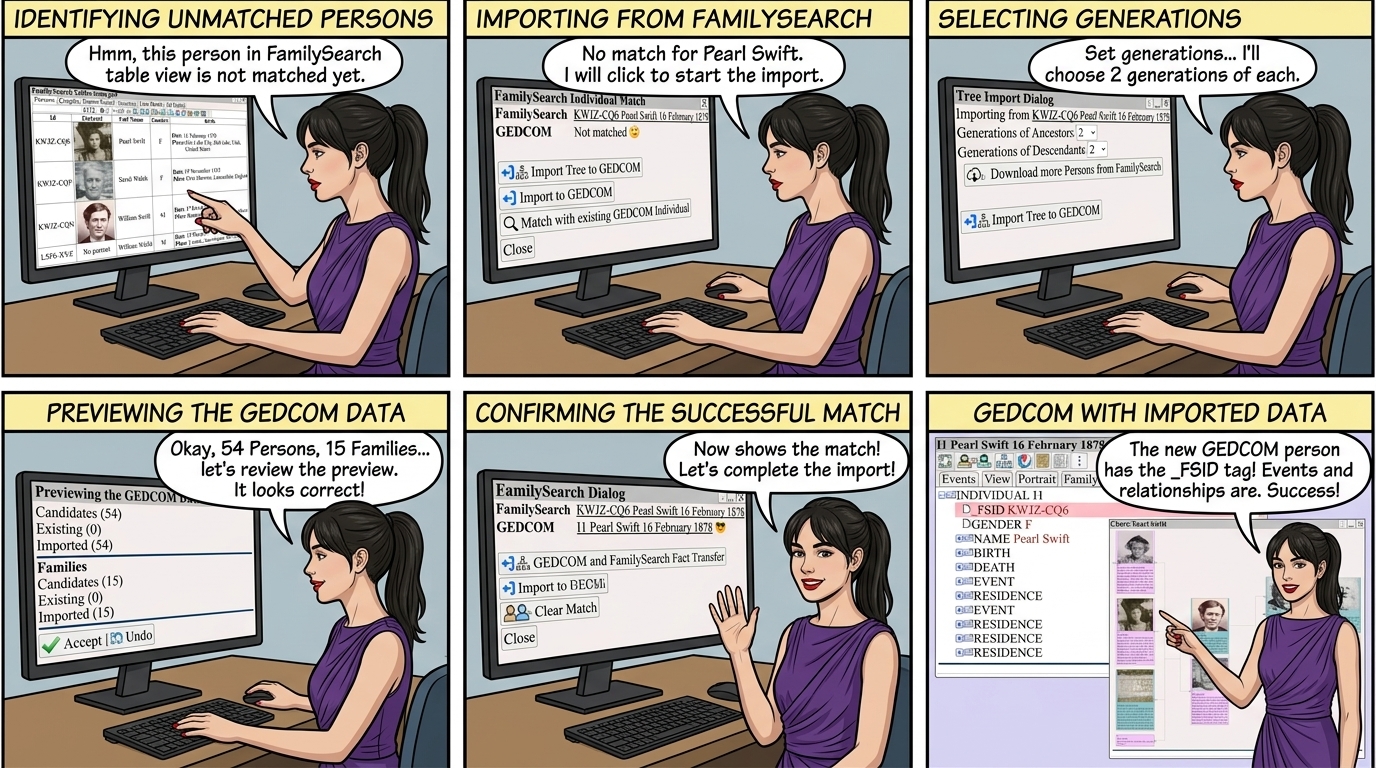
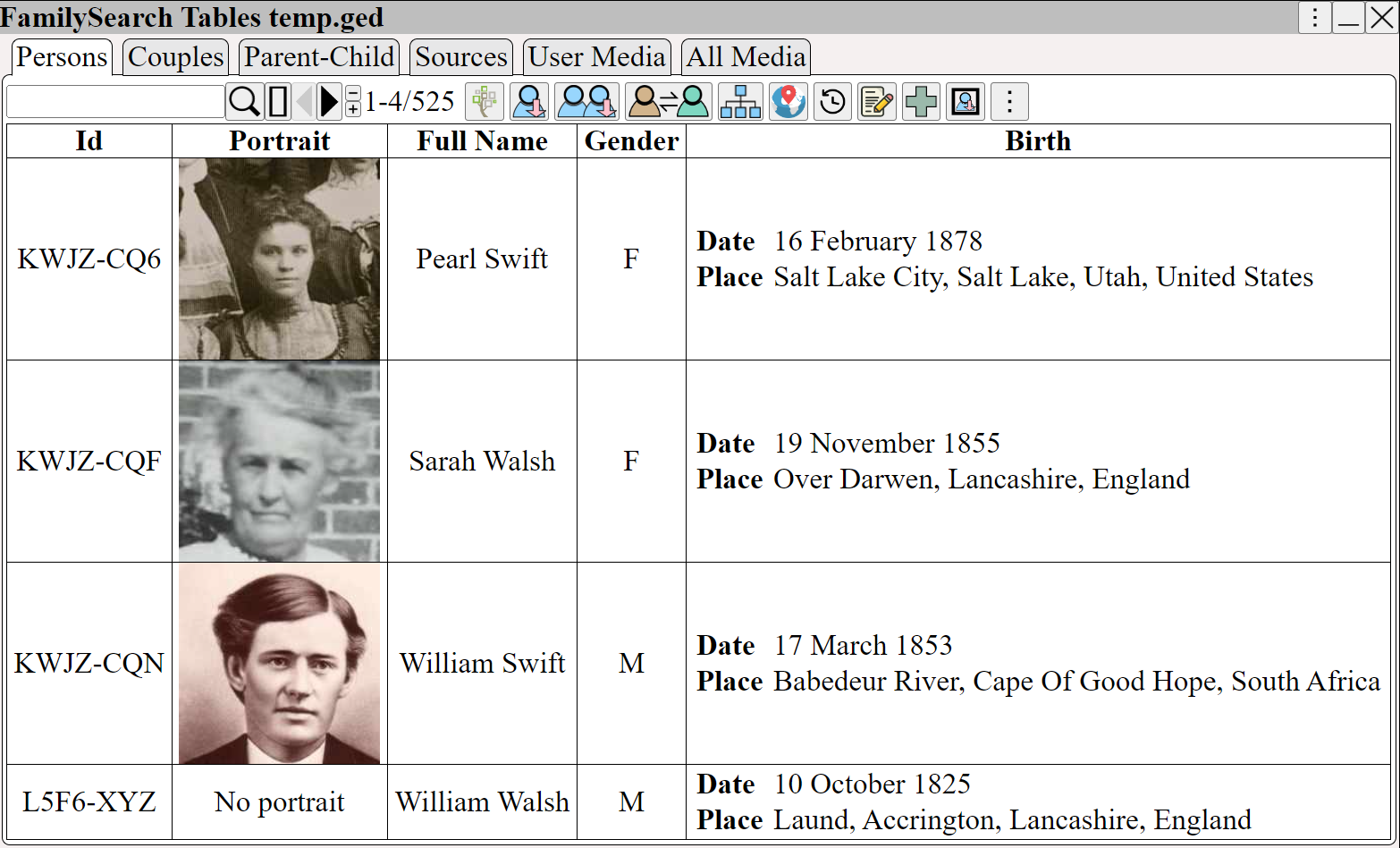
From the Familysearch table view, the GEDCOM match using
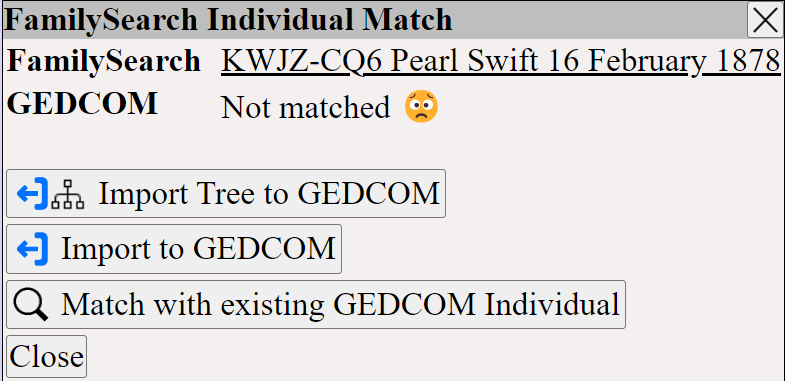
Currently, the person is not matched, use to import
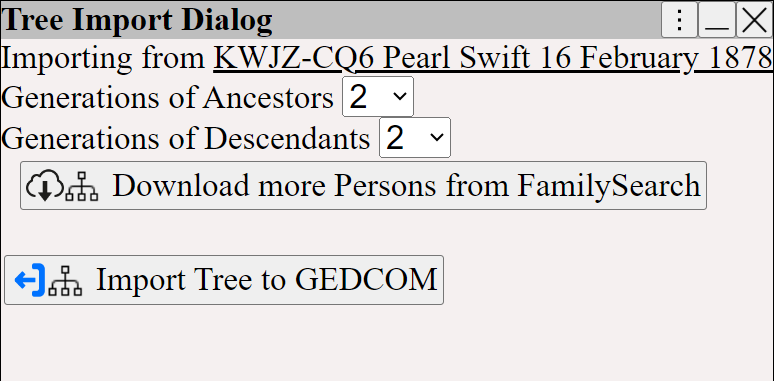
Set the number of generations to import.
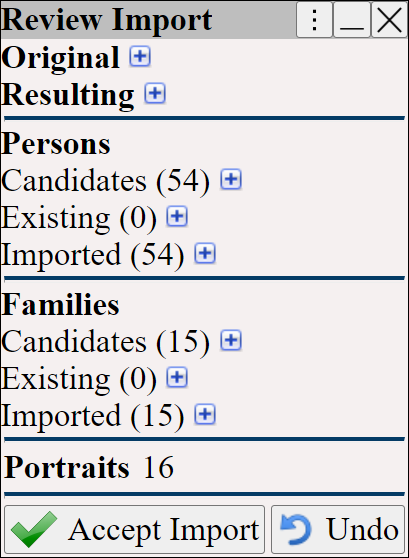
Preview and browse the import before accepting
If you are satisfied with the preview
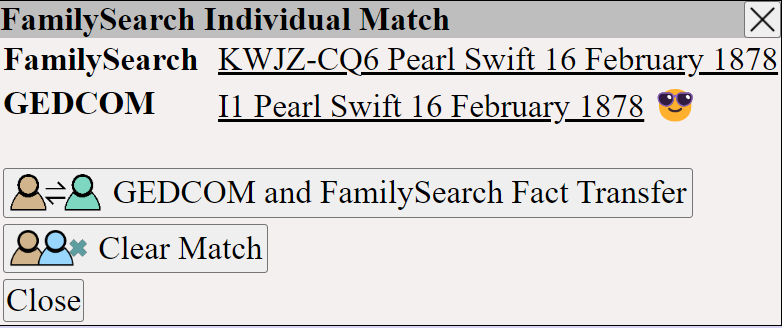
now shows the match
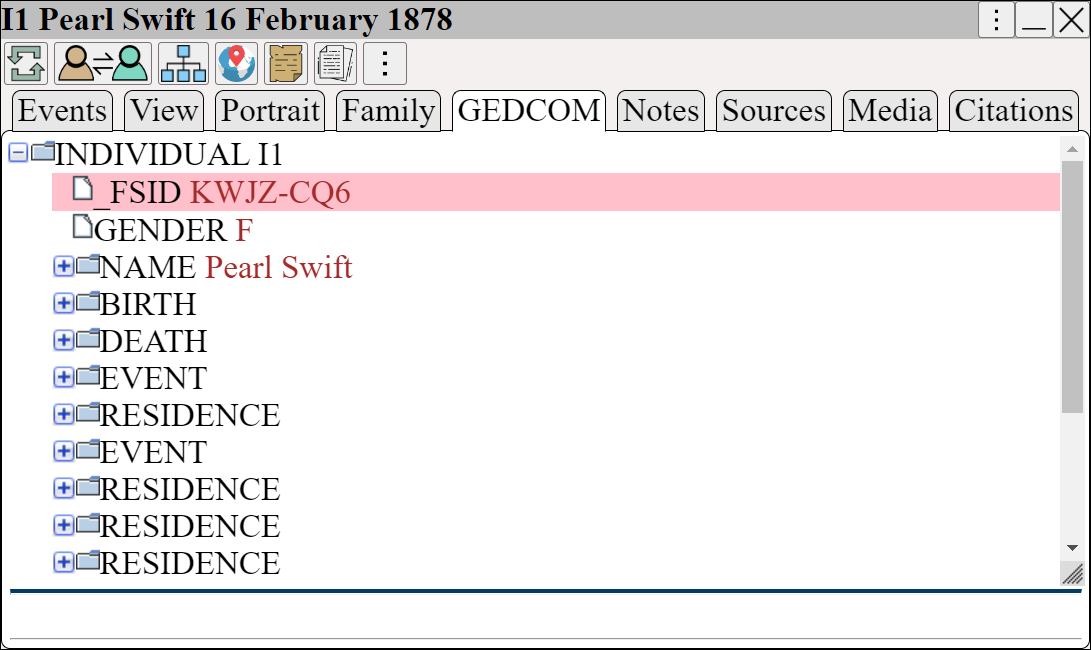
The GEDCOM person has the _FSID tag to show the FamilySearch person they were imported from
Notice how the FamilySearch events were also added.
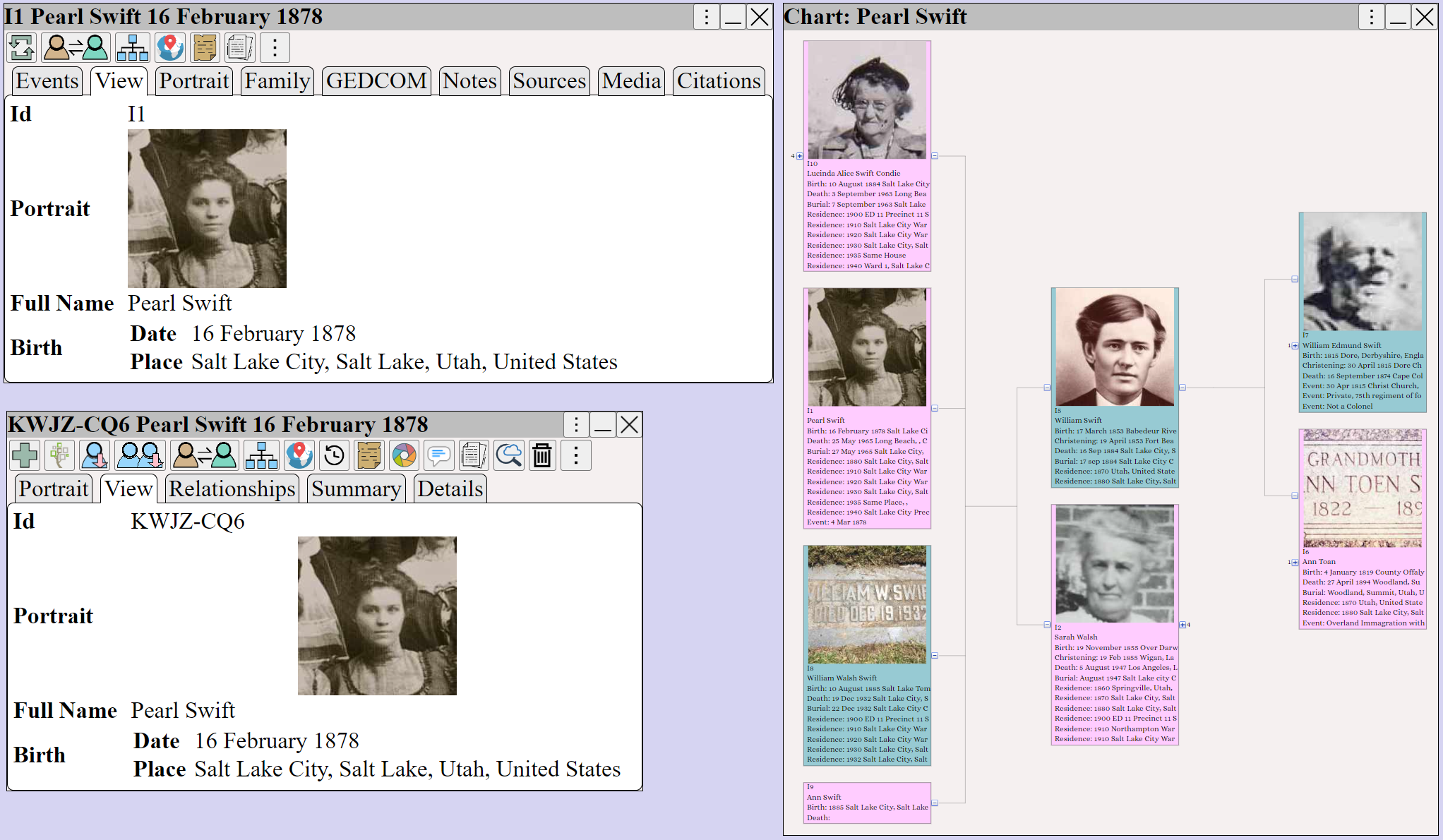
The GEDCOM and FamilySearch persons are shown, along with the GEDCOM chart.
Both events and relationships were preserved during the import.
 If additional facts are added to FamilySearch, they can be transferred using ⟶