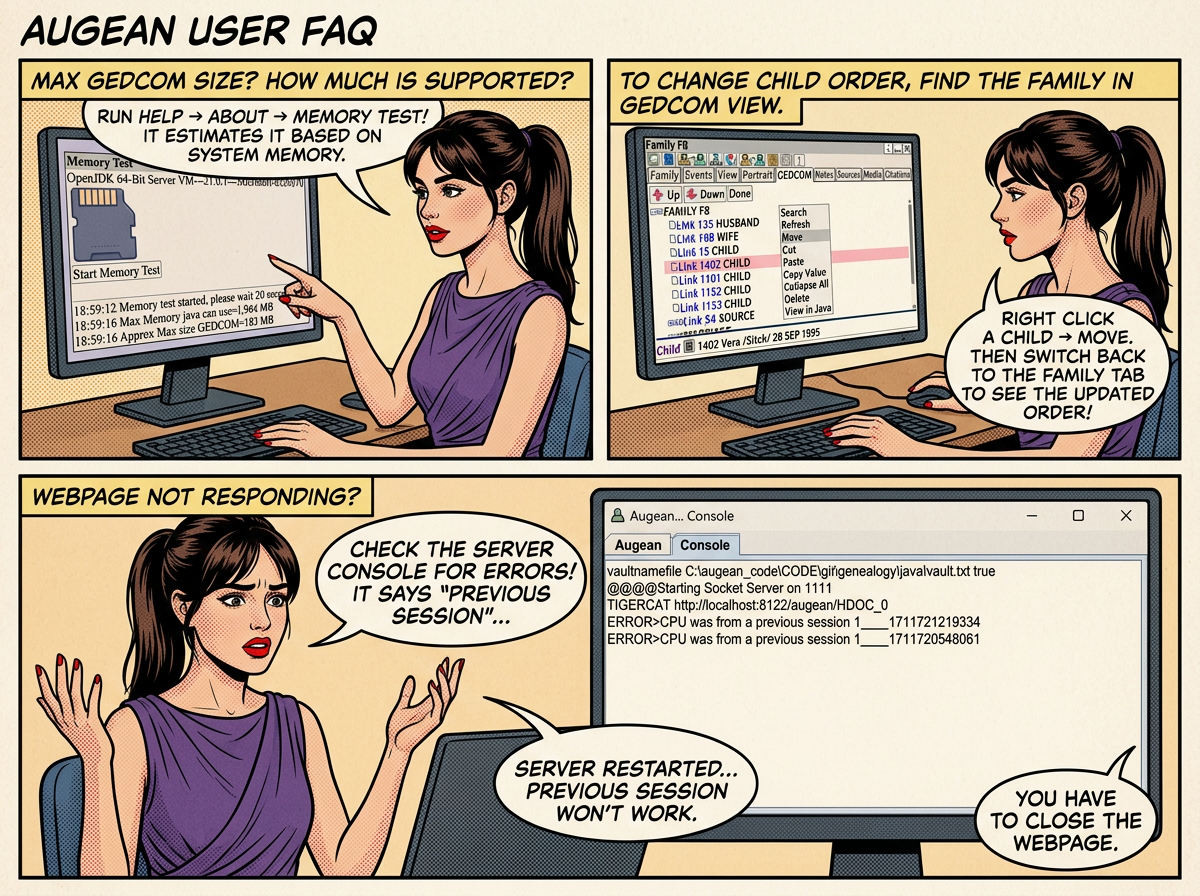
Maximum Size of GEDCOM file supported
Augean runs on Microsofts 64 bit OpenJDK 21 Server
This enables efficient memory usage on your desktop computer.
The physical memory on your computer determines the max size of files.
Please run ⟶ Help ⟶ About ⟶ ⟶

Based on the physical memory in the system, Augean estimates out the maximum size of the GEDCOM file supported
How to change the order of children
Children are recorded in GEDCOM using Families .
The order of the children, is determined by the order in the GEDCOM.
To change the order, find the family for the child, and view the GEDCOM
Right Click ⟶ Move to show the move buttons.
Change the order using
Switch to the Family tab, and press to see the updated order of the children.

The Augean web page is not responding
Check the console on the Augean server for any error messages
In this case, the webpage belonged to a previous session, and the server had been restarted
The previous session will not work with the current server; you have to close the webpage.
