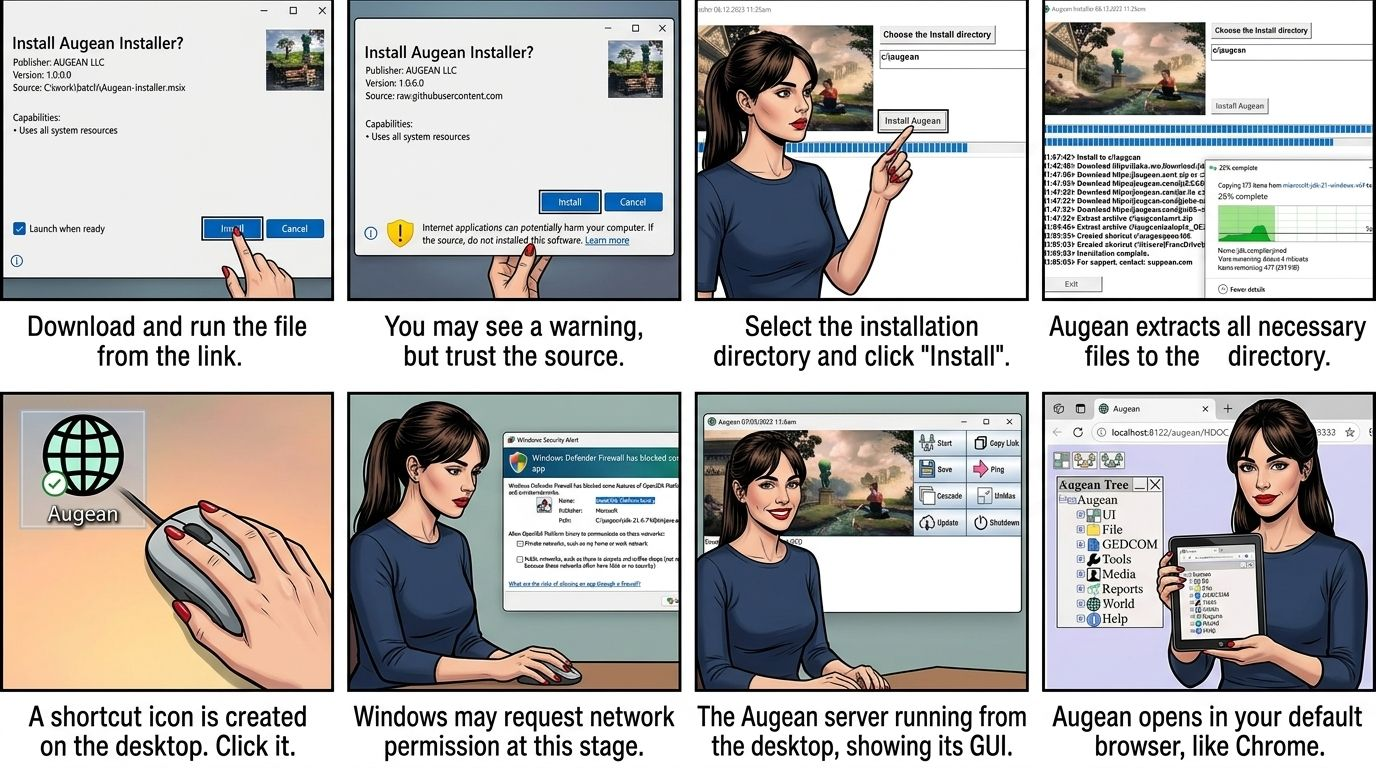
Latest version is Beta Oct 10 2026
Augean requires Chrome or Microsoft Edge
Download the file from the following link: Augean-Installer.msix and then run it.
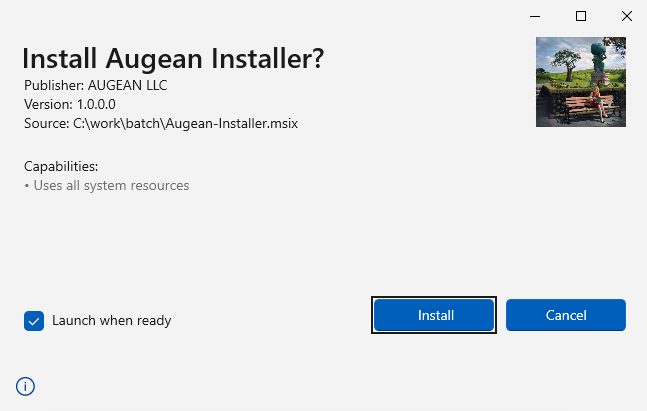
You may see a warning
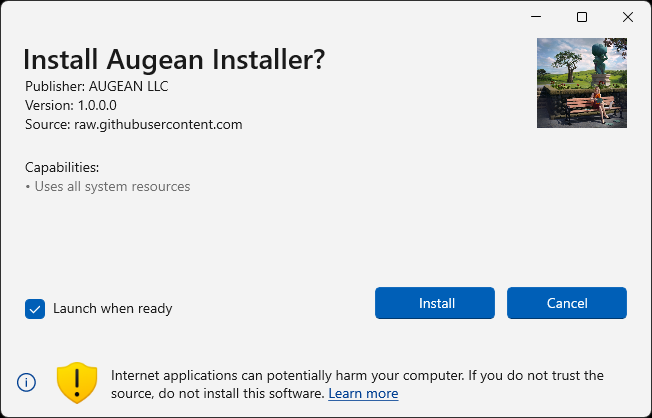
Upon launching, the Augean Installer will appear.
Select your desired installation directory and click the "Install" button.
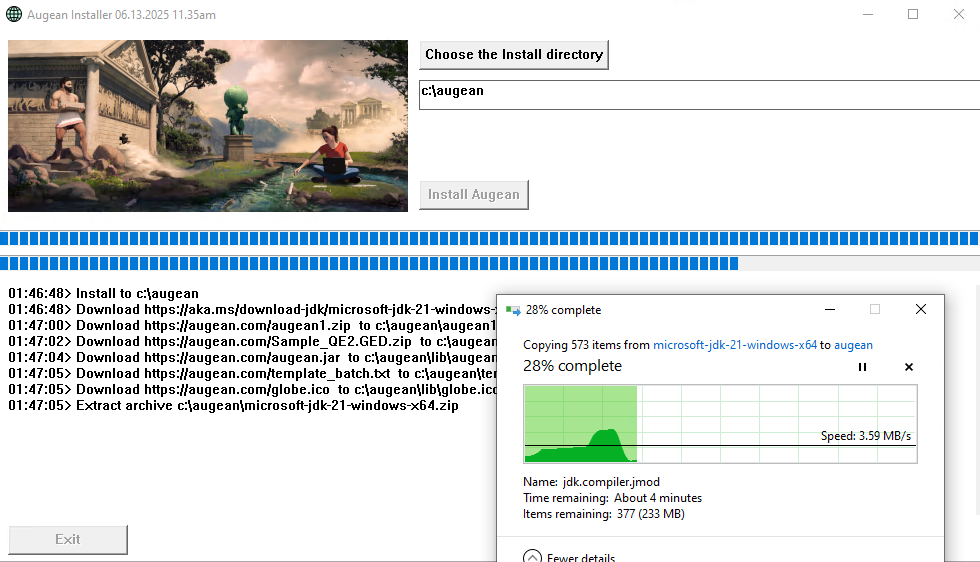
Augean will extract all necessary files to the specified installation directory.
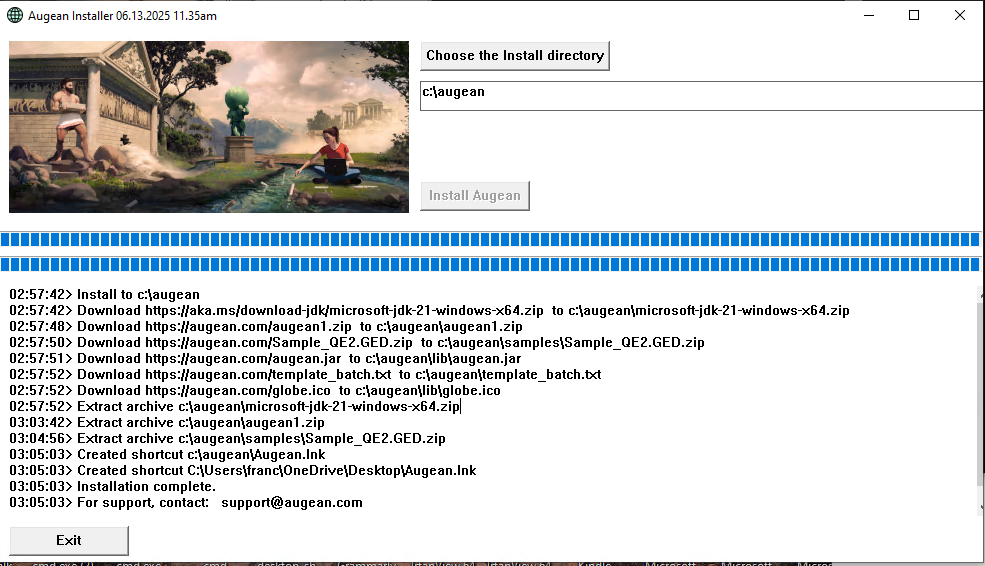
In this example, Augean took 8 minutes to install
A shortcut icon will be created on your desktop.

Click on the icon to start Augean
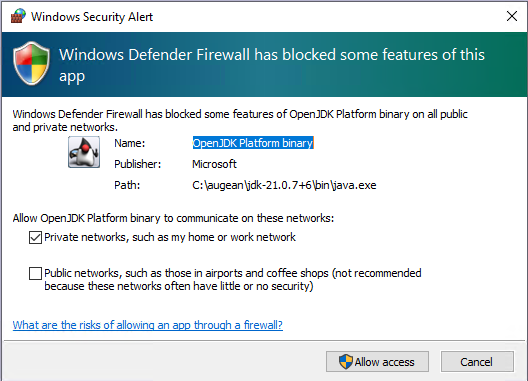
Note: Windows may request permission to connect to the network at this stage.
The Augean server, running from the desktop
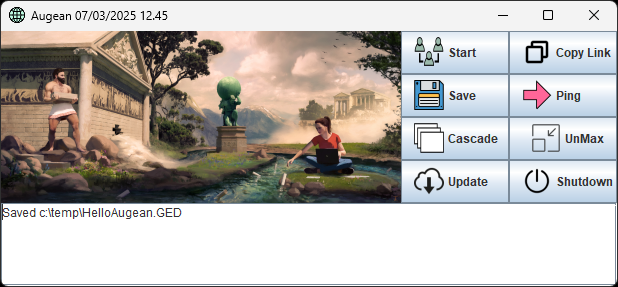
If Chrome of Edge are you default browser press
Otherwise press and paste the link into a Chrome browser.
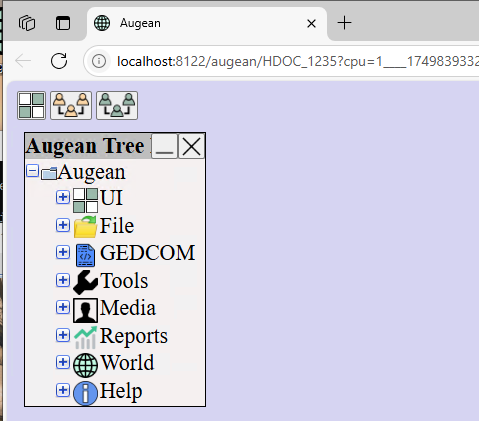
Augean opens in Chrome