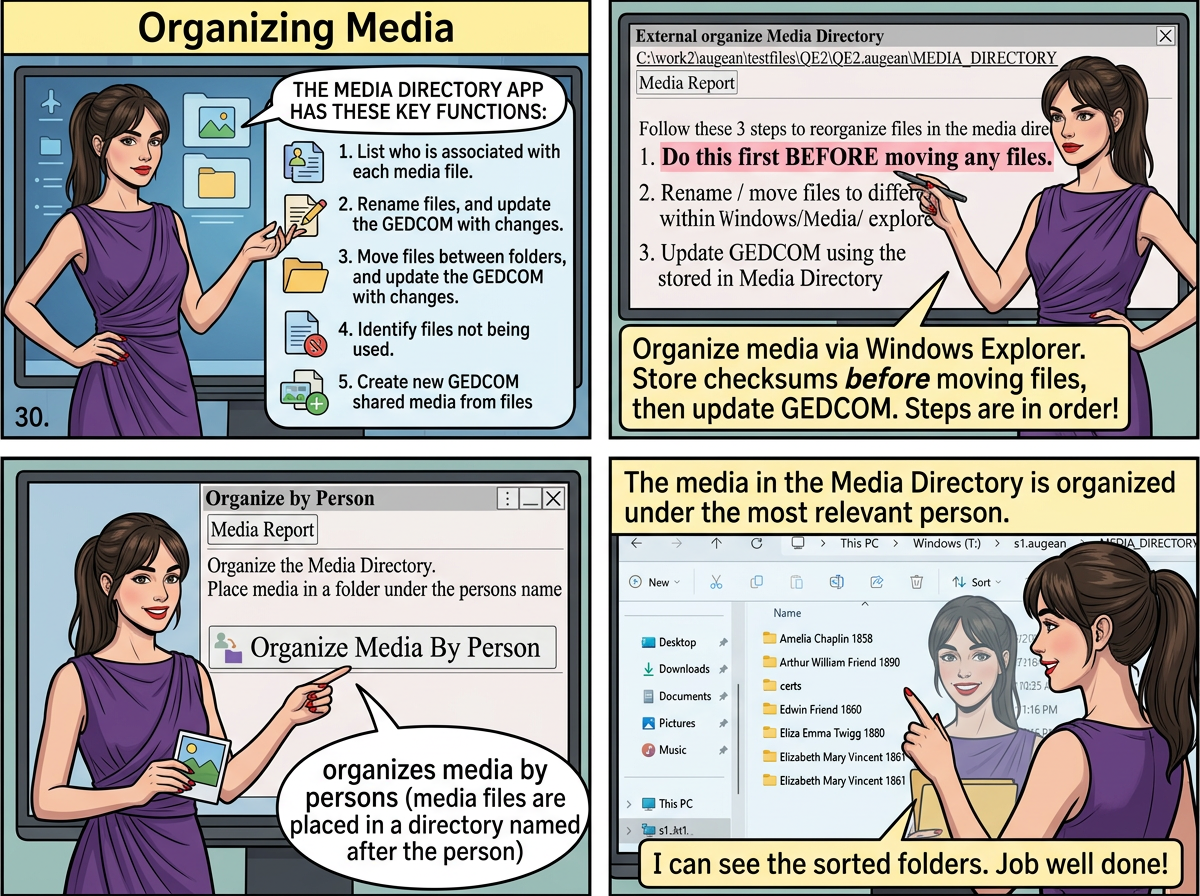
The Media Directory app has the following organization functionality.
• List who is associated with each media file.
• Rename files, and update the GEDCOM with changes.
• Move files between folders, and update the GEDCOM with changes.
• Identify files not being used.
• Create new GEDCOM shared media from files
⟶ organizes media via Windows Explorer.
Using the checksums for each file, Augean will work out the new locations of the files and update the GEDCOM.
Please follow the steps in order. (Remember to follow step 1 before moving any files).

⟶ organizes media by persons (media files are placed in a directory named after the person)
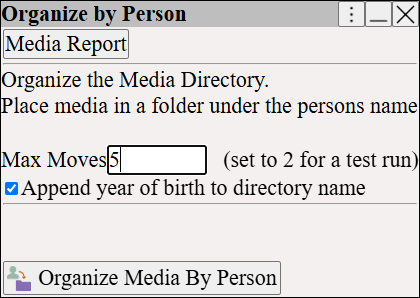
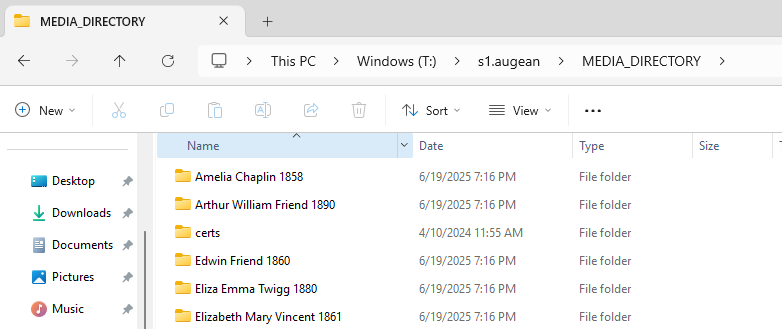
The media in the Media Directory is organized under the most relevant person.