Shared Media Tables


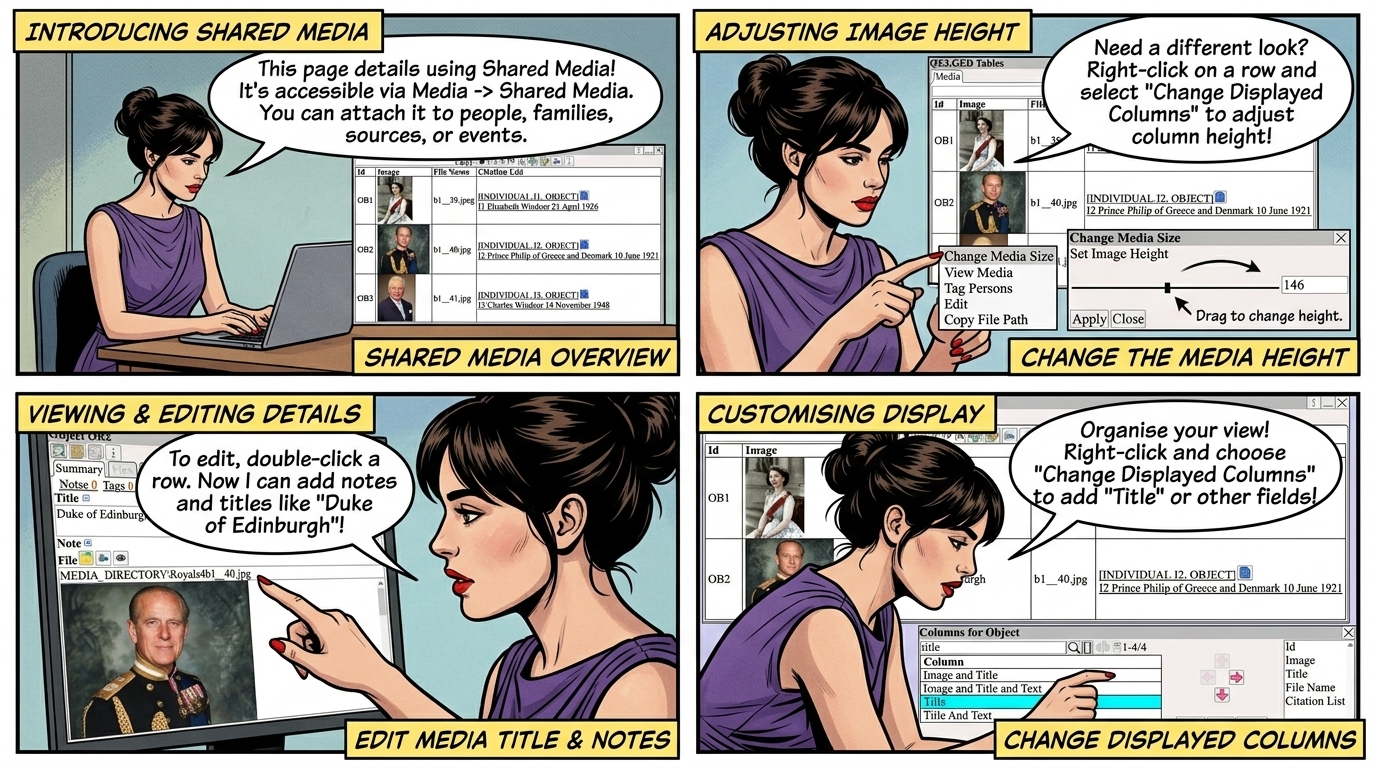
Shared media is viewed in  ⟶  Media  ⟶  Shared Media 
Shared media can be attached to any Person, Family, Source or Event.
Change the media height using  Right Click  ⟶  Change Media Size 
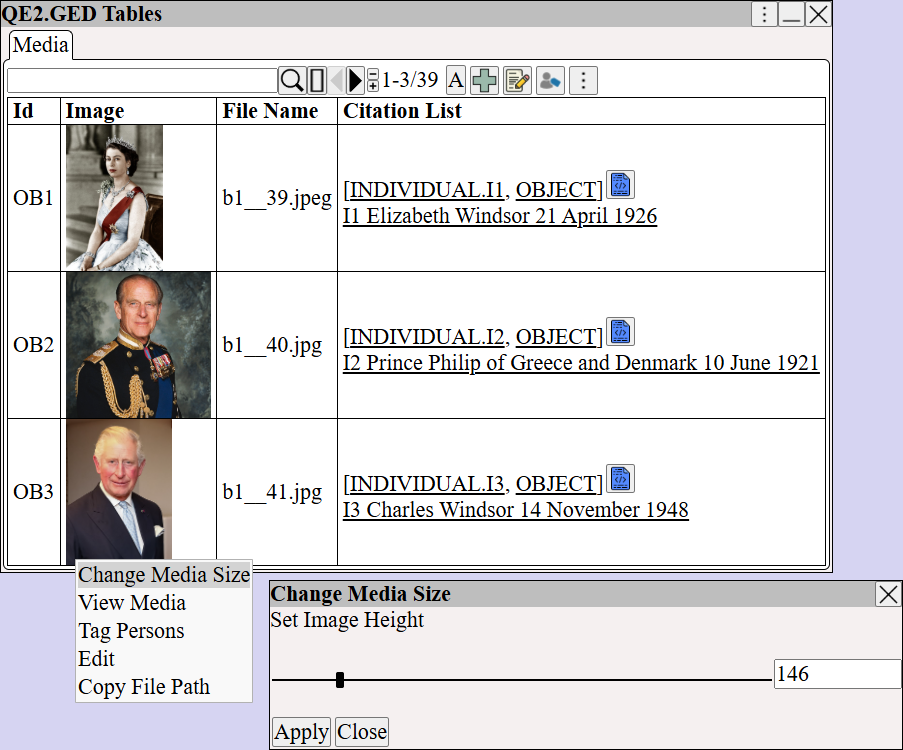
Augean shared media table displaying historical photos and citations. Shows how genealogists use the Change Media Size slider to adjust image height for better viewing of family tree records.


Delete the shared media using  ⟶ 


Press or  Double Click  on the row to edit the media.
Enter title and notes for the media.
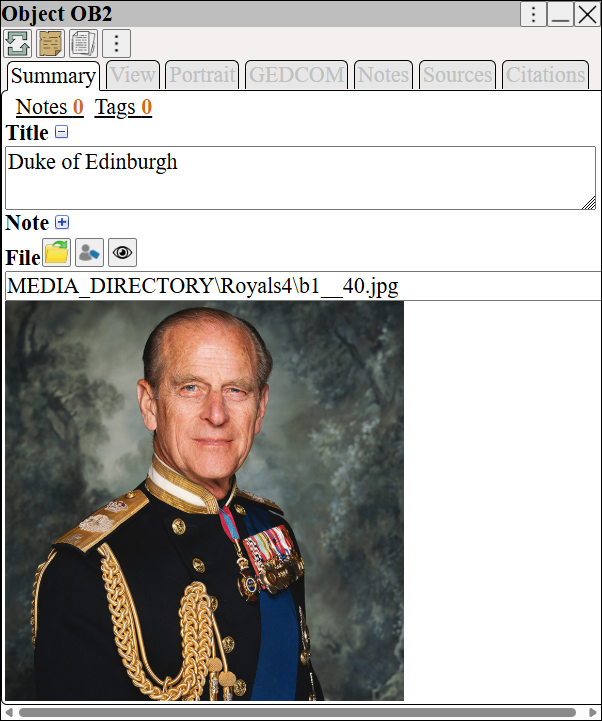
Augean media object details window. Genealogists can view historical portraits, edit titles, add research notes, and verify file paths to curate and annotate family history media assets.


Change the columns displayed in the media table using  Right Click  ⟶  Change Displayed Columns 
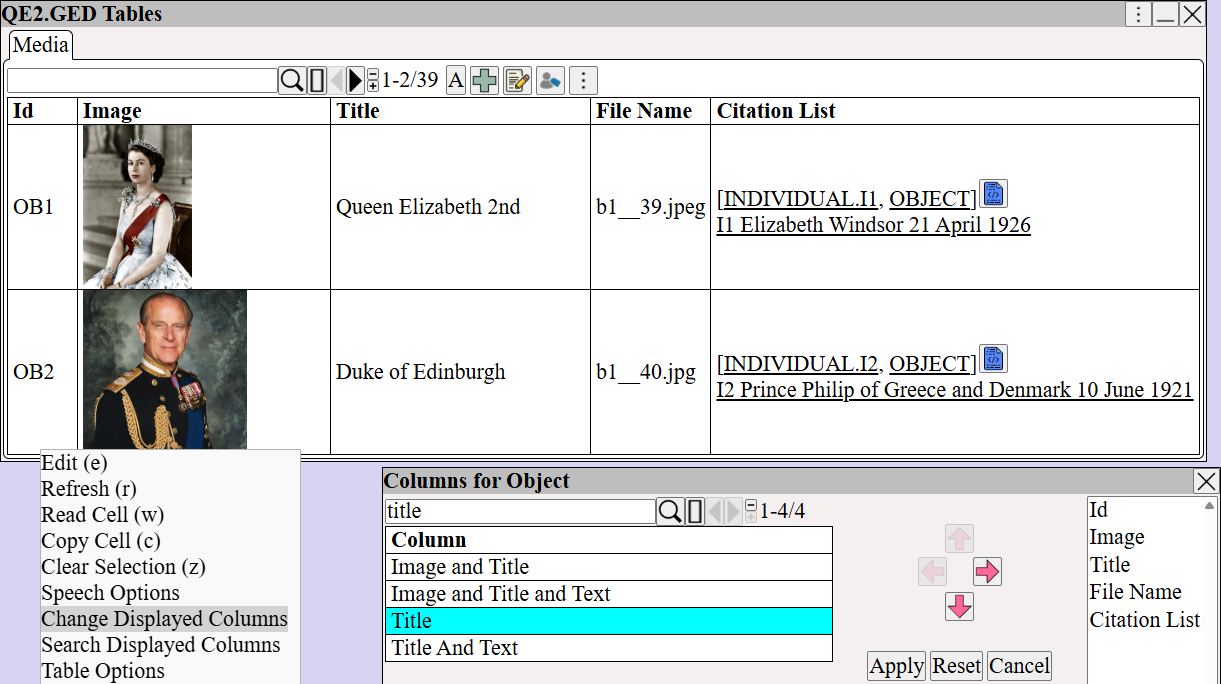
Customizing Augean media table columns. Highlights the Change Displayed Columns dialog, allowing family historians to add a Title column to efficiently organize and visualize genealogical media.