Adding Video


Select  Person  ⟶  Media  ⟶  ⟶ 
Select the video, and enter a title.
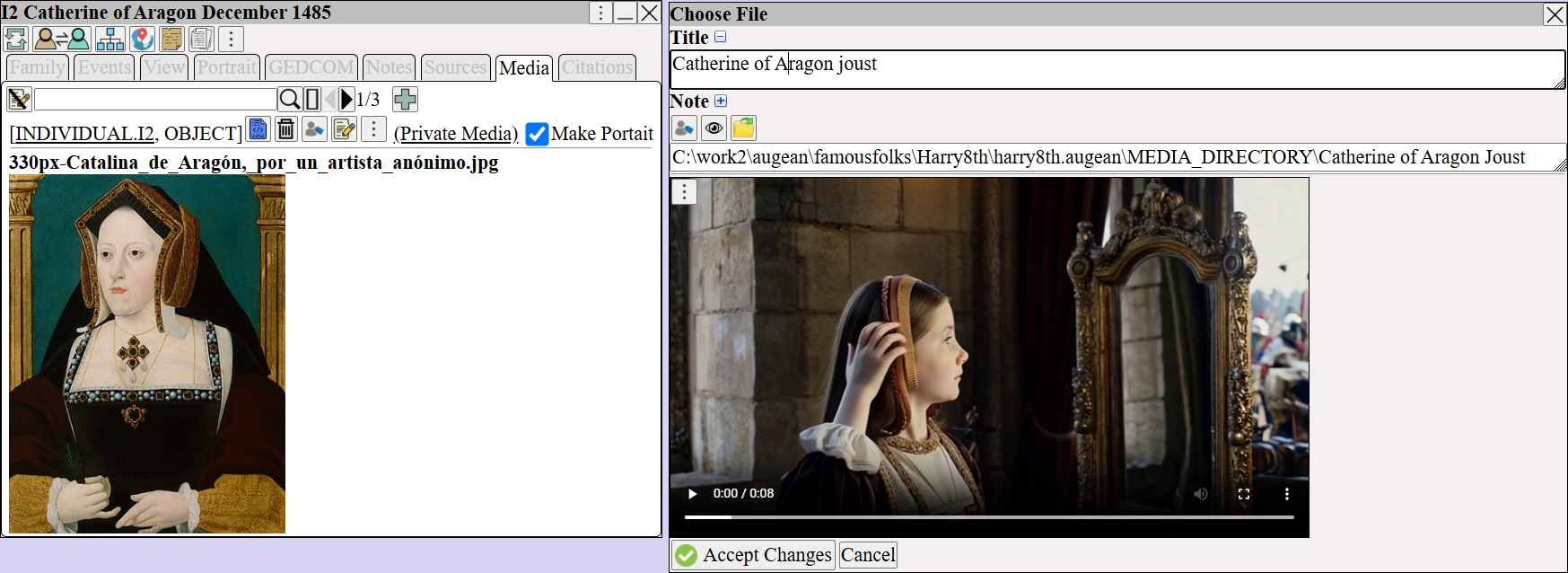
Augean Choose File dialog for uploading video media. Genealogists can title and preview historical clips or oral histories before attaching them to a family tree profile.


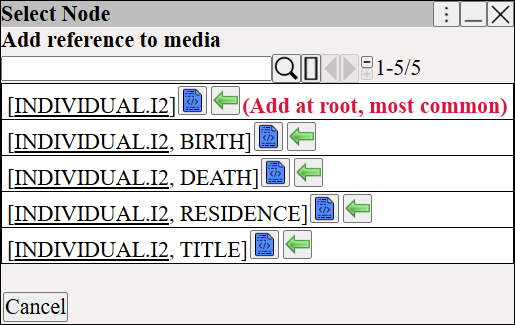
Choose where to add the video.

Augean Select Node dialog for linking video media to GEDCOM records. Helps genealogists accurately attach multimedia evidence to a root individual or specific life events.


The video is now attached to Catherine.
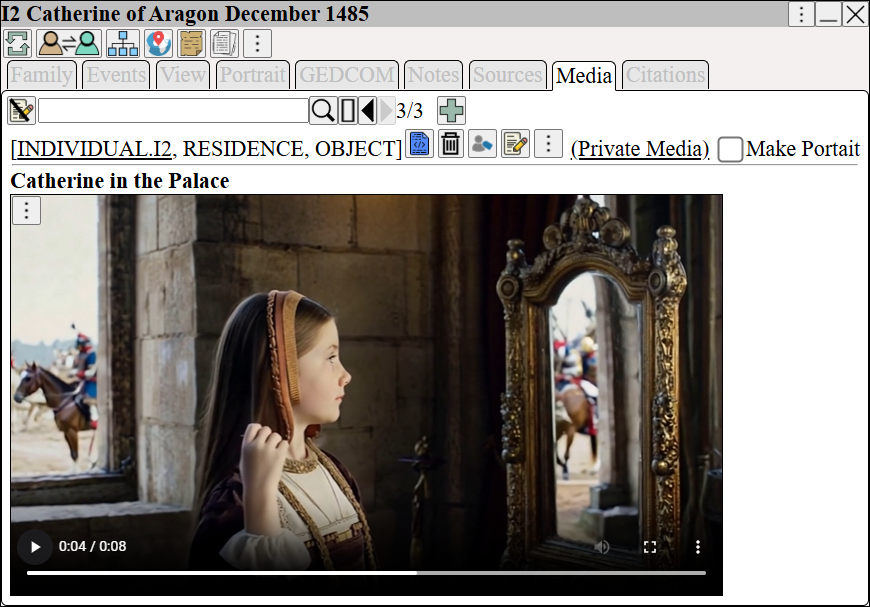


Play  the above video.


Right Click  ⟶  Change Displayed Columns  and add the  Video  column to the table.
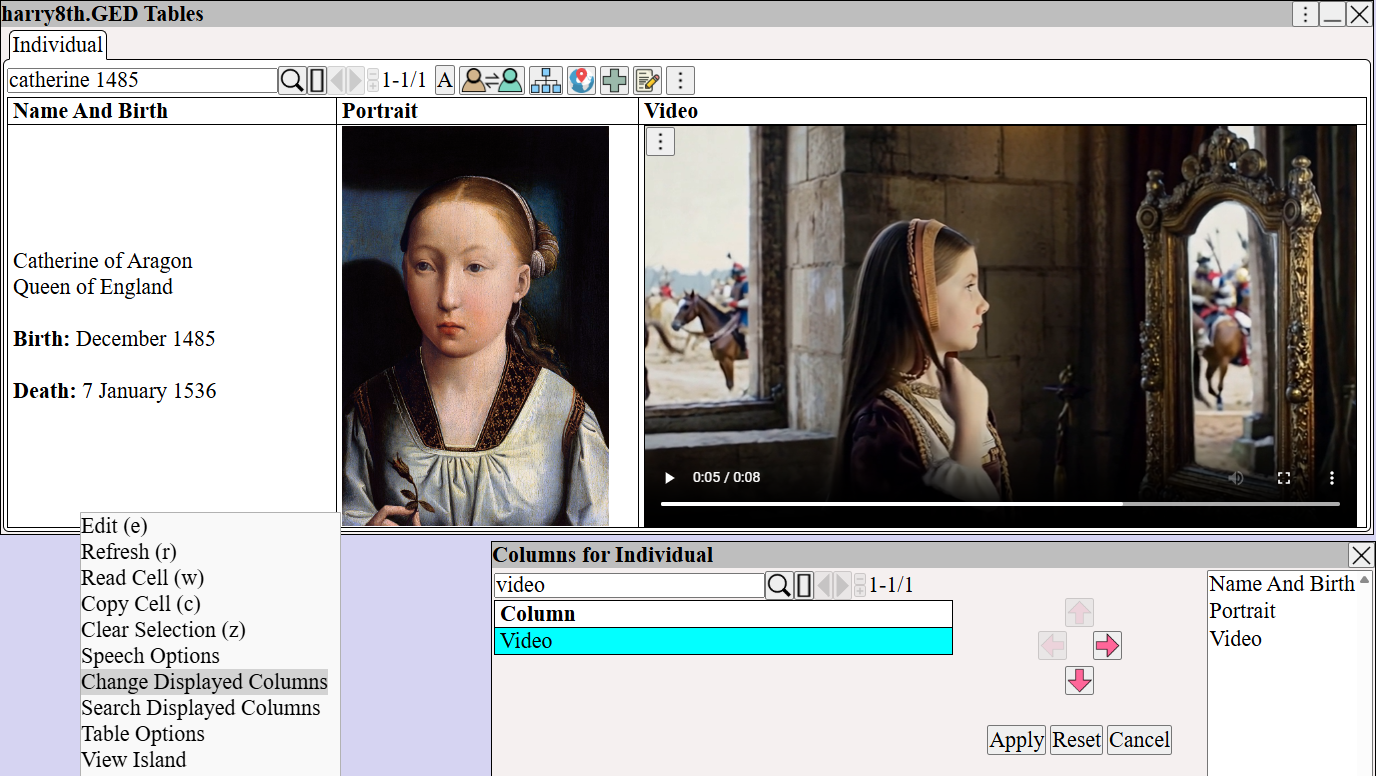
Augean database table showing the Change Displayed Columns menu. Genealogists can add a Video column to play integrated multimedia evidence inline alongside vital data.


A later video of Catherine and her spouse, a younger Henry VIII
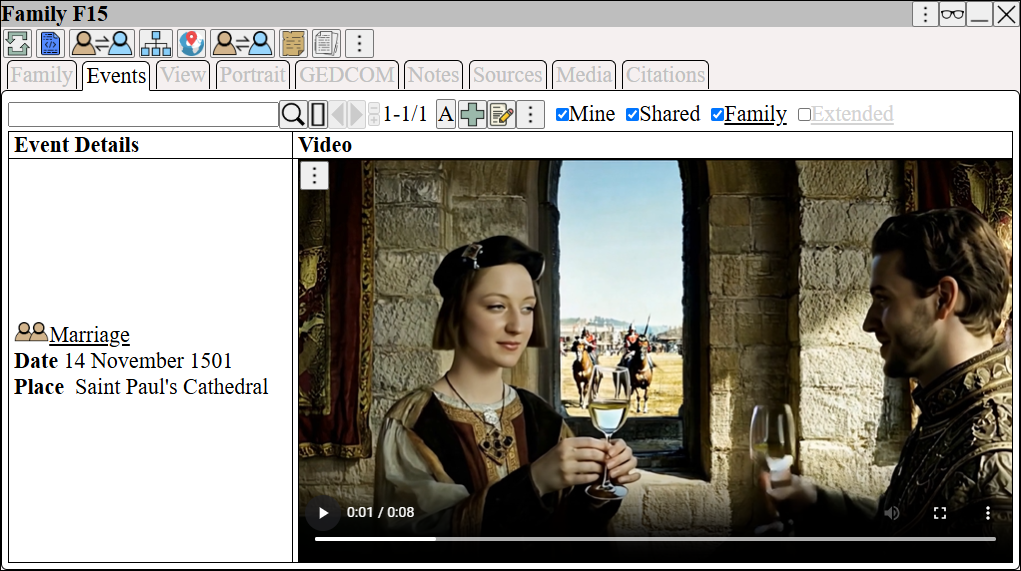


Play  the above video.