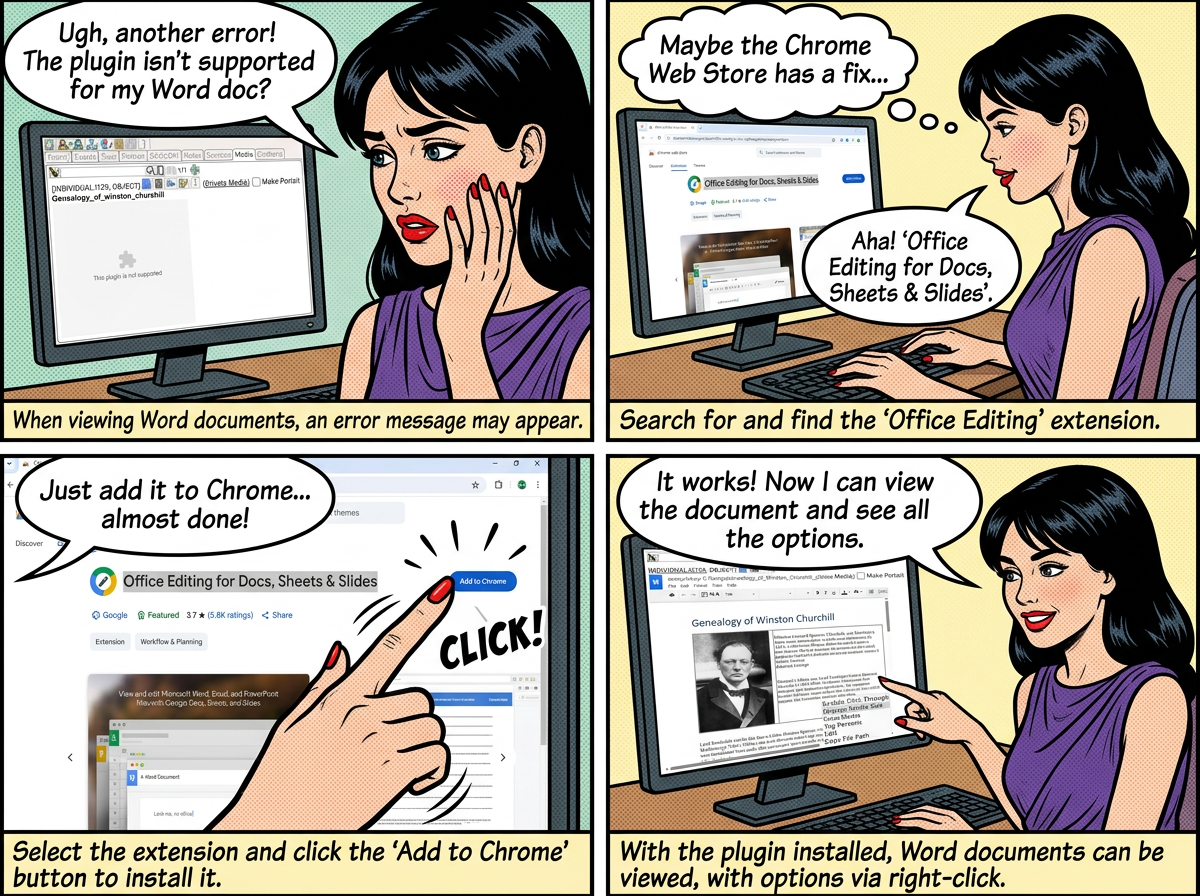
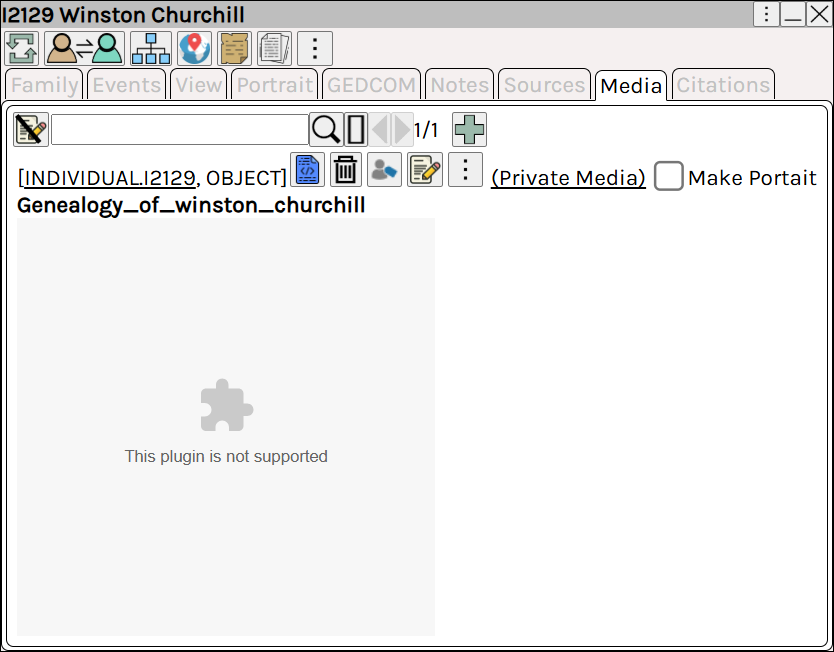
When viewing word documents, you may see the error
To fix this, add the Office Plugin to Chrome.
From the Chrome web store search for and add to chrome the extension Office Editing for Docs, Sheets & Slides

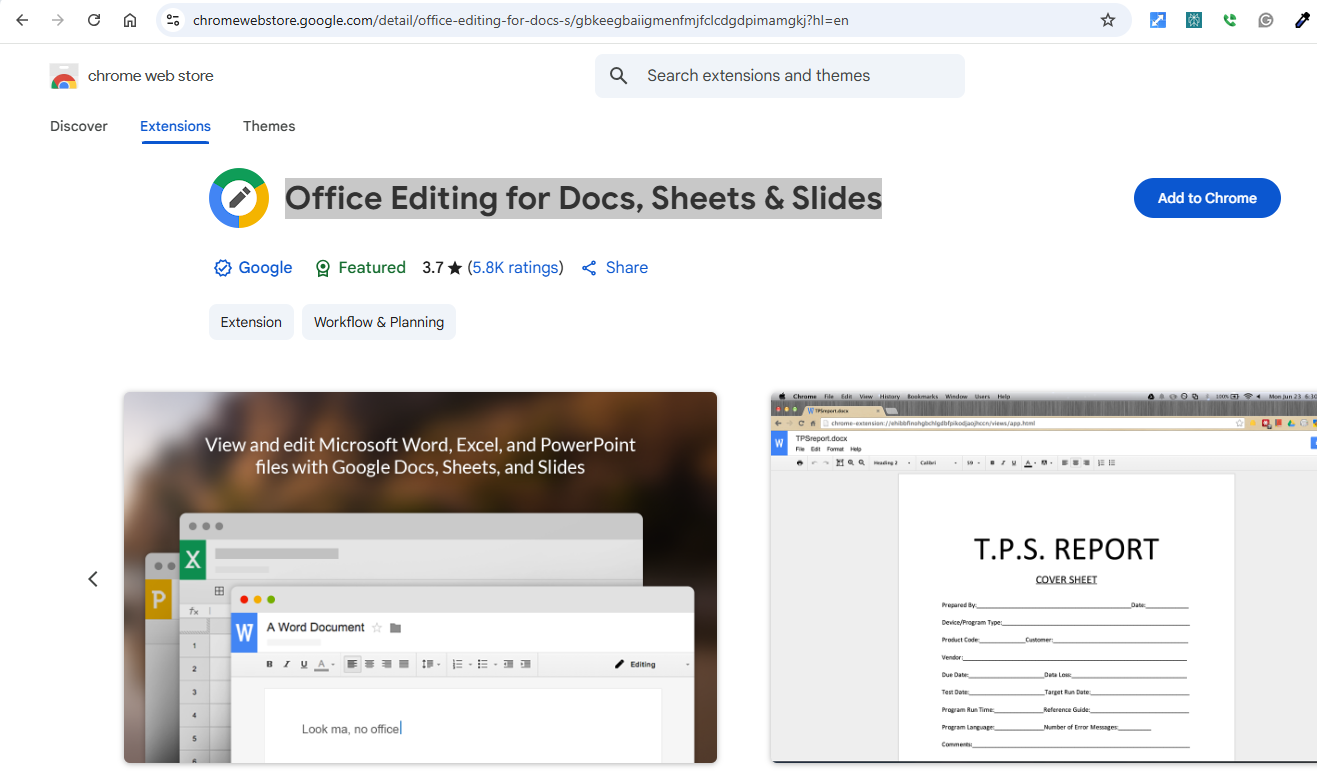
The chrome extension allows for the embedded viewing of Word / Excel and PowerPoint documents in Chrome.
Augean (which displays in Chrome), can then view these documents.
The media for Winston Churchill has a word document, which can now be viewed using the chrome extension.
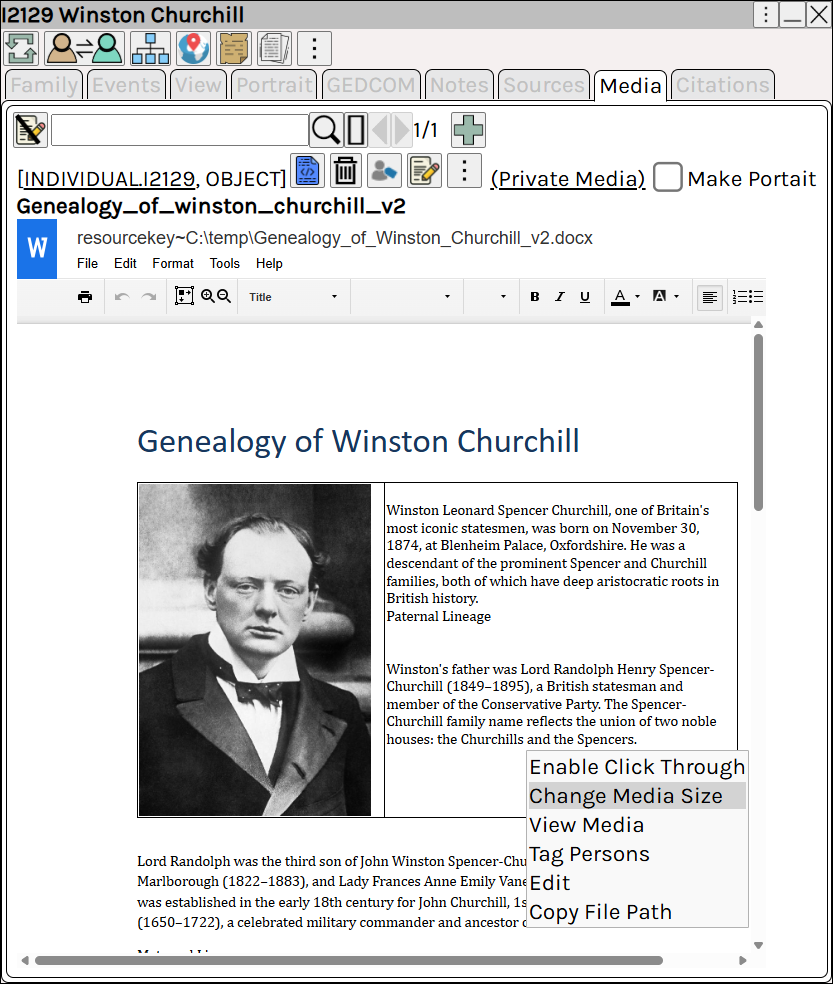
The following options are available using Right Click
| Right Click ⟶ Change Media Size | Change the size of the media. |
| Right Click ⟶ Enable Click Through | Enable click through, and access the media controls. |
| Right Click ⟶ View Media | View an enlarged copy of the document. |
| Right Click ⟶ Copy File Path | Copy the path to the original file. |