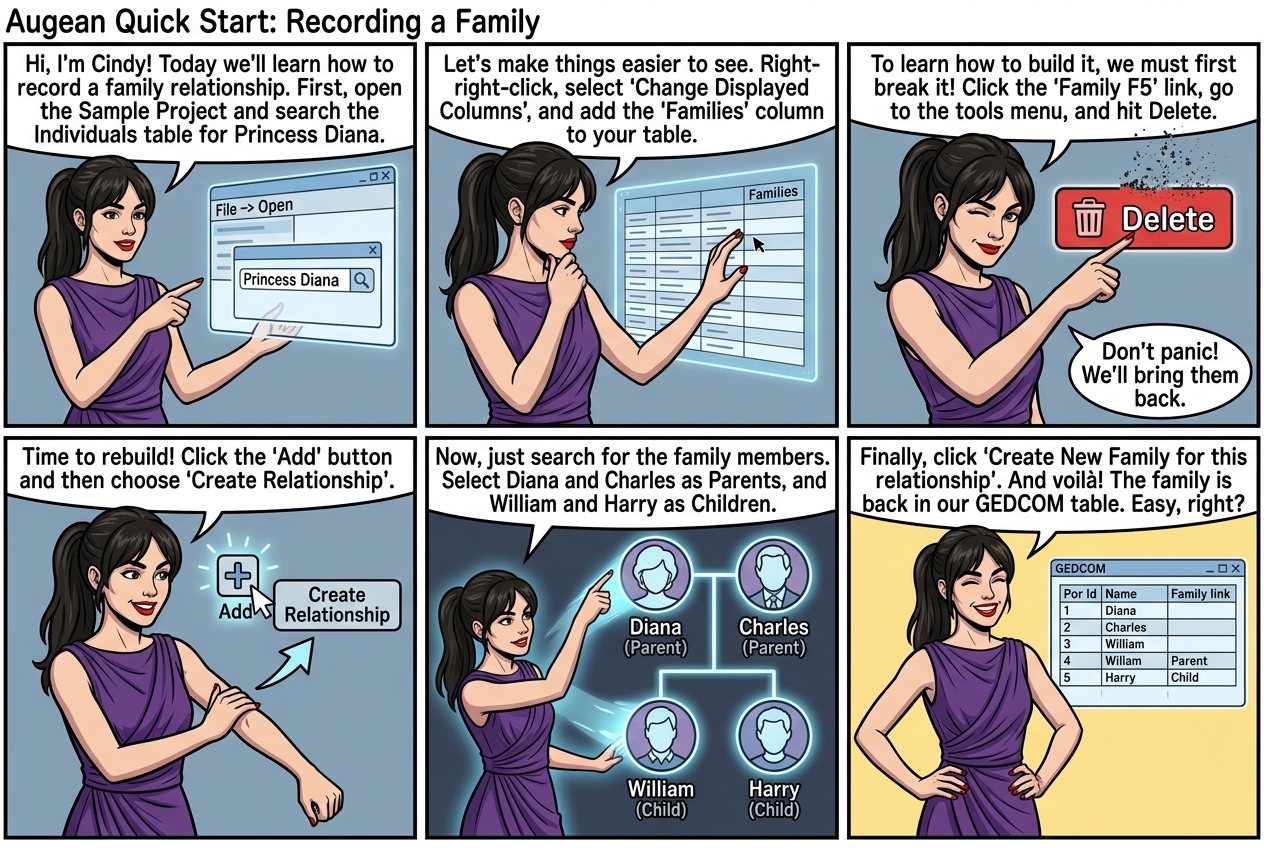
In this exercise, we will open the sample project, delete a family relationship then recreate it.
⟶ File ⟶ Open
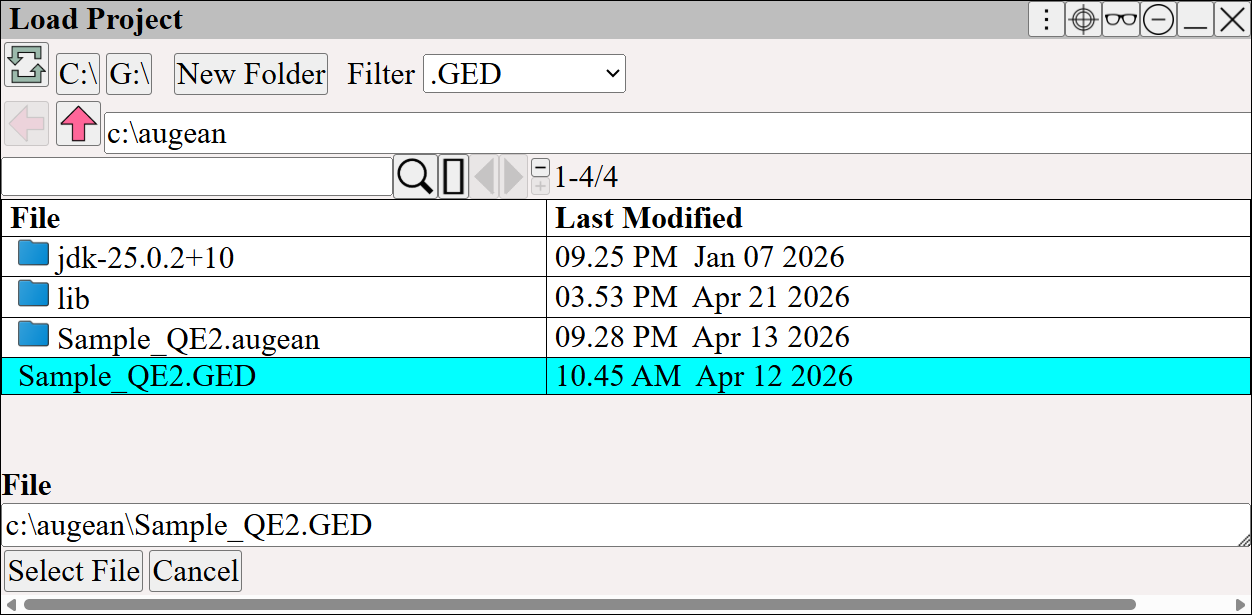
Open the Sample Project, which was installed with Augean.
View the Individual table
⟶ GEDCOM ⟶ Individuals
Search for Princess Diana
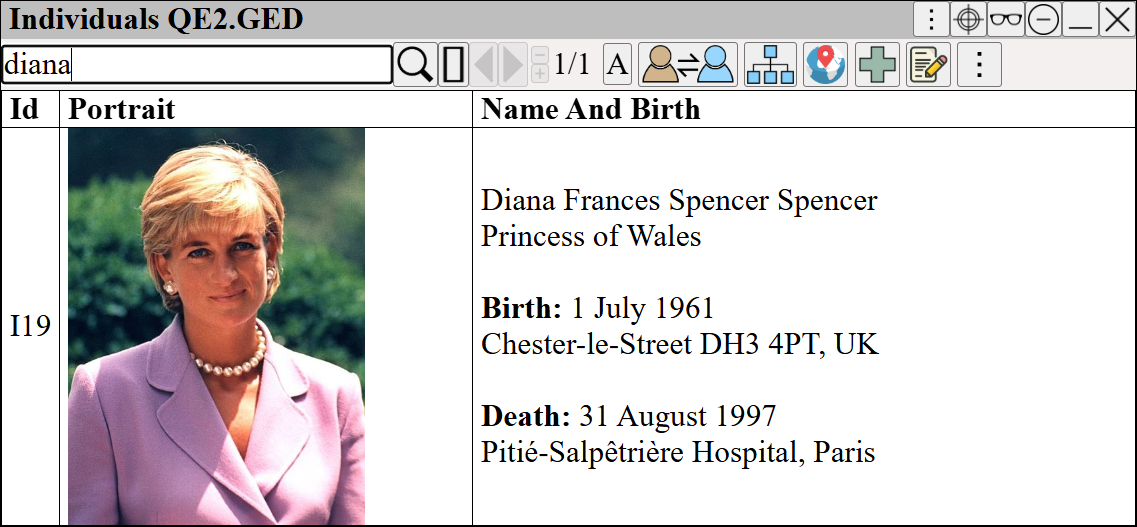
Searching the individuals table for Princess Diana
Add the Families Column to the Individual (Person) table.
Right Click ⟶ Change Displayed Columns
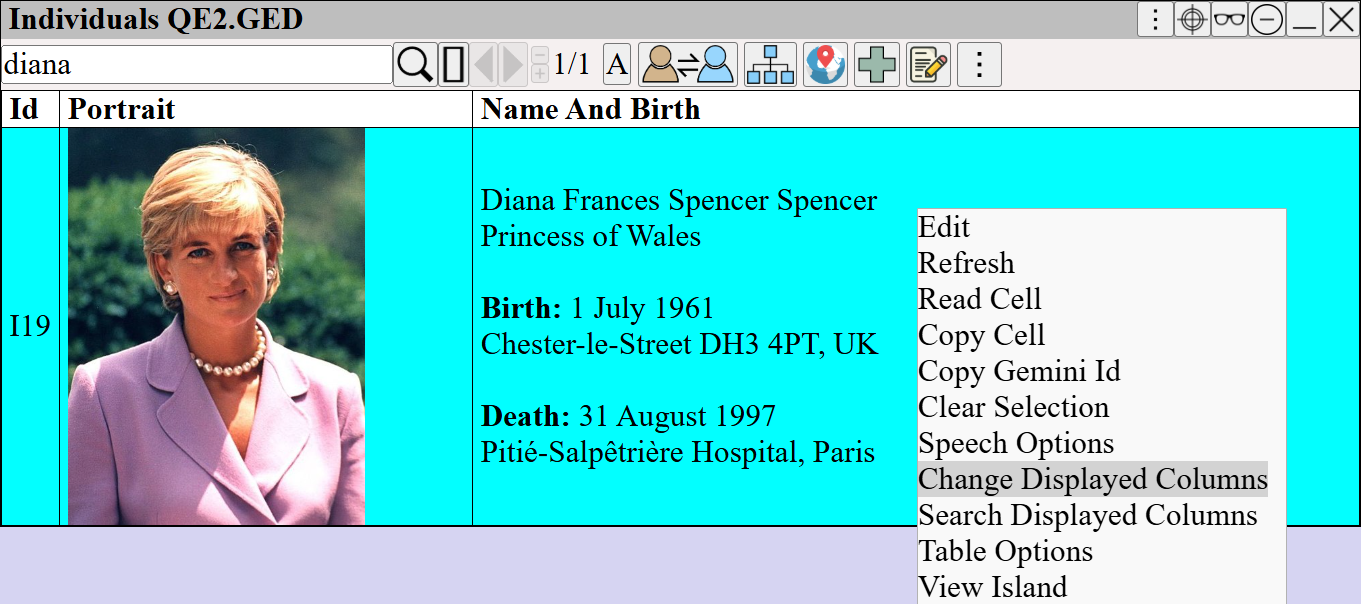
Adding a new column to the table
| Search for and select the Families column. | |
| Add the Families column. | |
| Apply the change. |
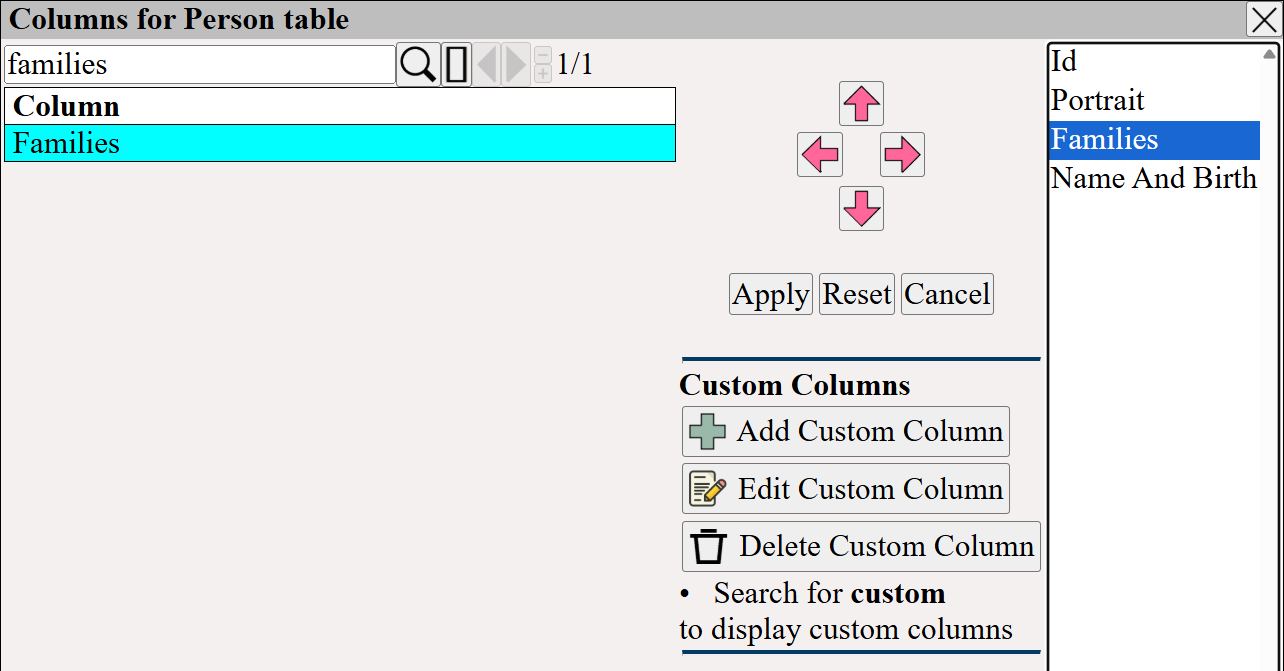
Search, select and add the Families Column
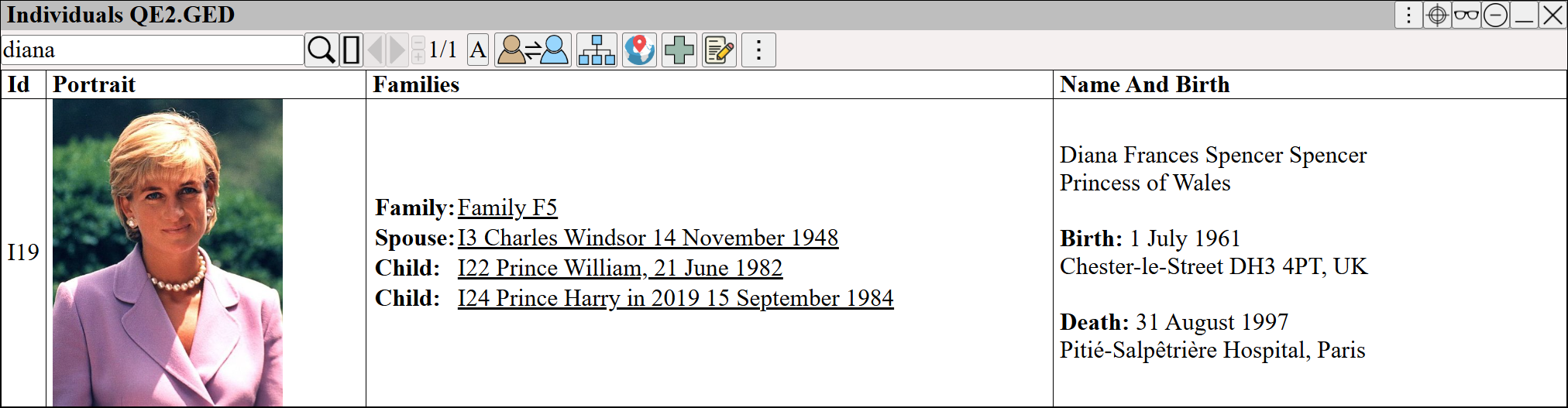
The Individual table now shows the families column
Delete The Family
Click on the Family F5 Link in the table.
| Select the tools menu | |
| Select the delete button from the tools menu. |
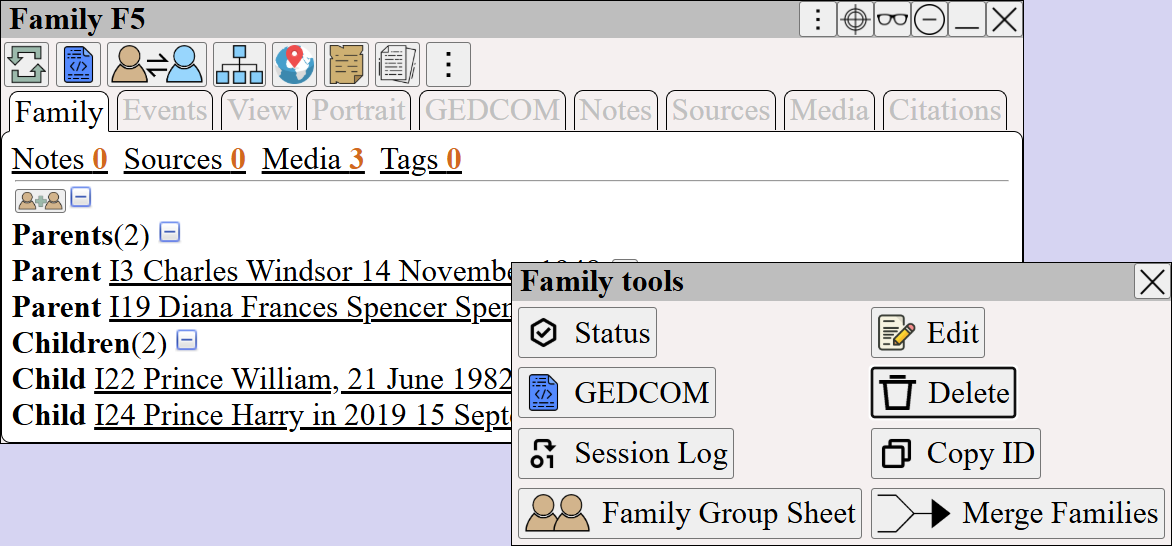
View the Family, and Select Delete from tools Menu
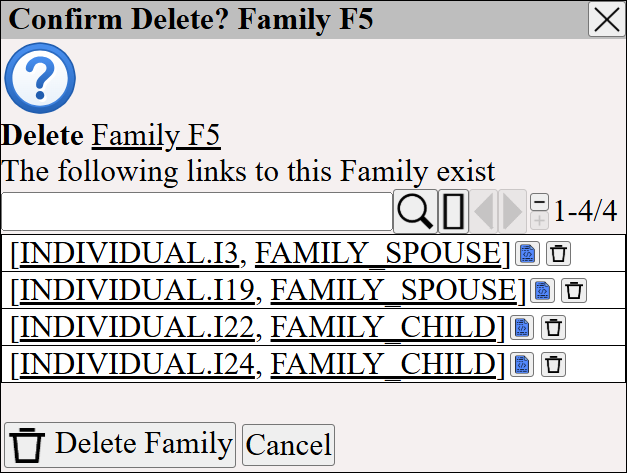
Confirm delete of the family
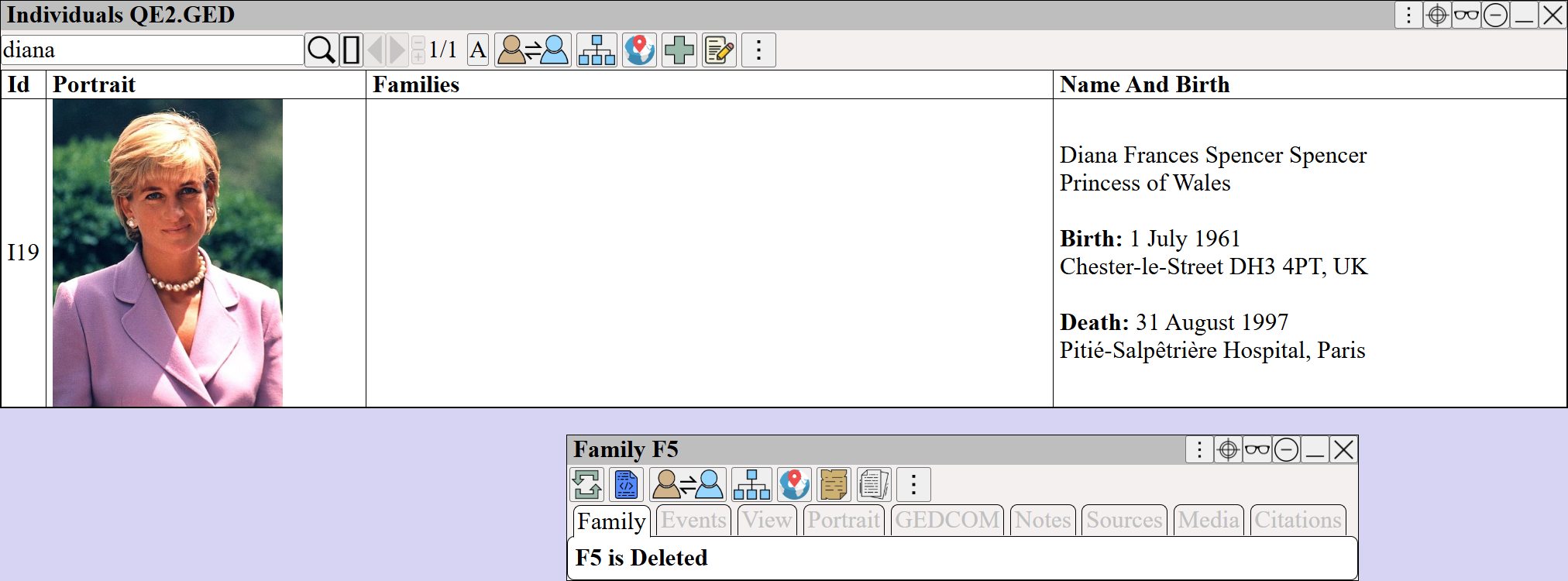
The Family is now deleted and does not appear in the GEDCOM table
Recreate the Family
⟶
Search for Diana ⟶
Search for Charles ⟶
Search for William ⟶
Search for Harry ⟶
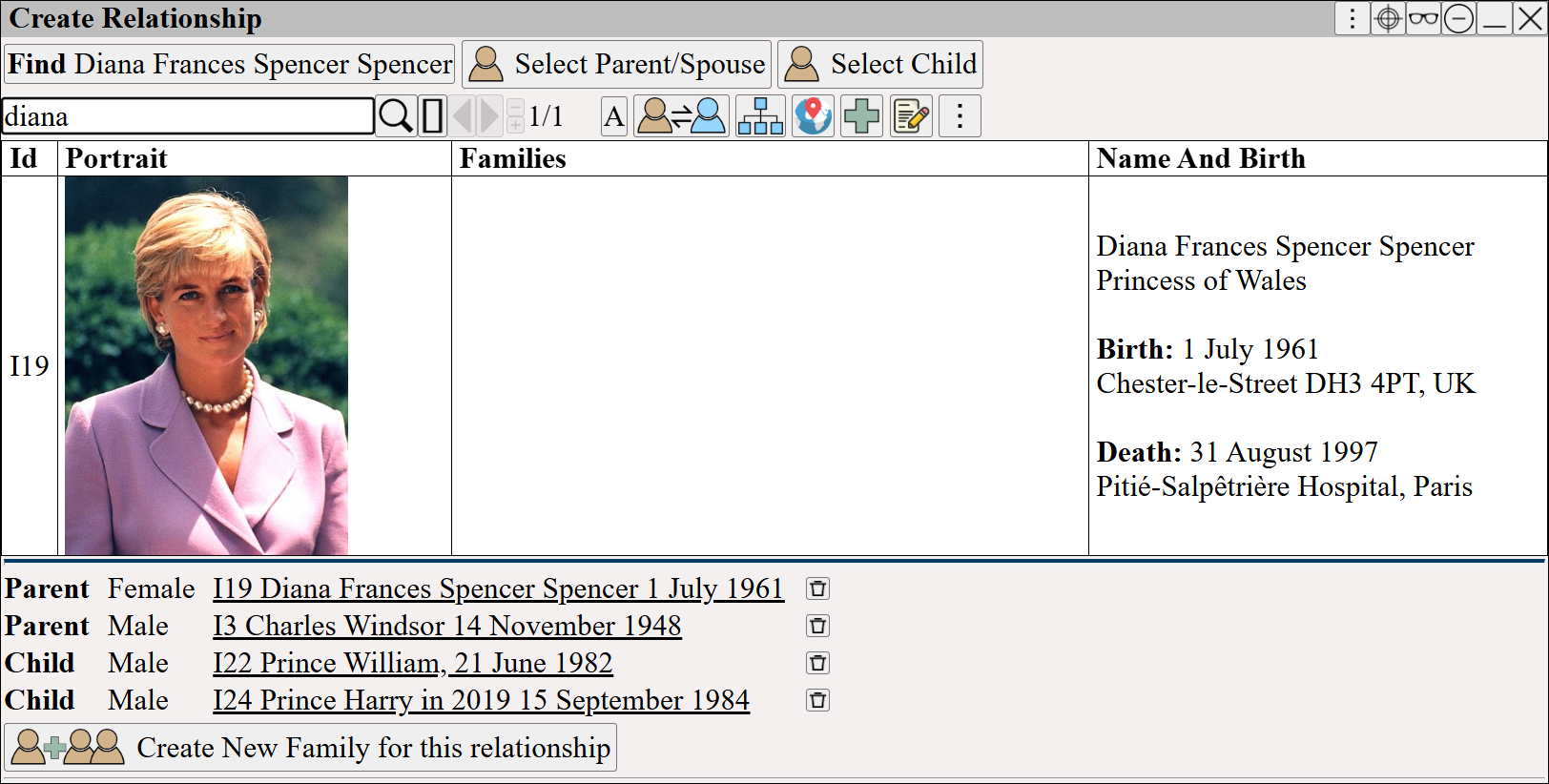
Re-create the family by searching for persons and adding them as parent or child
When finished click
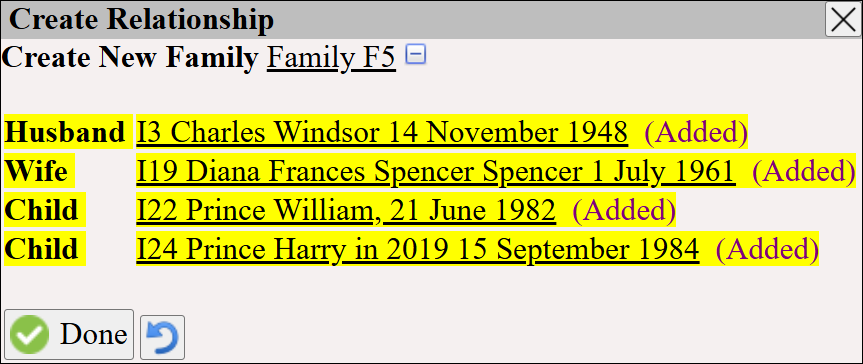
the Family Relationship has been re-created
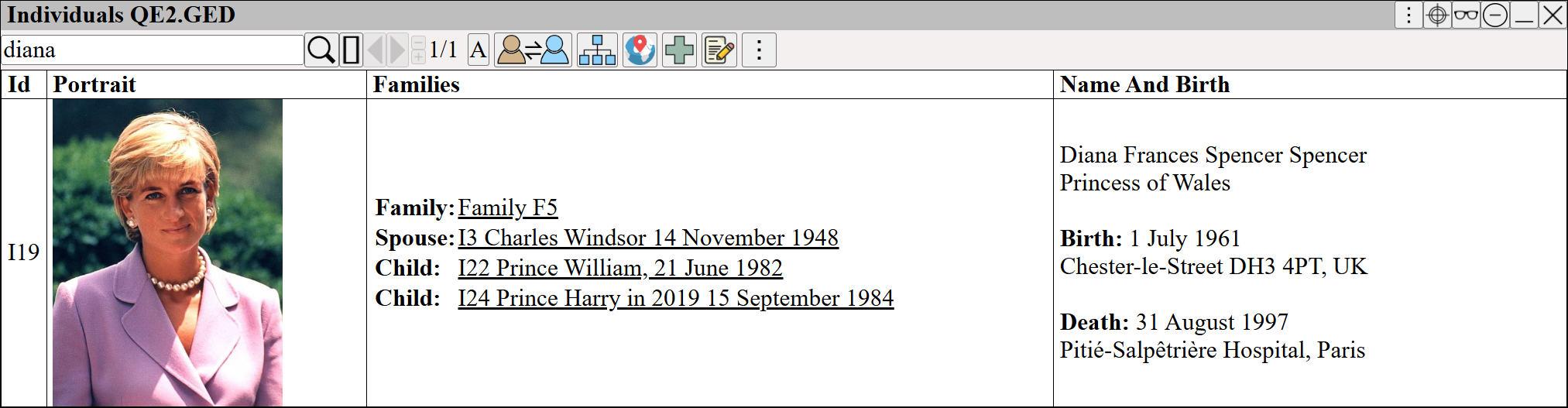
The family again appears in the GEDCOM table