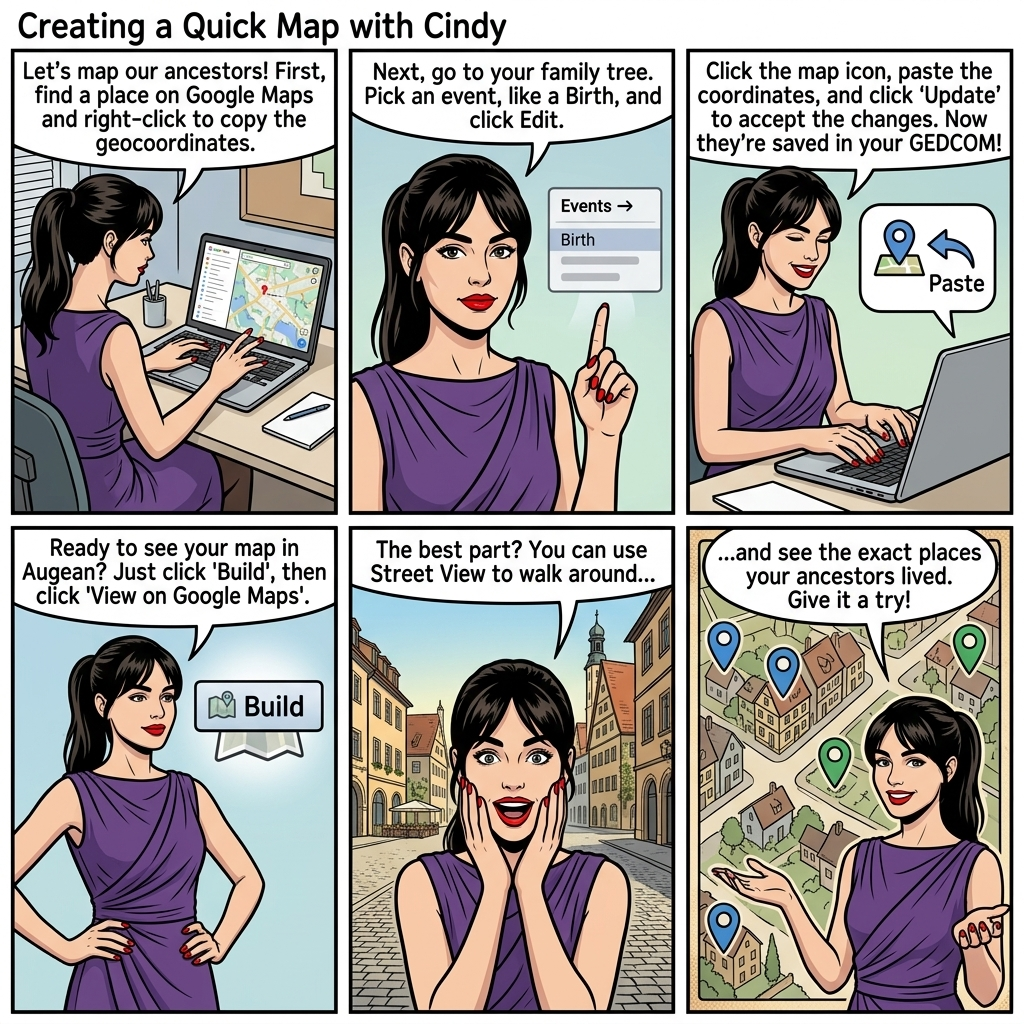
Create a Quick Map


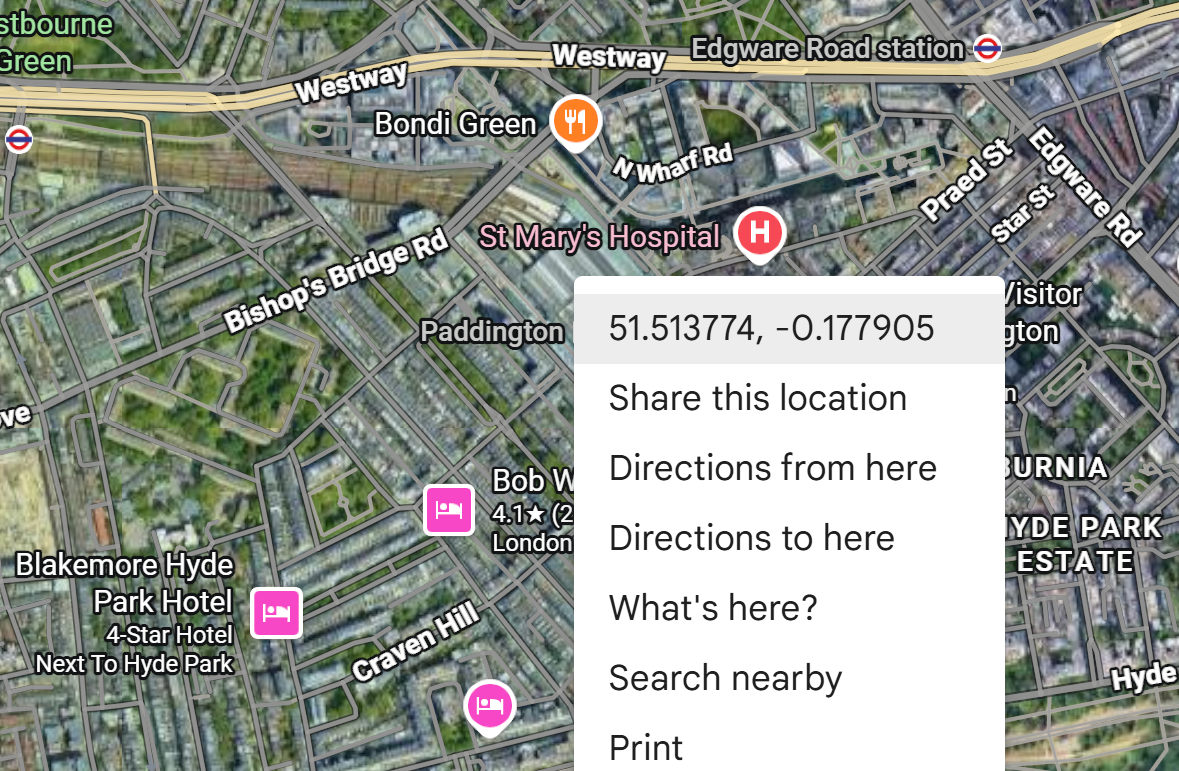
Google Maps interface showing how to right-click a location to copy exact geocoordinates for mapping ancestor events in Augean.

View the place on Google maps, and right click to copy the geocoordinates


Adding the geocoordinates to the birth of Laura London


 ⟶  Events  ⟶  Birth 
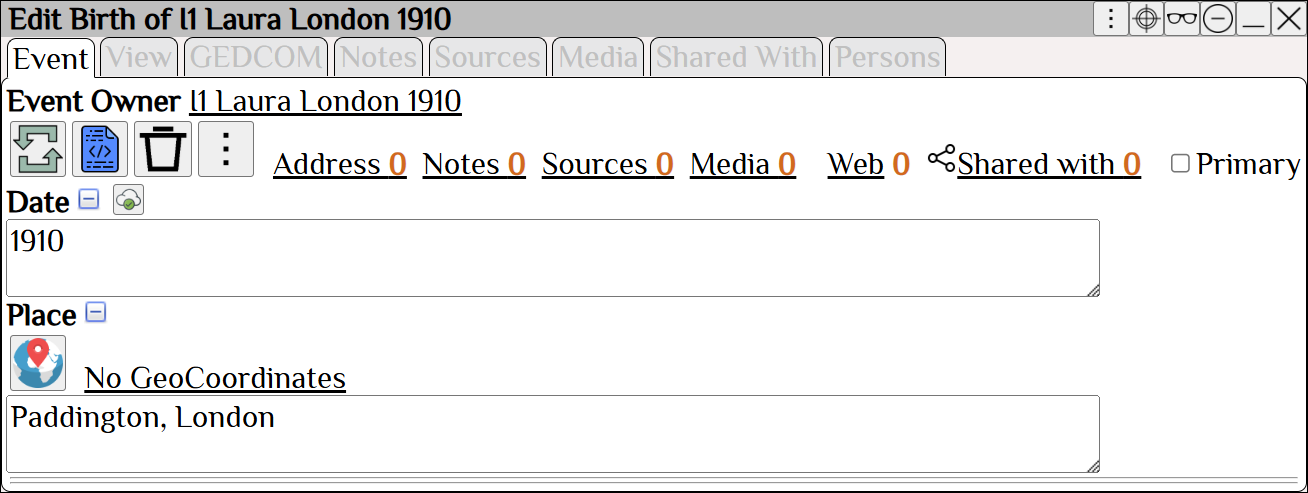
The Edit Birth screen in Augean genealogy software before adding geocoordinates, showing a text place name with no map data.

Edit The Birth of Laura London


Add the Geocoordinates
 ⟶  ⟶  ⟶ 
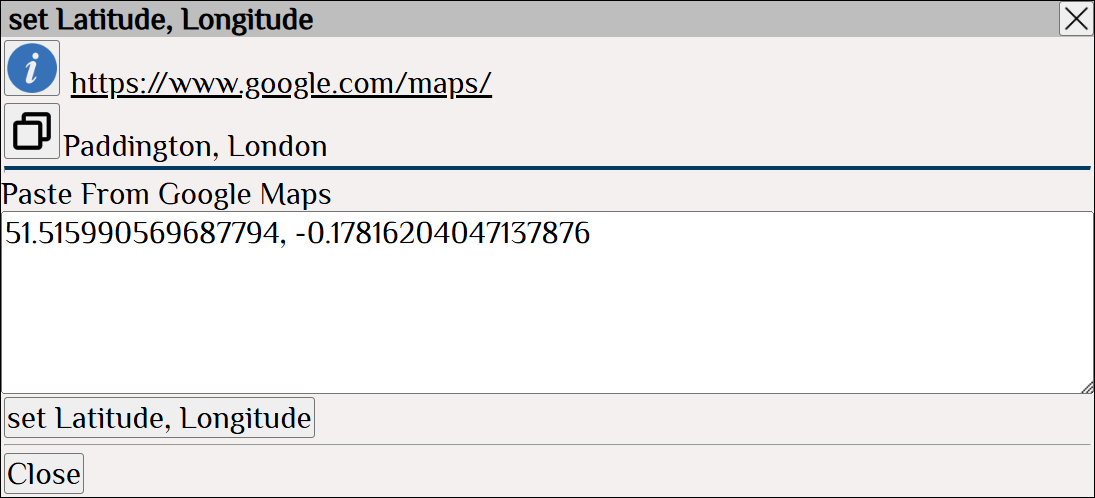
The set Latitude and Longitude dialog in Augean where genealogists paste copied Google Maps coordinates to pinpoint an event.

Paste the Geocoordinates, which you copied from Google maps

Accept the changes for Latitude
Accept the changes for Longitude
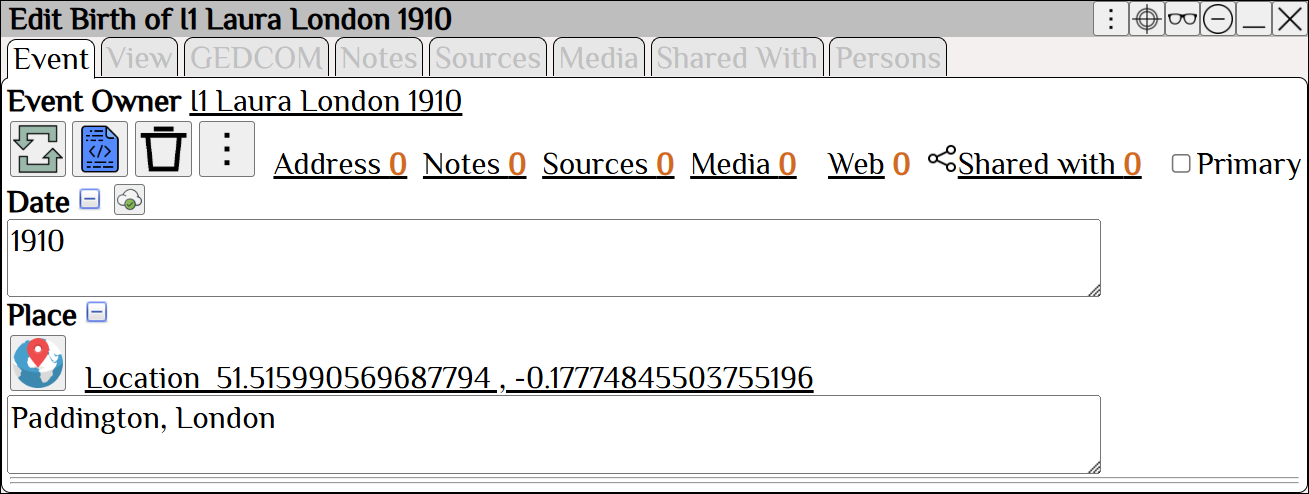
The updated Edit Birth screen in Augean showing precise latitude and longitude coordinates applied to an ancestor's location.

Geocoordinates now added to Laura London
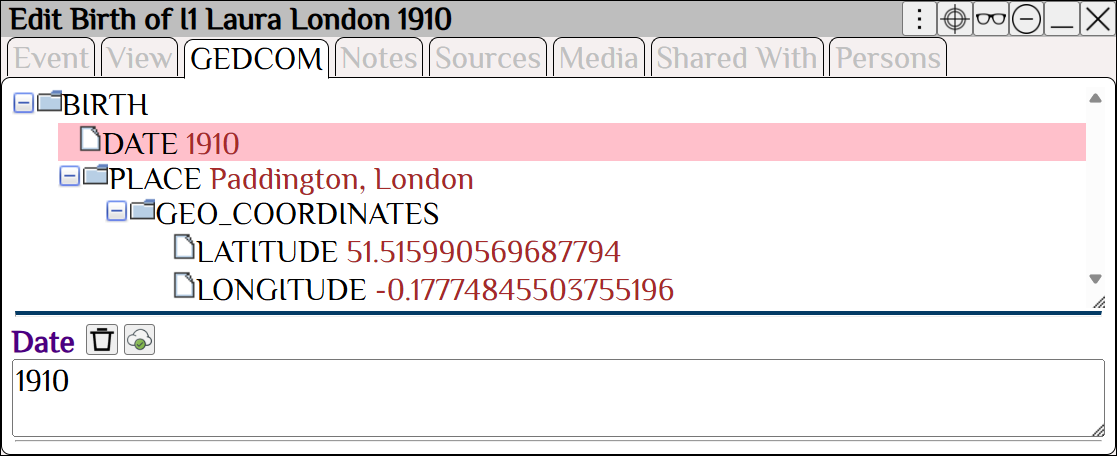

The GEDCOM view in Augean confirming that latitude and longitude coordinates are correctly formatted for genealogy data exchange.

Geocoordinates are stored in the GEDCOM for Laura London


View the map


 ⟶  ⟶ 
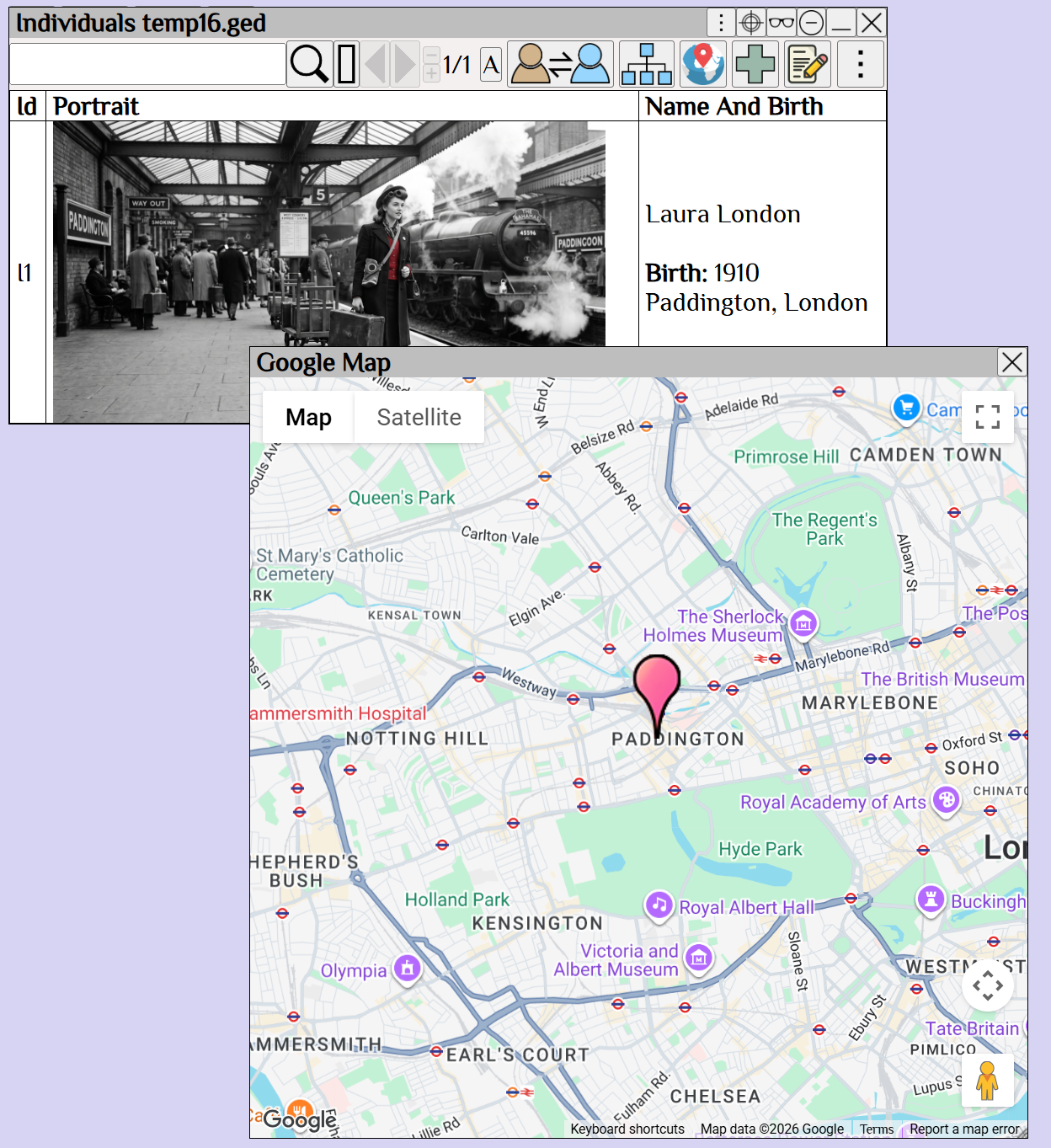
Augean's integrated Google Maps overlay displaying a pinpoint on an ancestor's exact historical location for visual research.

Geocoordinates allow you to view the Google map in Augean
Map the area where your ancestors lived.
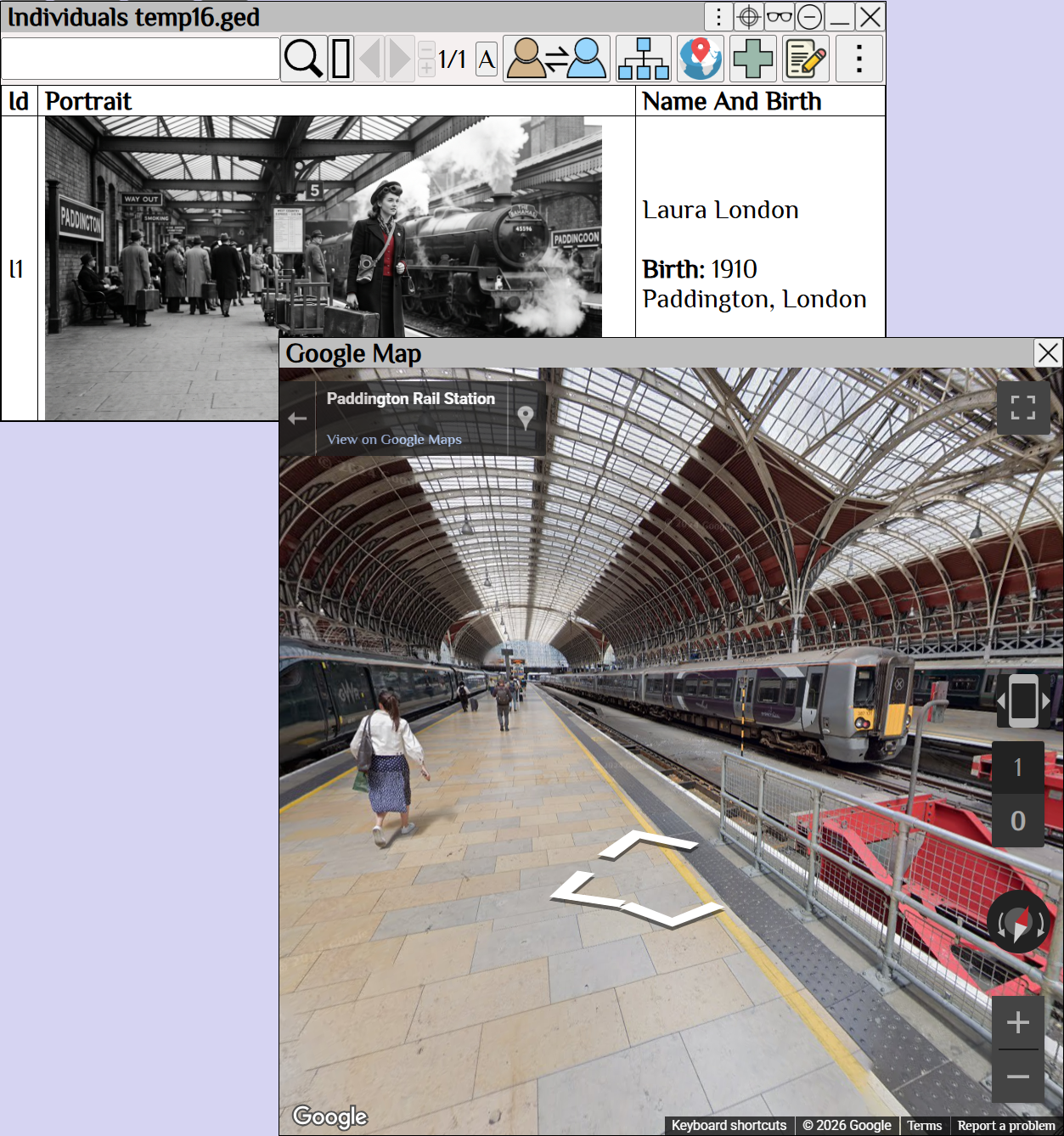

An immersive Google Street View within Augean software, allowing family historians to virtually explore historical locations.

Geocoordinates allow you to view the Google map in Augean
Street view - walk around the places your ancestors lived.