Create a quick Person


 ⟶  GEDCOM  ⟶  Individuals  ⟶  ⟶ 
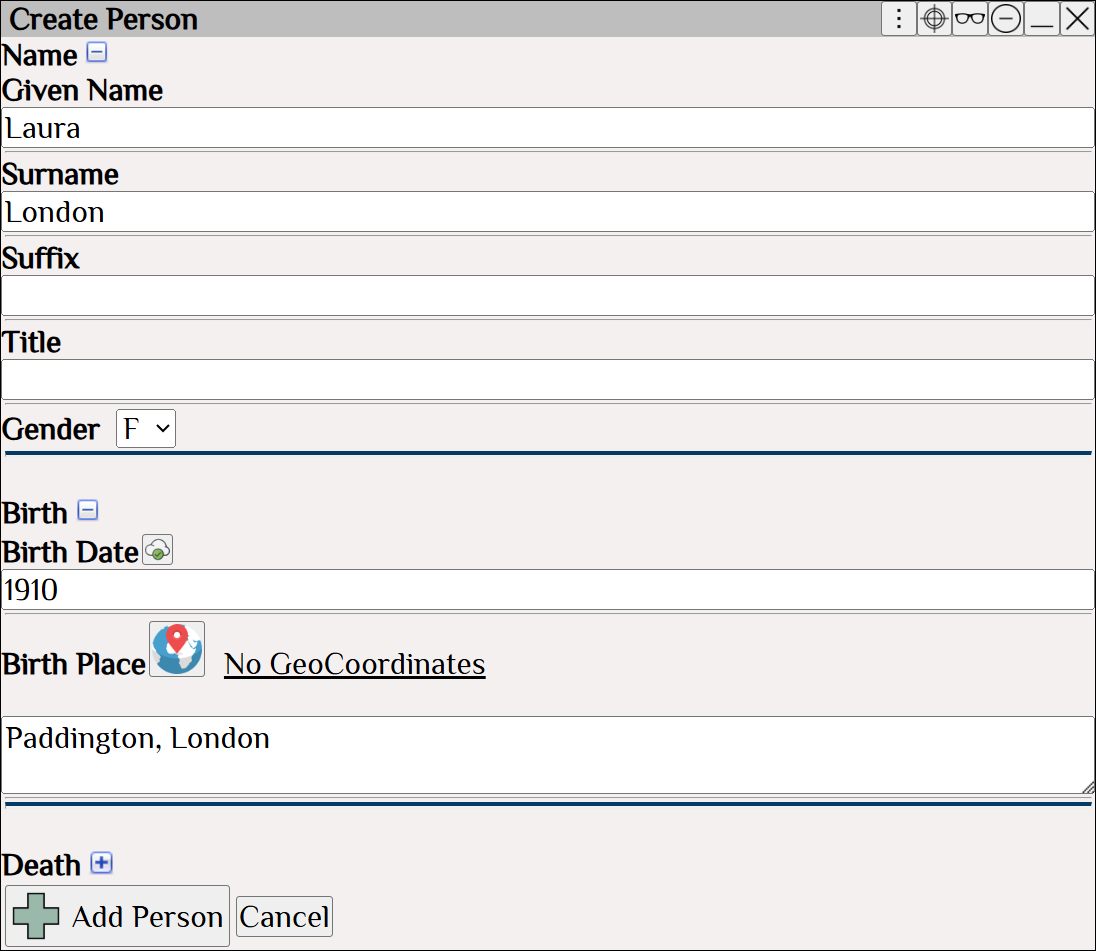
Augean Create Person dialog for entering a new individual's name, gender, and birth details into a GEDCOM file, helping genealogists efficiently build family trees.

Adding Laura London


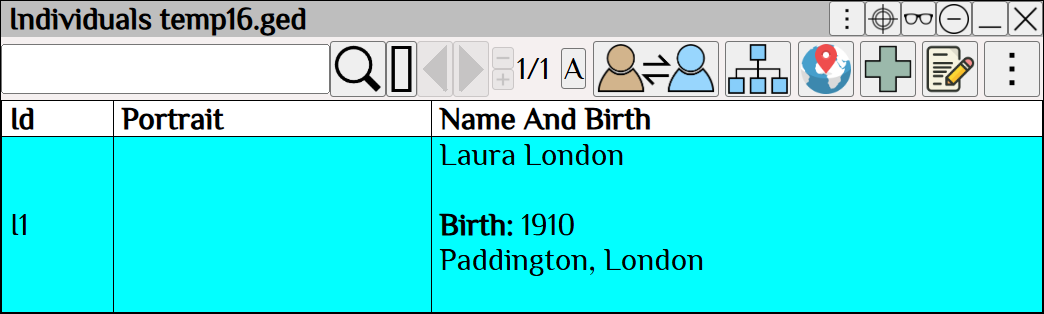
Augean Individuals table displaying a newly added person's profile with a missing portrait placeholder, allowing genealogists to track family tree data entry and missing media.

Laura London as viewed in the Individual table

Add media for Laura London

 ⟶   Media  ⟶   ⟶  ⟶ 
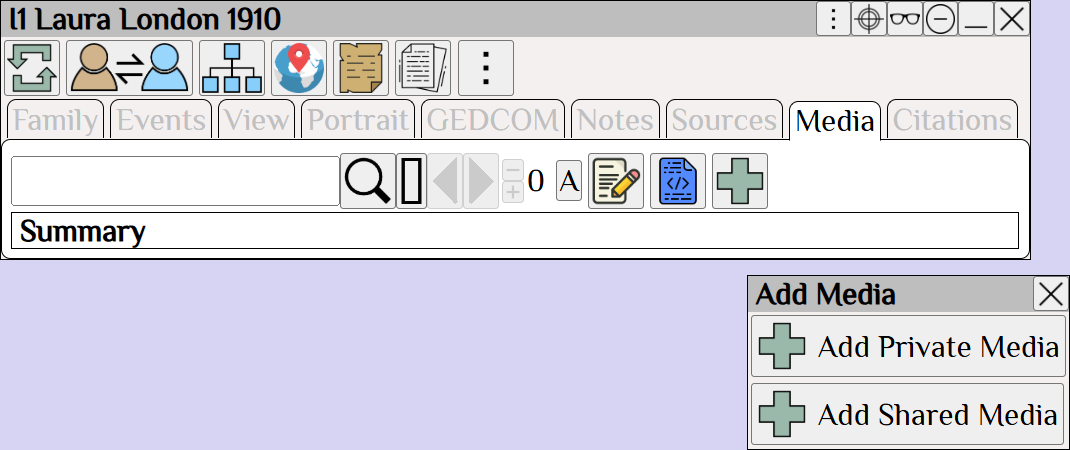
Augean Media tab showing the Add Media dropdown menu, which allows genealogists to attach private files and historical documents to an individual's GEDCOM profile.

Add private media


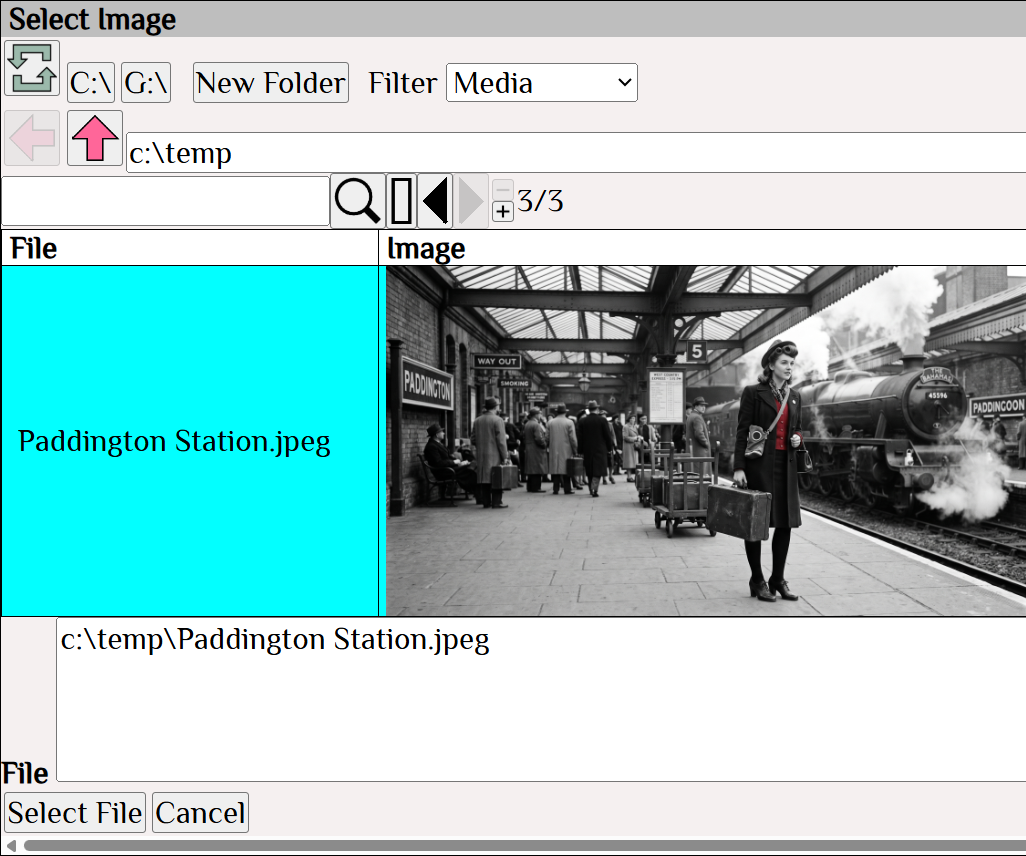
Augean file explorer dialog used to select and preview a local historical image file, streamlining the workflow for adding visual media to family history records.

Select the image

 ⟶ 

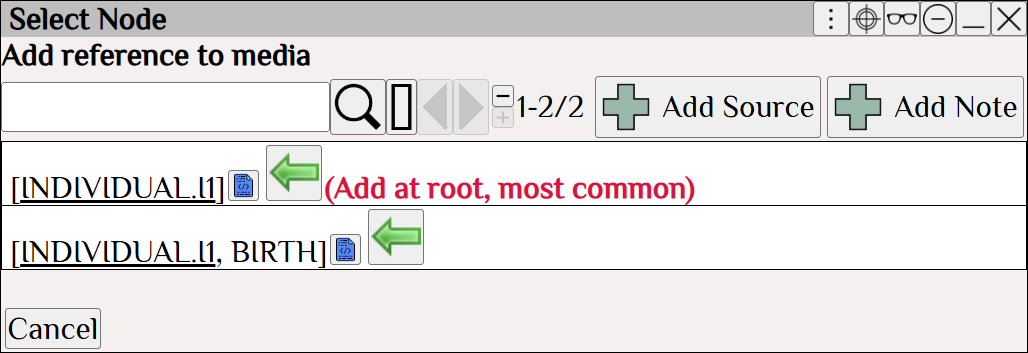
Augean Select Node window guiding genealogists to attach media to the root individual element, ensuring proper GEDCOM data organization and source tracking.

Add the Media to the root element


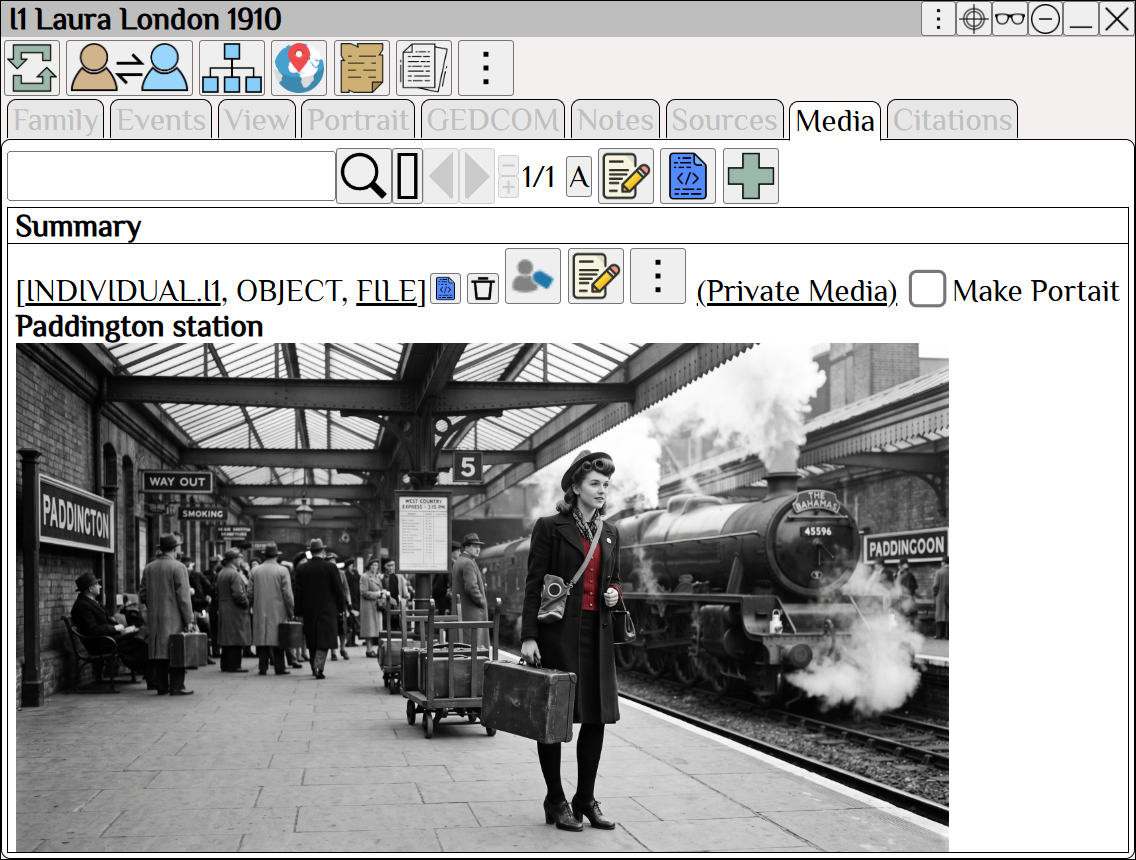
Augean individual Media tab displaying a successfully attached historical photograph, visually enriching family tree research and genealogy documentation.

Laura London now has attached media


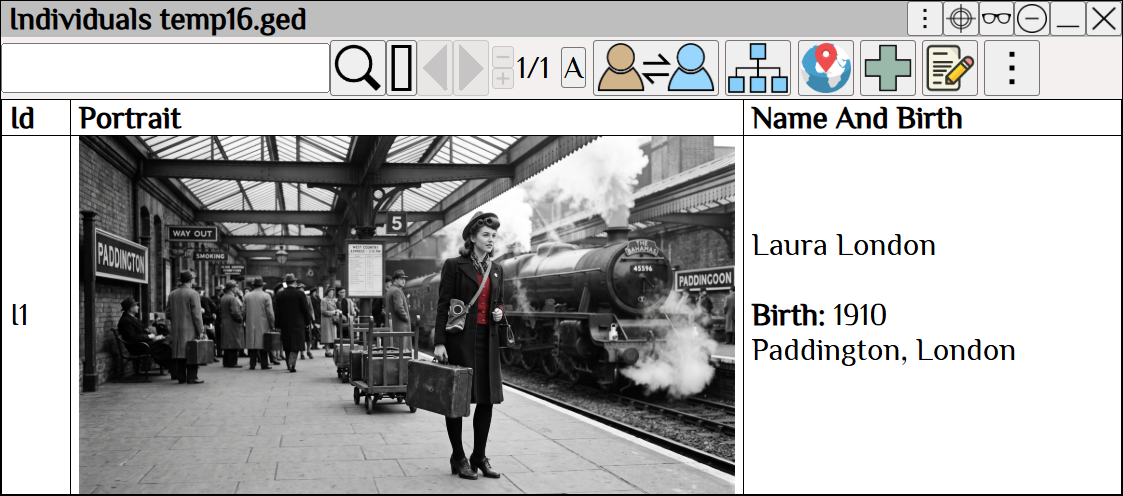
Augean Individuals table showing an updated person profile with a historical photograph set as the portrait, improving the visual organization of a GEDCOM family tree.

Laura London as viewed in the Individuals table.