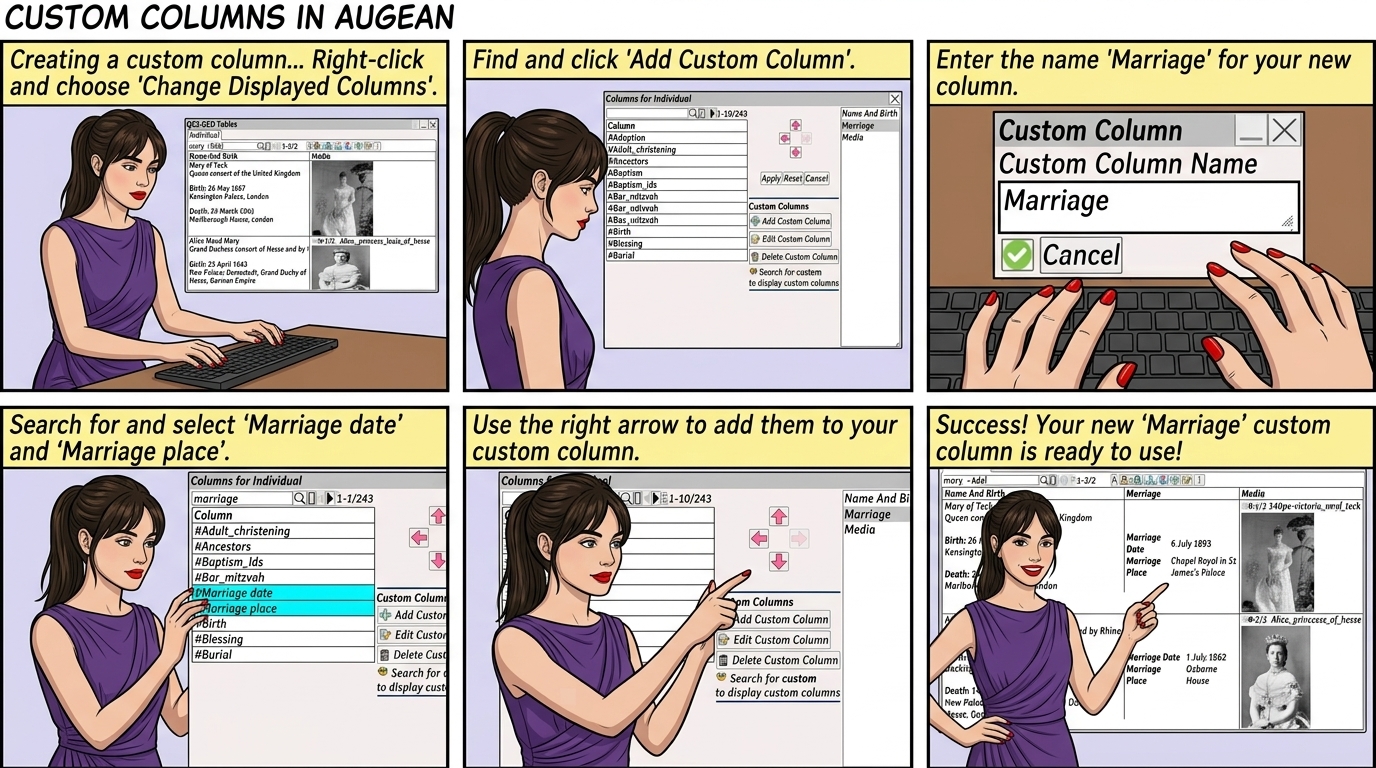
In this example, we create a custom column for Marriage composed of Marriage date and Marriage place
(Since creating this tutorial, we actually added Marriage as one of the pre-defined columns)
But the method for showing how custom columns can be derived from existing attributes will be explained using marriage.
Creating a custom column.
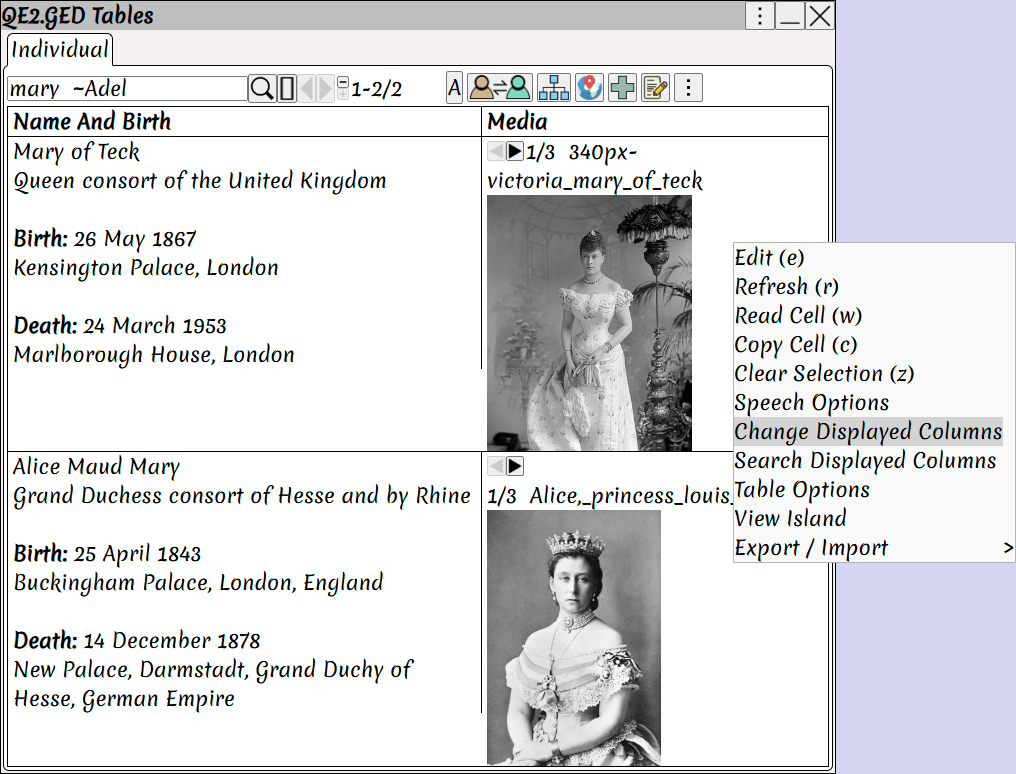
Right Click ⟶ Change Displayed Columns
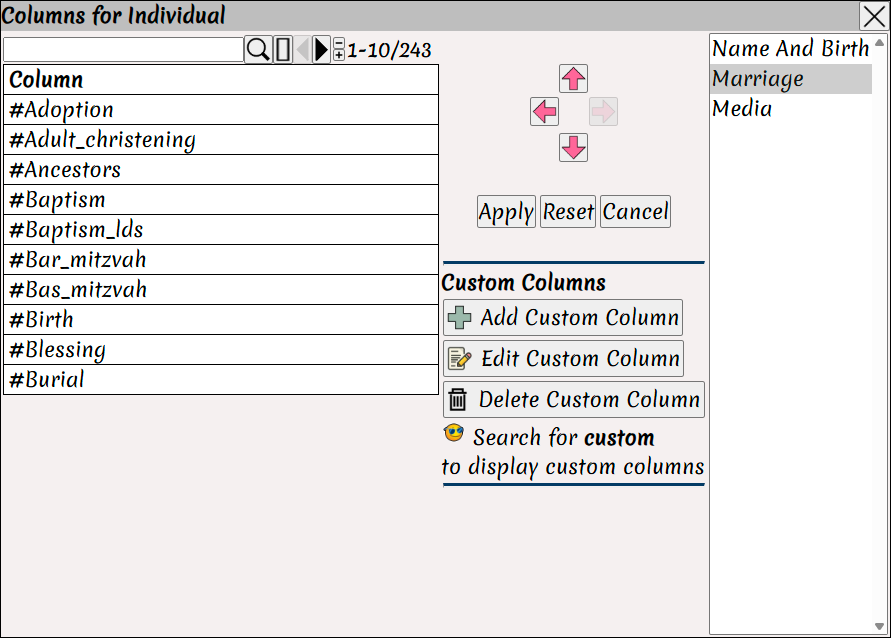
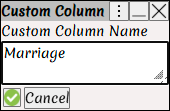
Enter the name for the new custom column, type Marriage
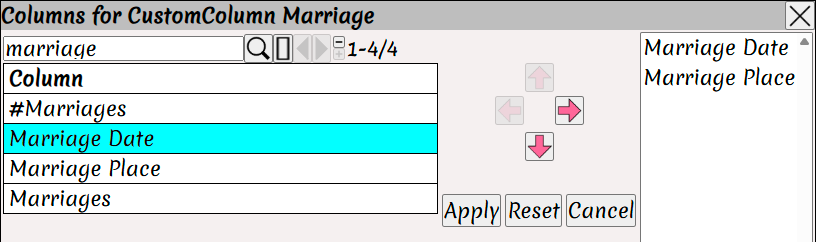
Search for the pre-defined Marriage date and Marriage place columns.
Select these columns using
Click
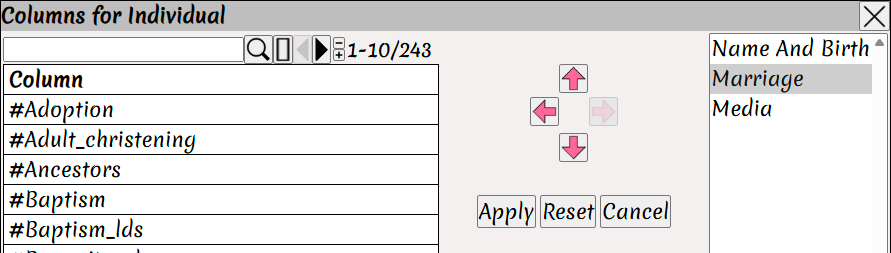
Position the new custom column using
Click
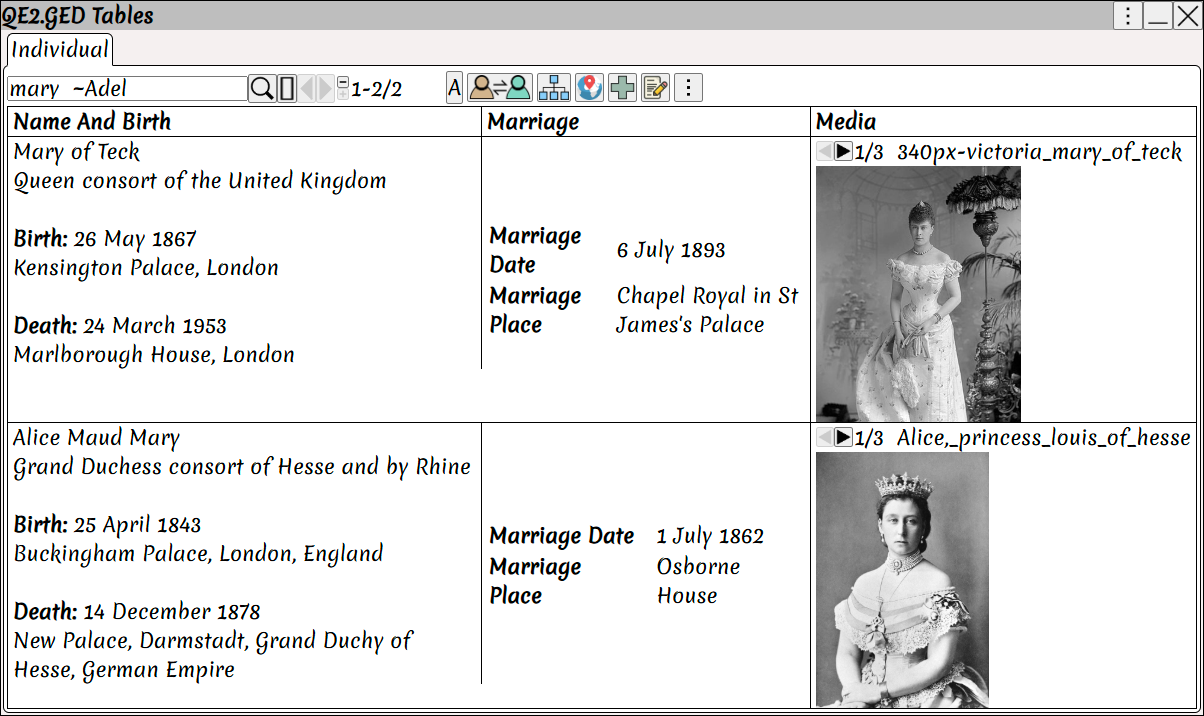
The Marriage custom column now appears in the table.
Augean has most of the predefined columns you need,
but it may be useful to be able to define your own custom columns.