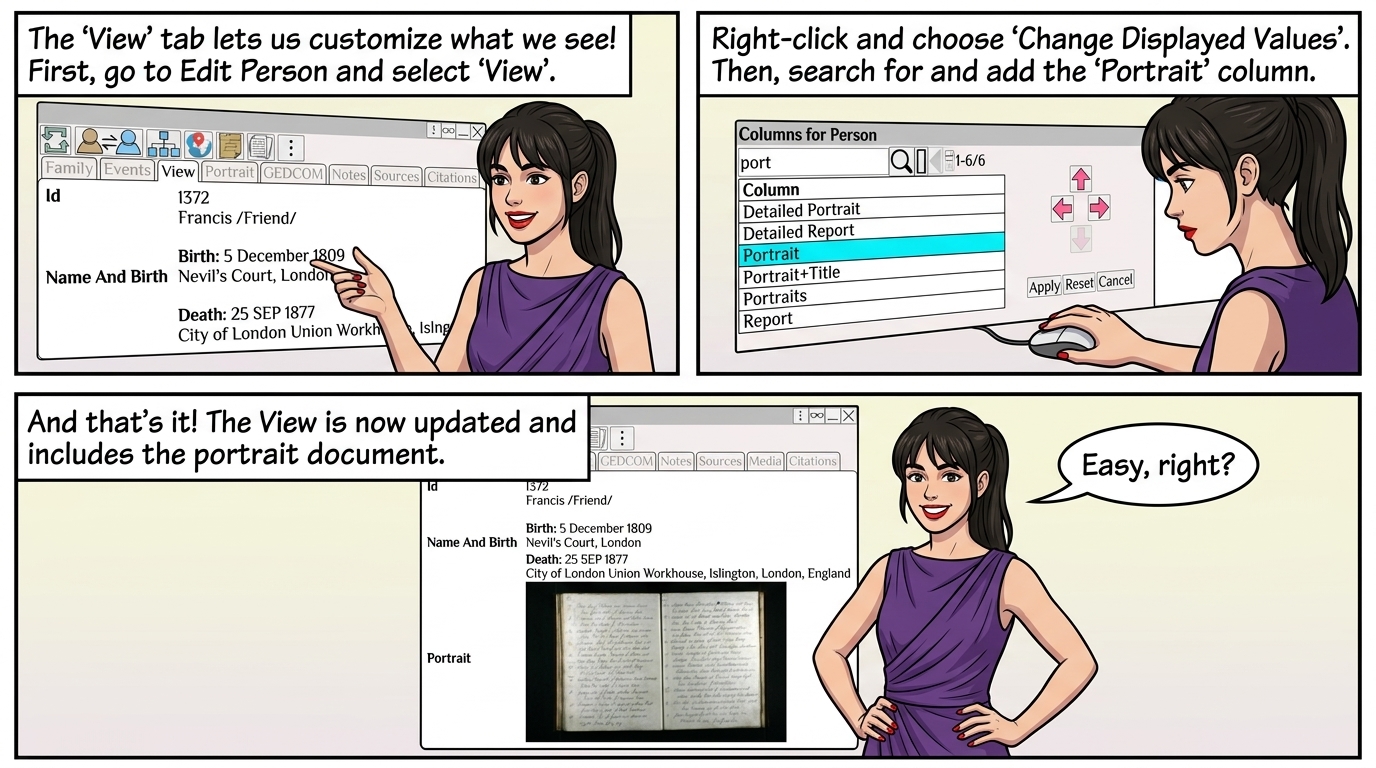
The View allows for a custom view of the person.
Edit Person ⟶ Select View
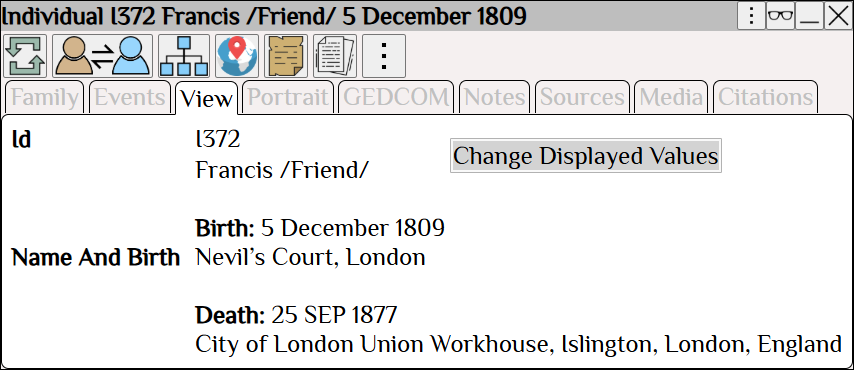
Right Click ⟶ Change Displayed Values to select the values to display in the view
Search for and add the portrait column.
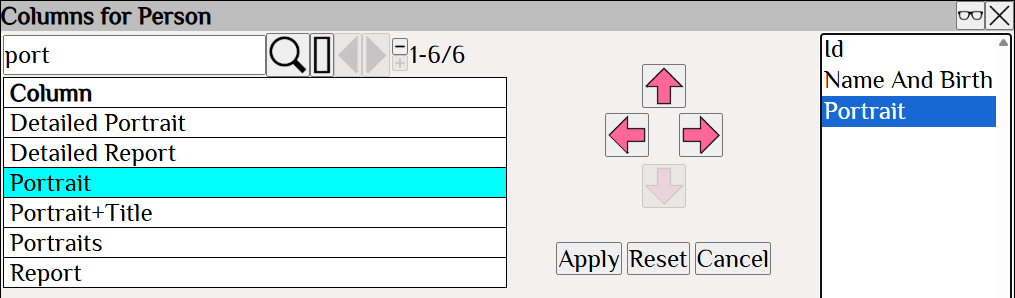
The View is now updated and includes the portrait.
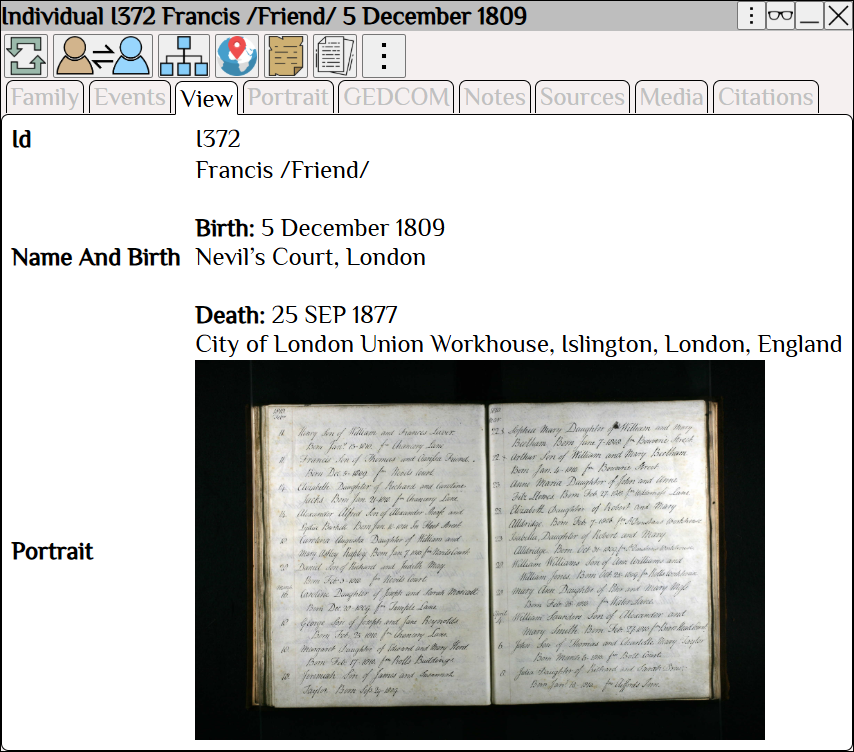
| Custom View of the Person The View allows for a custom view of the person. Edit Person ⟶ Select View Right Click ⟶ Change Displayed Values to select the values to display in the view Search for and add the portrait column. The View is now updated and includes the portrait. |