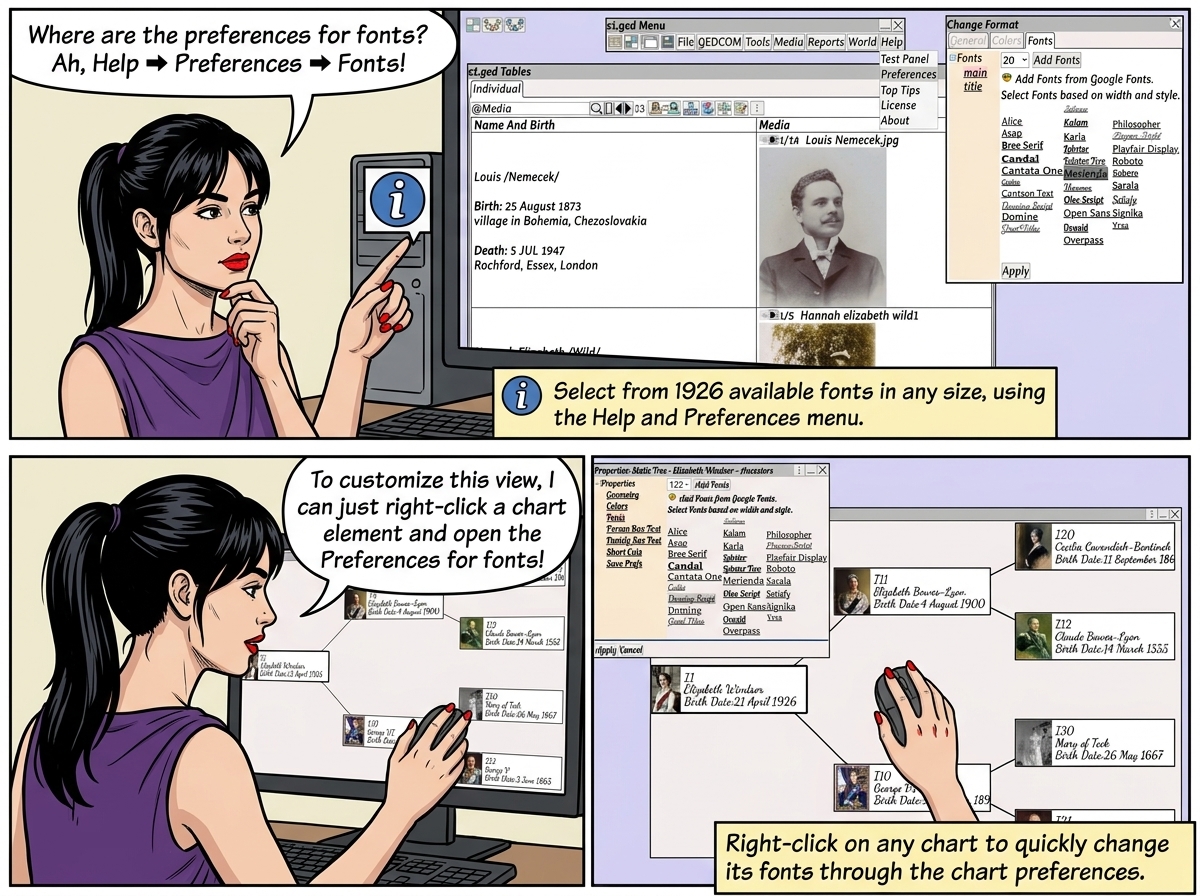
1926 different fonts available in any size.
Select the font using ⟶ Help ⟶ Preferences ⟶ Fonts

Change the chart fonts using Chart ⟶ Right Click ⟶ Preferences ⟶ Fonts

| Select the Font 1926 different fonts available in any size. Select the font using ⟶ Help ⟶ Preferences ⟶ Fonts Change the chart fonts using Chart ⟶ Right Click ⟶ Preferences ⟶ Fonts |