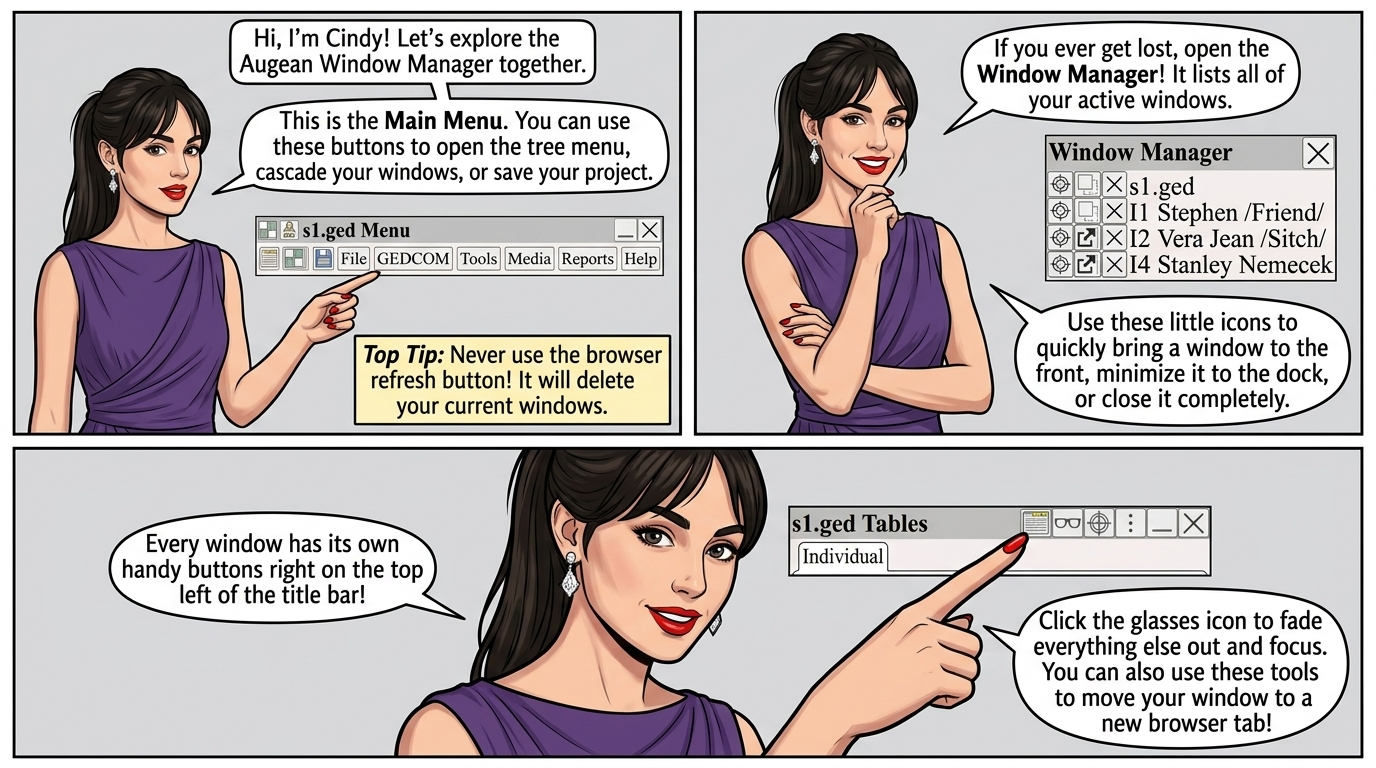
The Main Menu

| Open the window manager | |
| Show the tree menu | |
| Show the main menu | |
| Open the tab dialog (add, remove, rename window tabs) | |
| Cascade windows | |
| Save the current project |
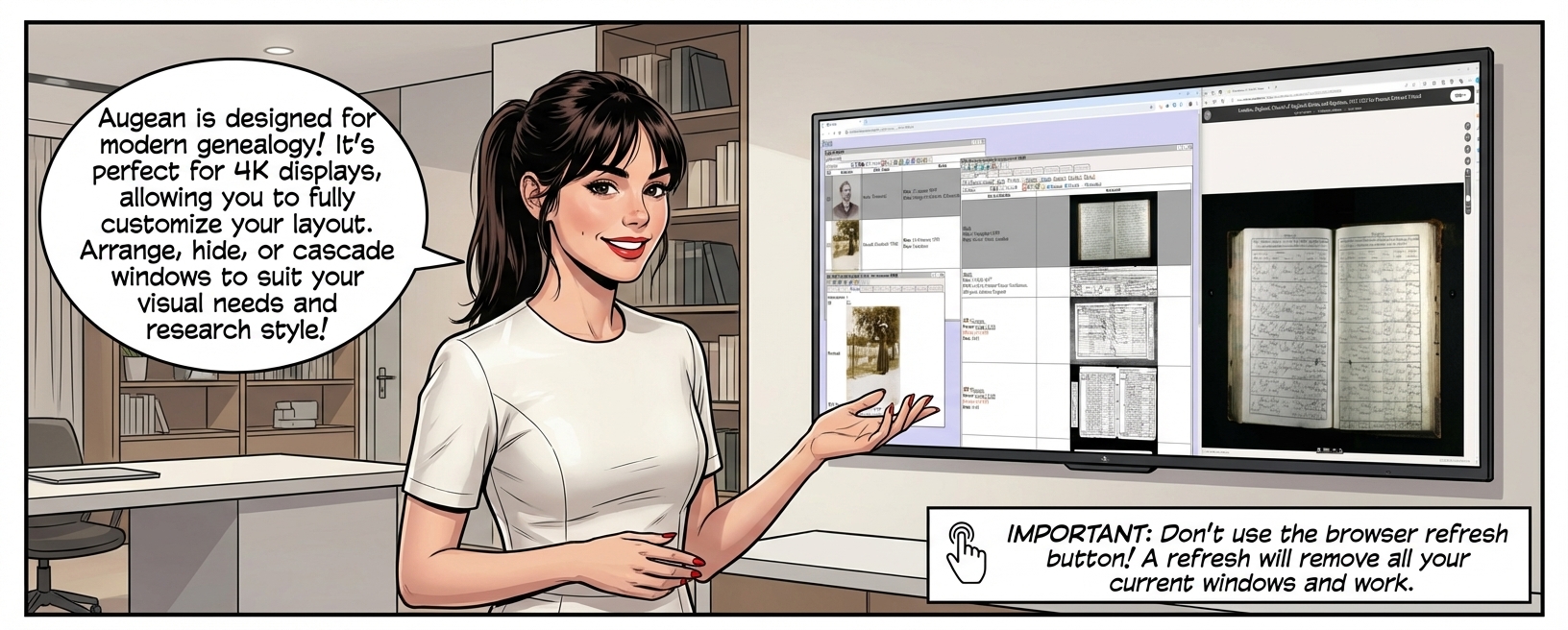
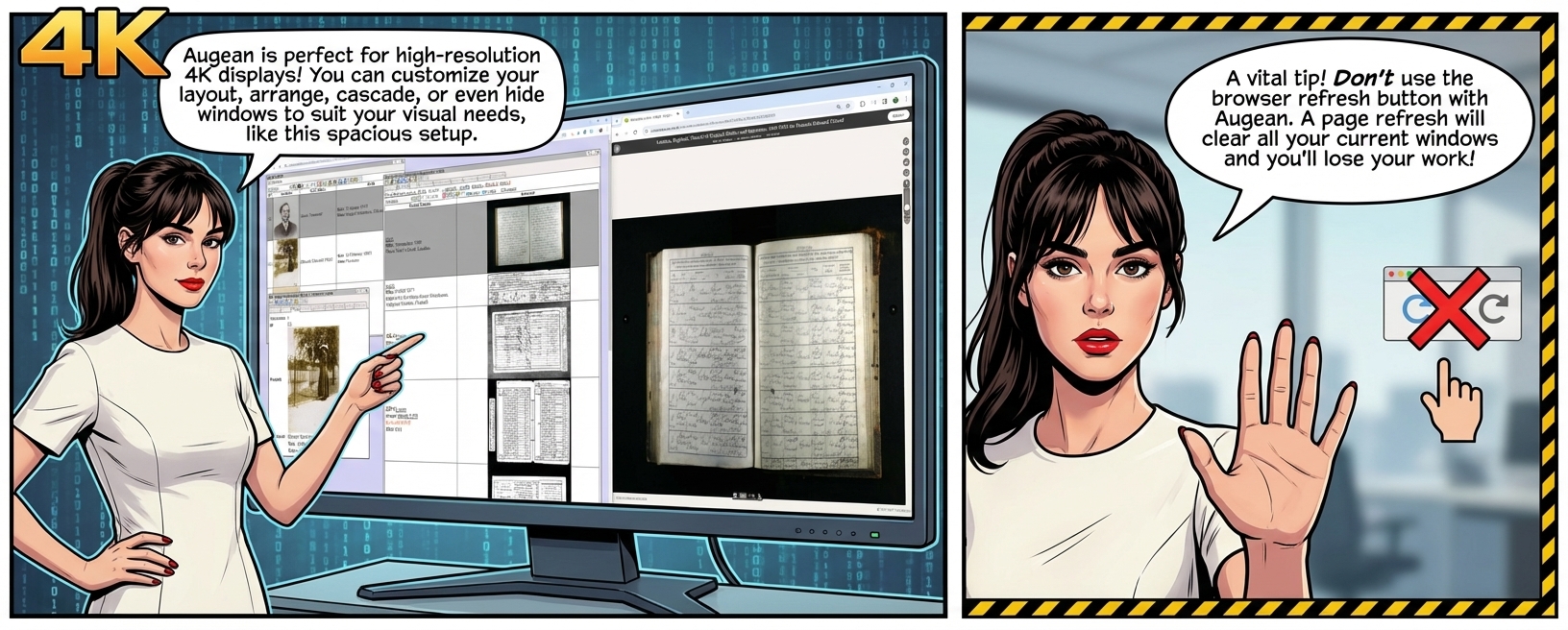
 Don't use the browser refresh button with Augean.
A page refresh will remove the current windows.
The Window manager
The window manager lists the current active windows.

| Show the window manager | |
| Focus the window (minimizes other windows). | |
| Docks (minimize) a window. | |
| Undocks a docked window. | |
| Brings a window to the front. | |
| Close the window |
The Window

In the titlebar, there are buttons (top left) to manage the window: ( use to see the complete list)
| Move window to a different browser tab | |
| Focus window (fade other windows) | |
| End Focus window (unfade other windows) | |
| Focus window (dock other windows) | |
| End Focus window (undock other windows) | |
| Window tools | |
| Minimize window | |
| Close window | |
| Hide content | |
| Show content |
Top Tips
| Dock other windows. top-right of window ⟶ Restore the view using Fade other windows. top-right of window ⟶ Restore the view using Hide window content top-right of window ⟶ Restore the content using If a button opens a window, press Shift + button to focus the new window and fade other windows Move the window by dragging on the title bar. If the title bar is not visible move the window by holding down Shift and dragging on the background. Right-click to display the context menu. Right-click To resize or view an image. Right-click To change the displayed columns in a table. |