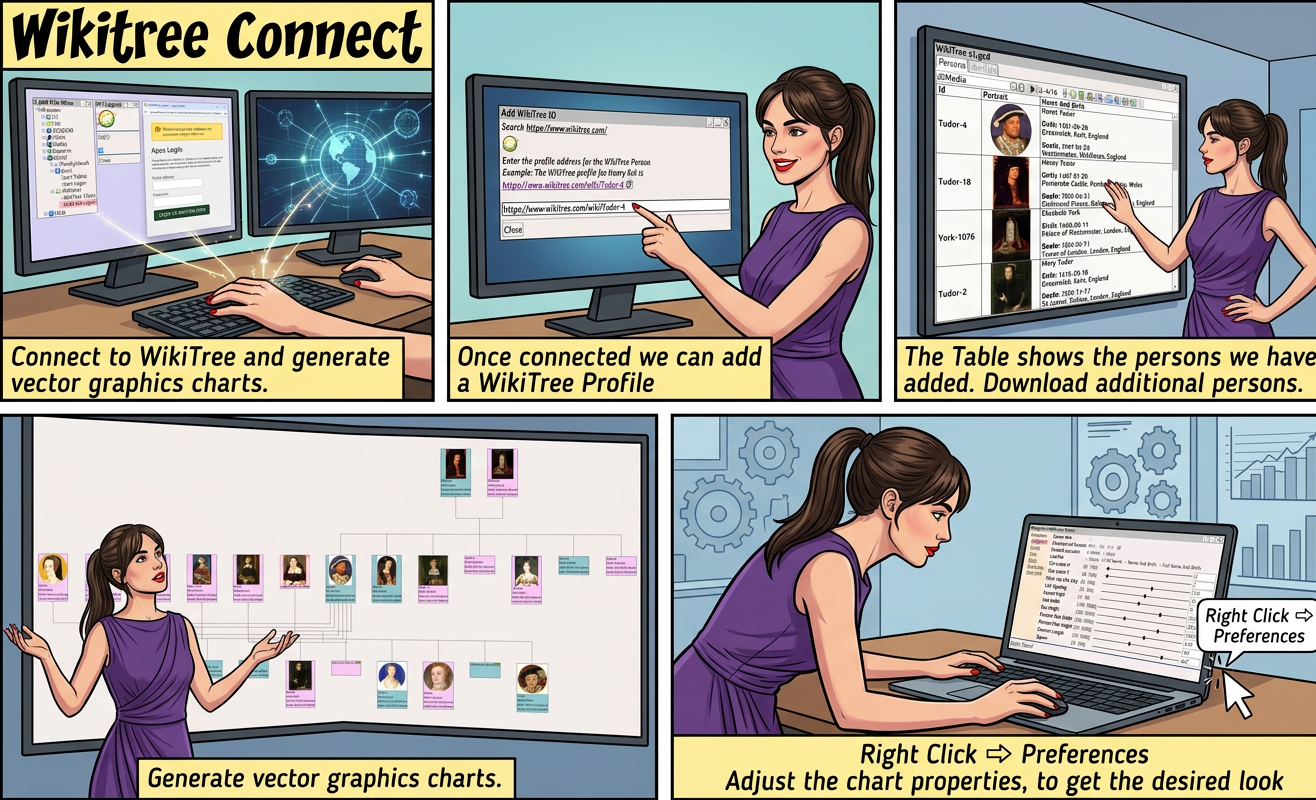
Wikitree Connect


Connect to WikiTree and generate vector graphics charts.
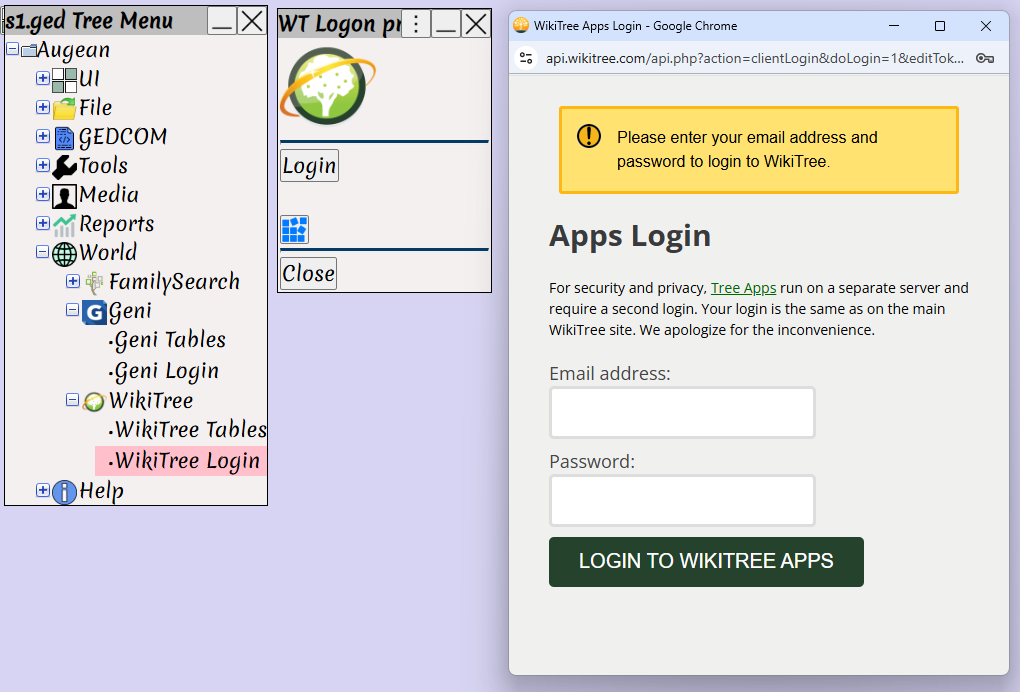
Screenshot showing the WikiTree Login menu in the Augean genealogy software, illustrating how to securely authenticate via a browser prompt to connect and import collaborative global family tree data.


Once connected we can add a WikiTree Profile
 ⟶  World  ⟶  WikiTree  ⟶  WikiTree Tables 
 ⟶ 
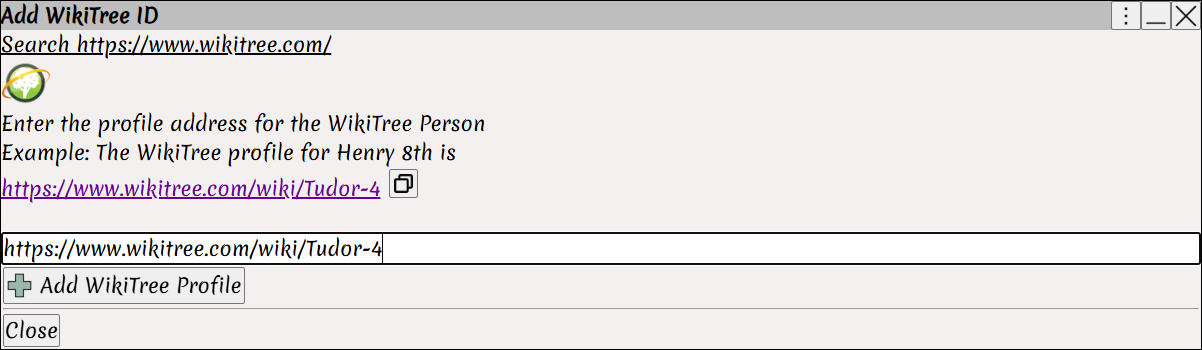
The Add WikiTree ID dialog in Augean, demonstrating how genealogists can paste a specific WikiTree profile URL to easily import an ancestor into their family tree workspace.


The Table shows the persons we have added
Download additional persons.
 ⟶ 
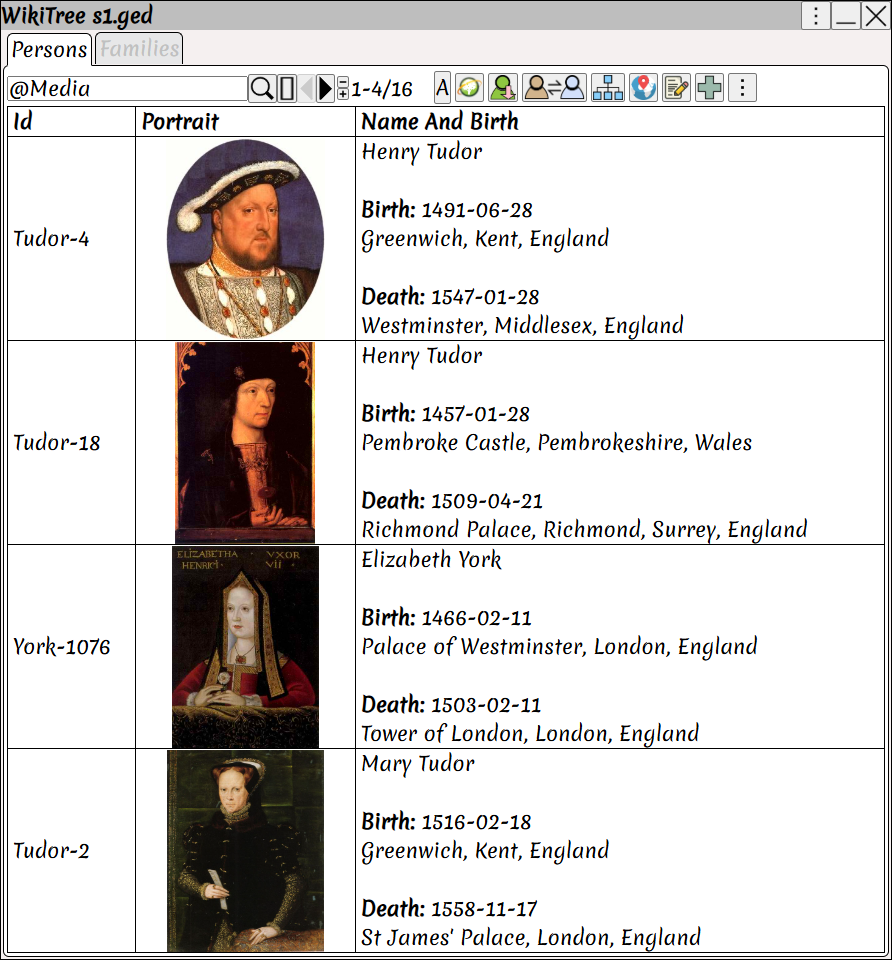
A structured table view in Augean displaying downloaded WikiTree profiles with historical portraits and vital records, allowing users to organize data and download extended family members.


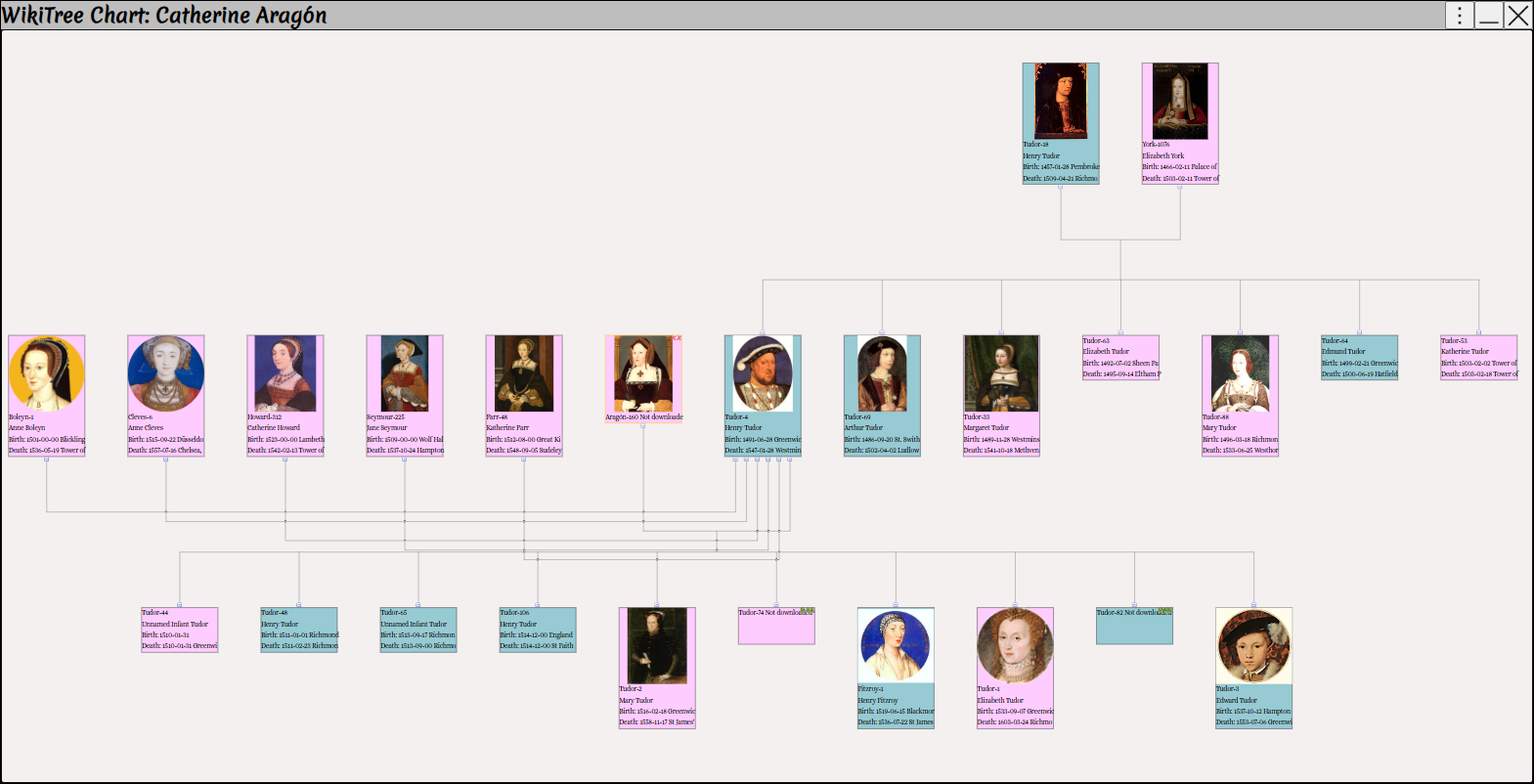
Generate vector graphics charts.  ⟶ 

A vector graphic family tree chart generated in Augean, visualizing complex WikiTree lineages with profile portraits and hierarchical relationship lines for presentation-quality genealogical graphics.


Right Click  ⟶  Preferences 
Adjust the chart properties, to get the desired look
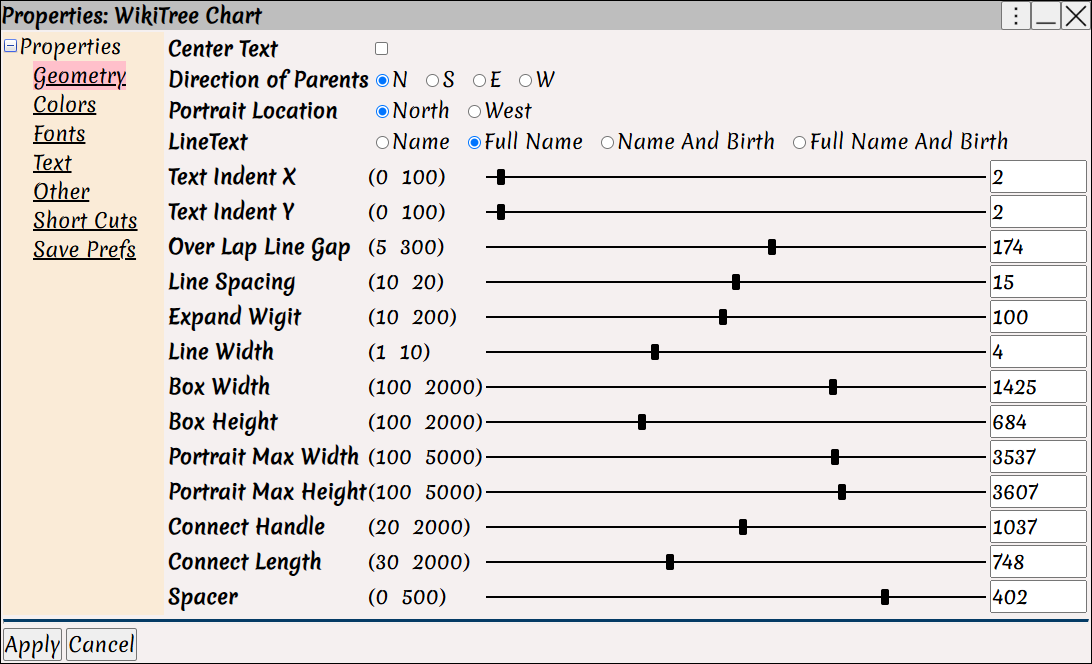
The Chart Properties window in Augean, showing how family historians can fine-tune their WikiTree chart's geometry, box dimensions, and portrait placement using customizable sliders and toggles.