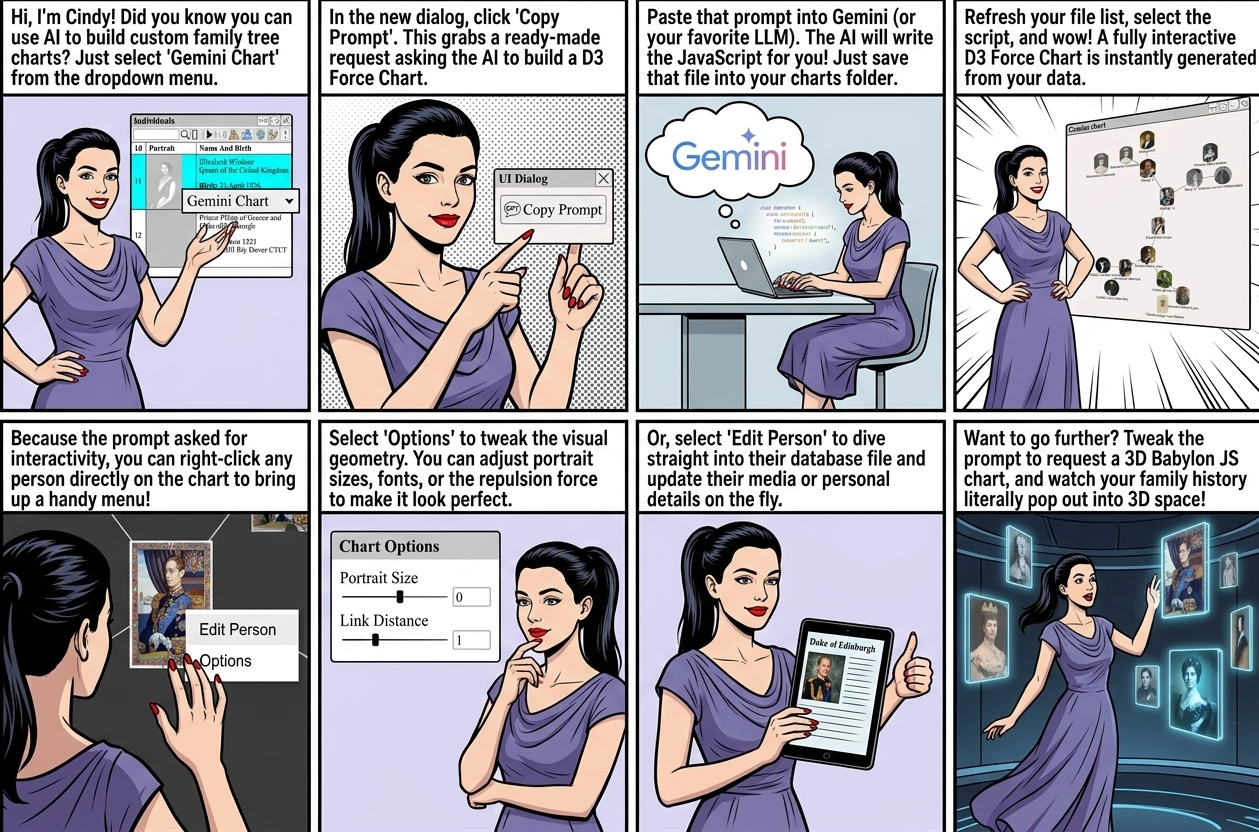
Augean helps generate AI charts, as explained at AI Native ⟶ AI Charts
AI Chart dialog in Augean allows us to leverage AI to create any chart we like.
In this example, we generate a D3 Force Chart, but Gemini can generate any chart you like, if you adjust the prompt.
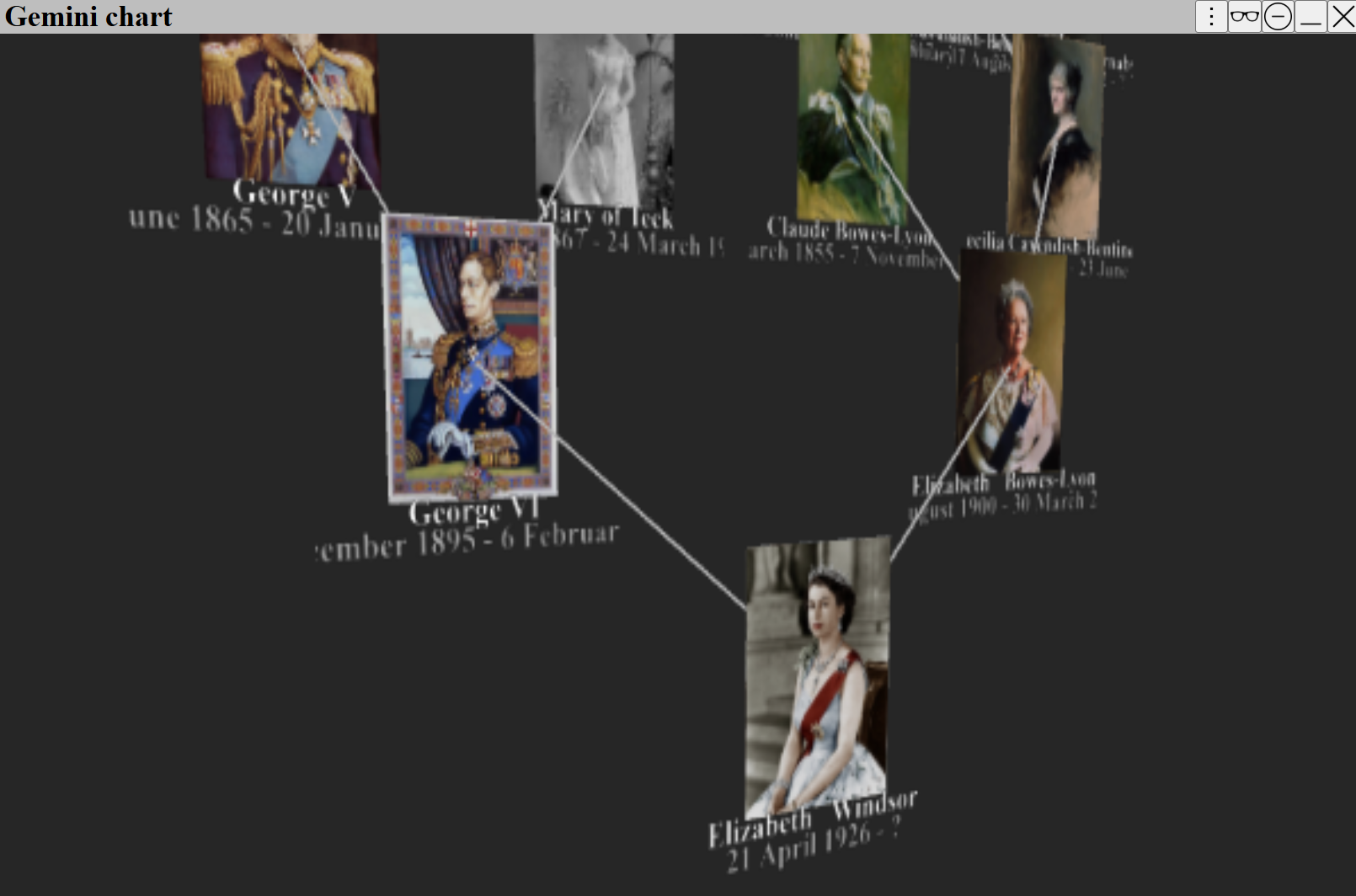
It will also generate 3D charts (using Babylon JS)
In the example prompt, the chart is requested to be interactive. ( the edit menu calls GeminiChart.edit() )
 In this example we used Gemini, but other LLM's will also work.
⟶
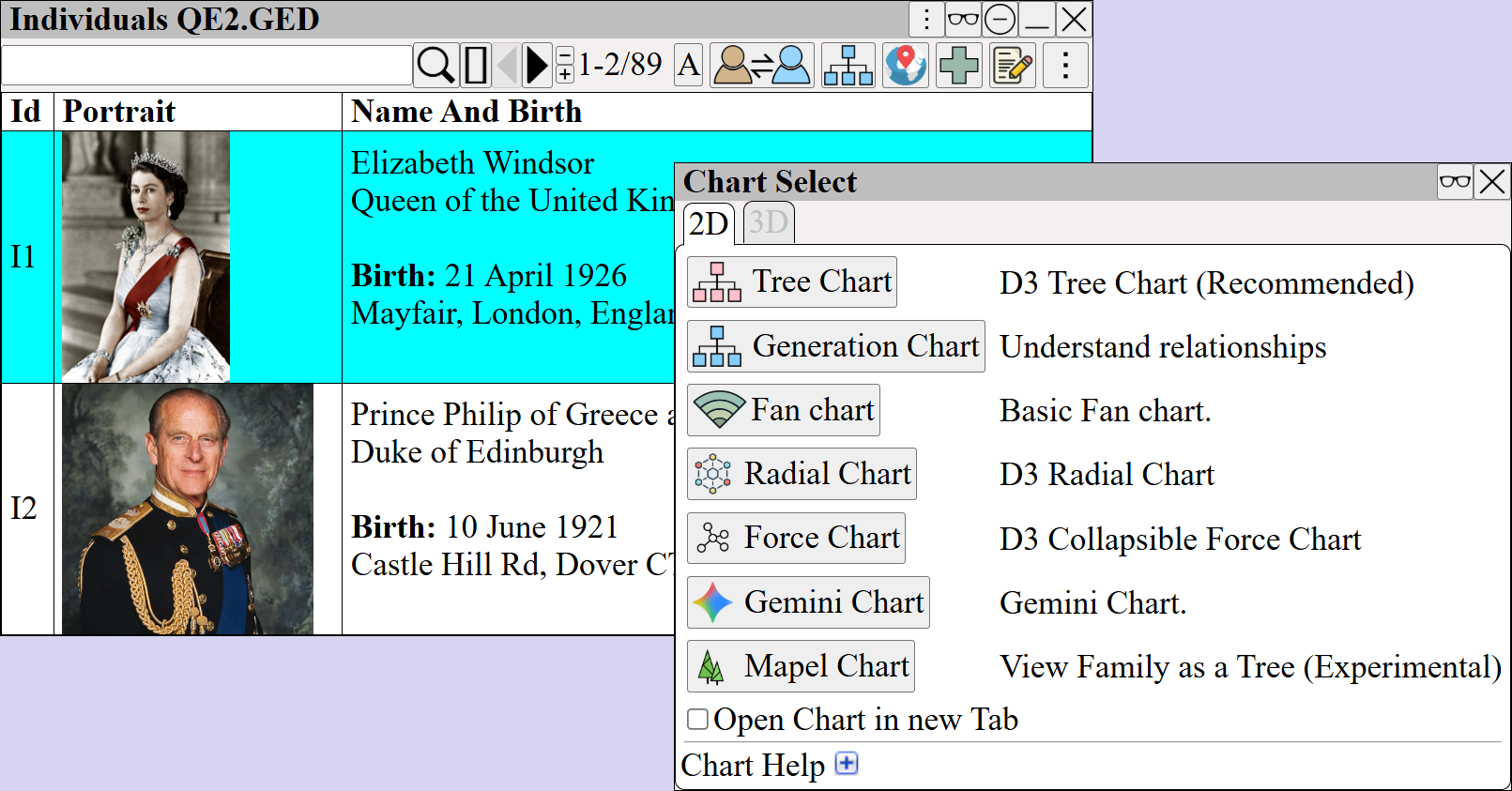
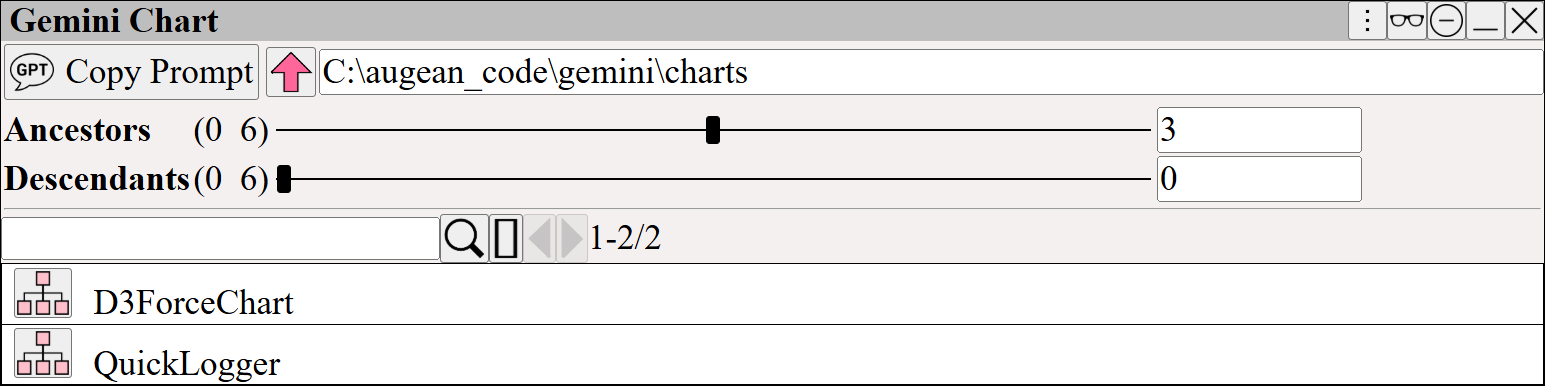
Select to use the existing example GPT prompt.
Paste the prompt into Gemini (or any other AI)
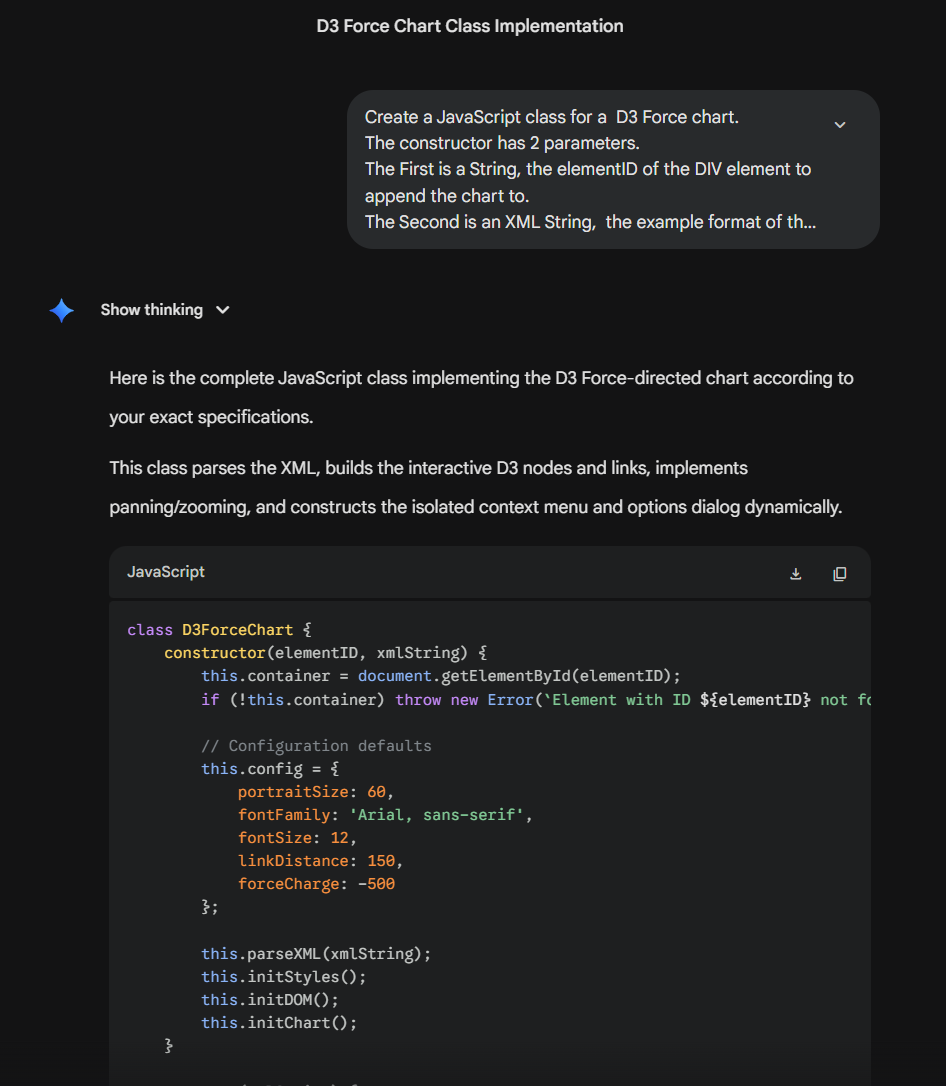
Save the generated JavaScript File in the directory you have selected, (listed at the top of the Gemini chart dialog).
Press to refresh the list of files, and saved JavaScript file will appear in list.
View the chart generated by the JavaScript using using
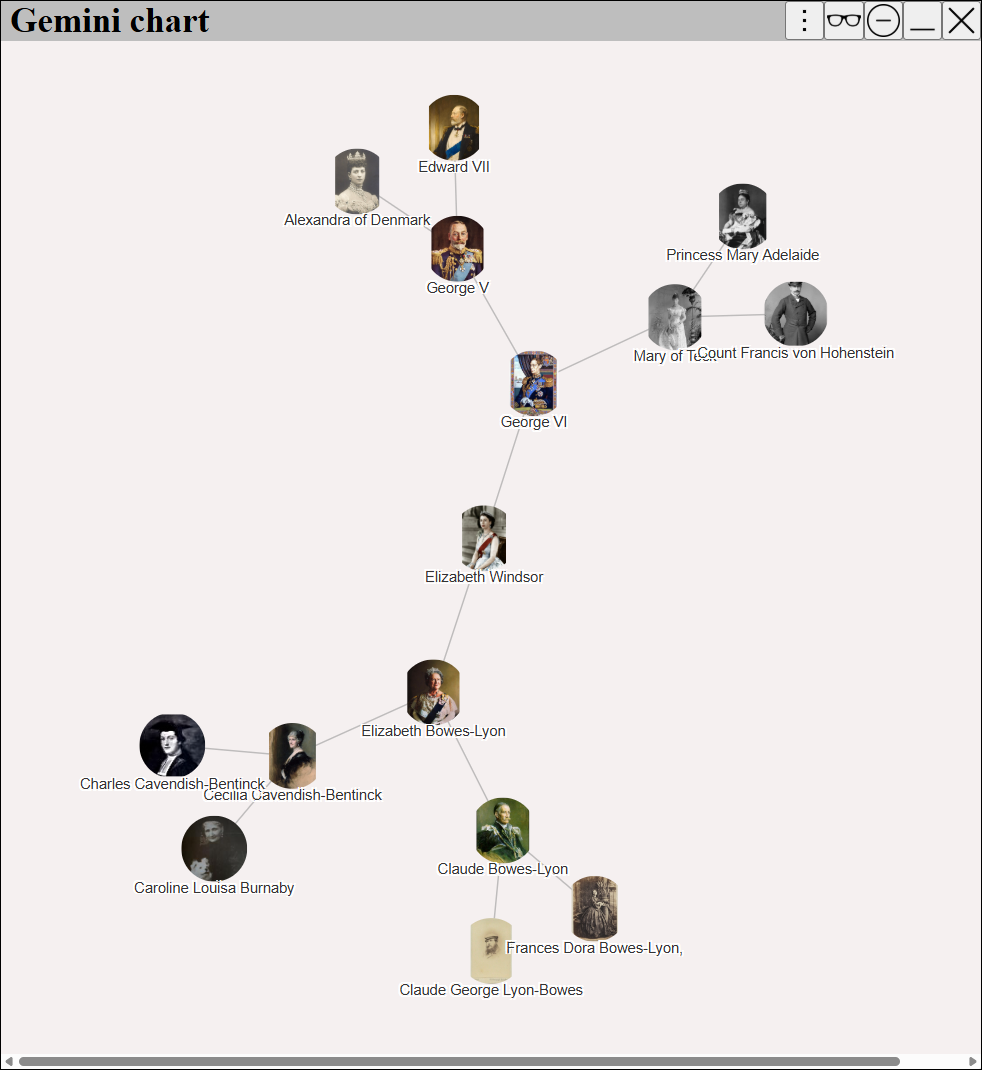
Right Click on person to view the chart options
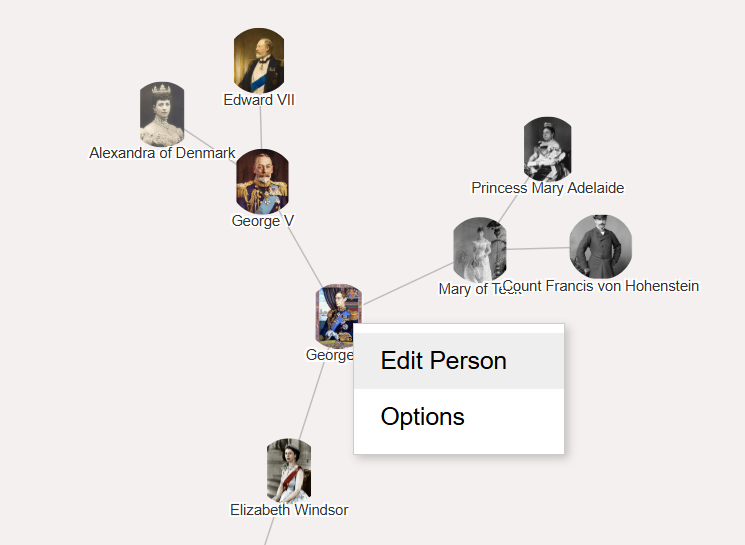
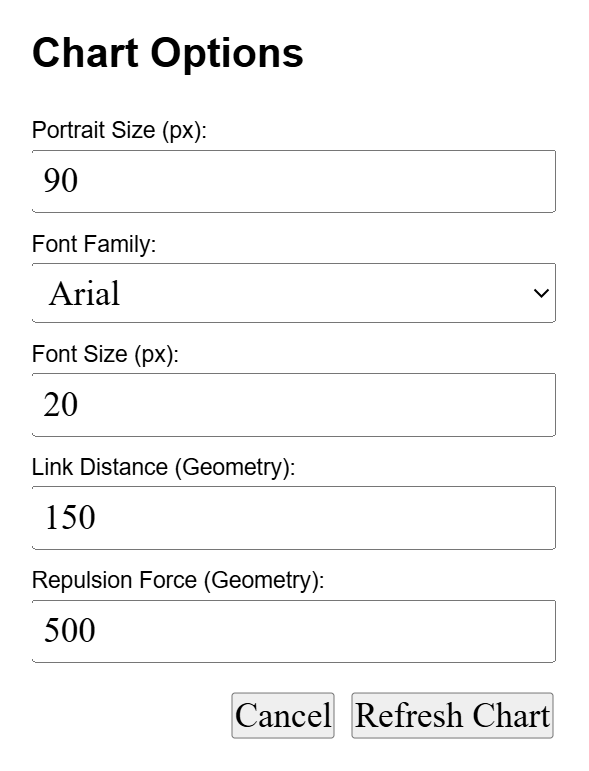
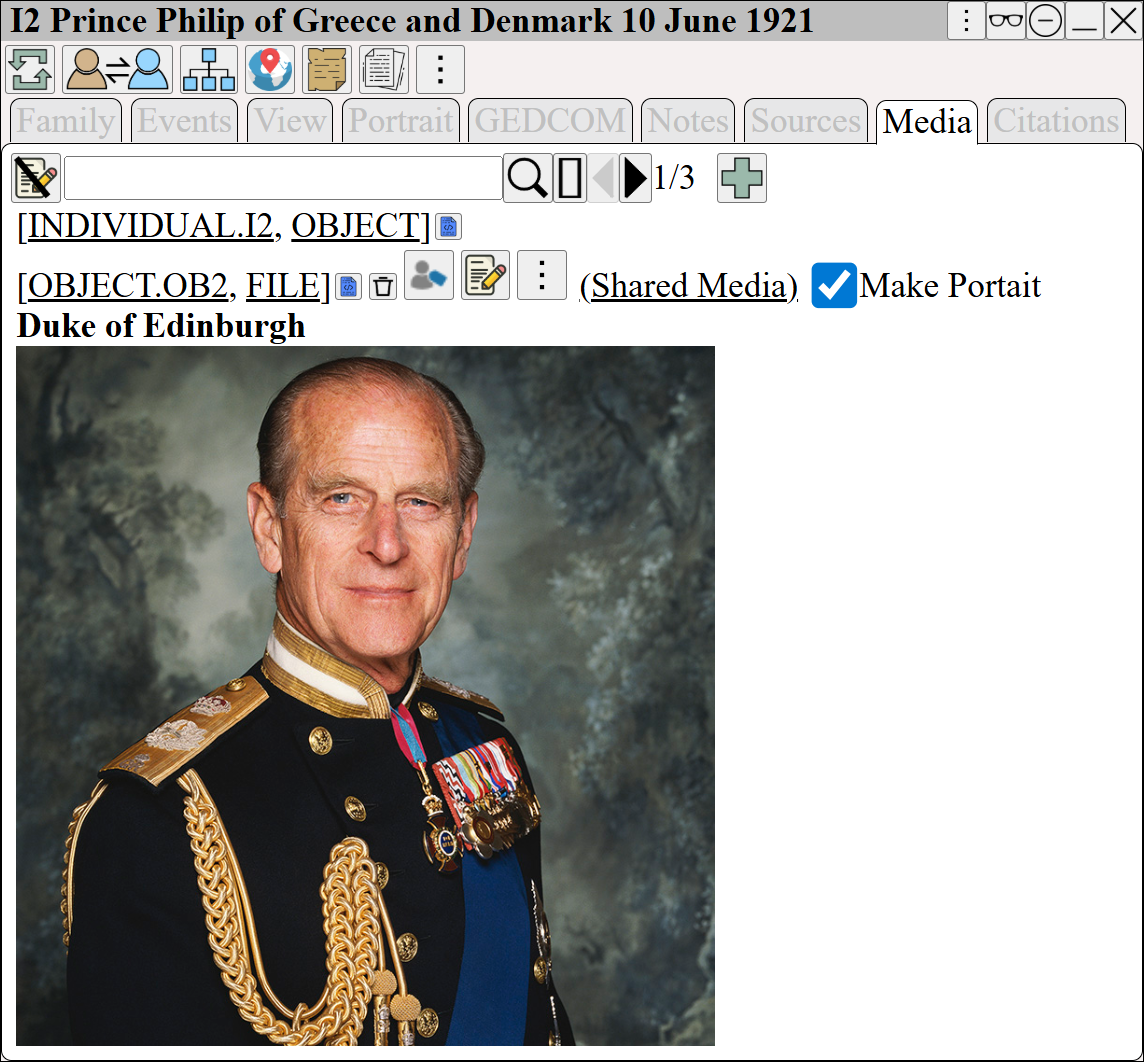
Right Click on the person to edit the person
 You can resize the chart by clicking in lower left corner, and dragging
the resize icon will appear ⤡
Create a 3D chart by changing the first line of thee prompt to
| Create a JavaScript class for a 3D Babylon JS Chart, which is beautifully arranged with portraits and text for each person, and the portraits do not overlap. Use the Arc Rotate Camera. |
For a faster more automated way of creating AI charts, we recommend using AI Charts ⟶ Antigravity Charts