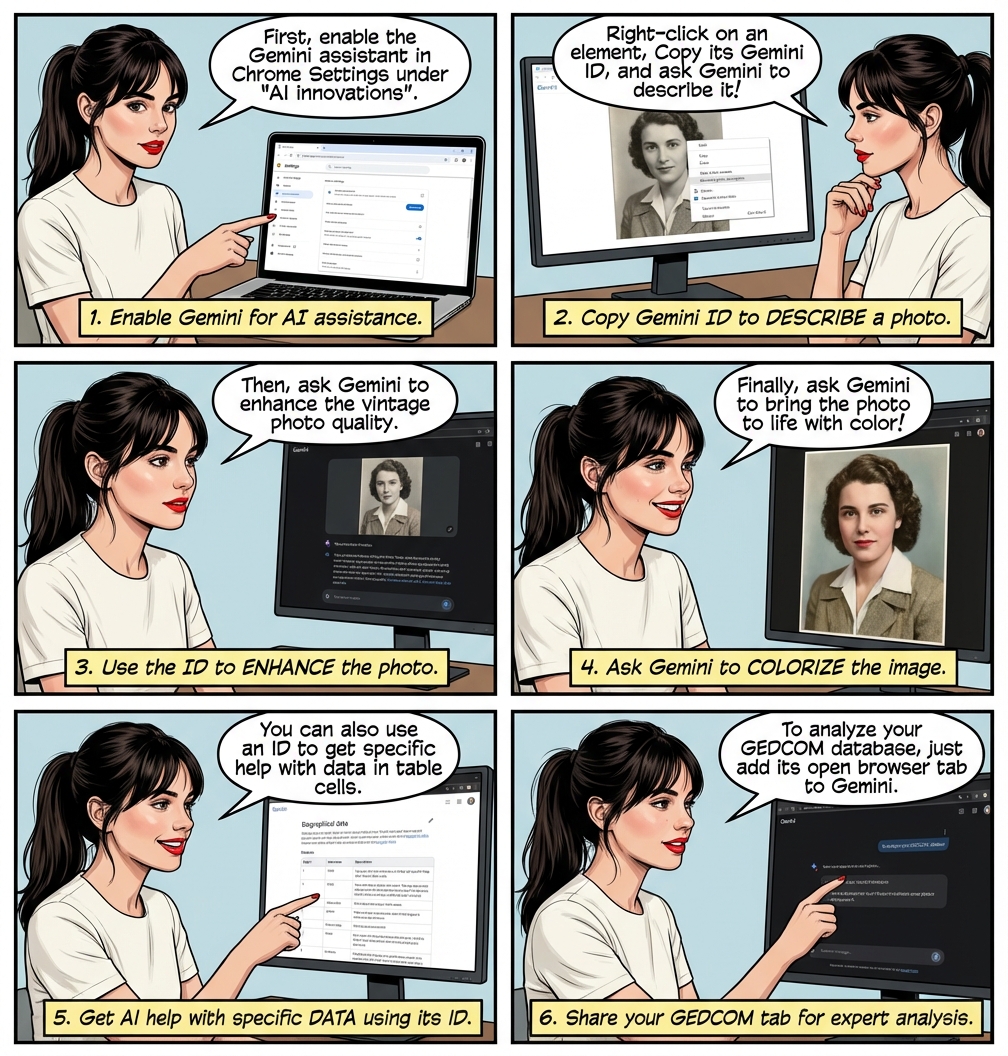
| GEDCOM 5.5.1, the de facto standard is understand by AI. Its the building block for AI Native genealogy apps. When we share the GEDCOM with the AI, it understands it. To enable sharing: ⟶ Help ⟶ About ⟶ to copy the GEDCOM file location, then open this file in a new browser tab. 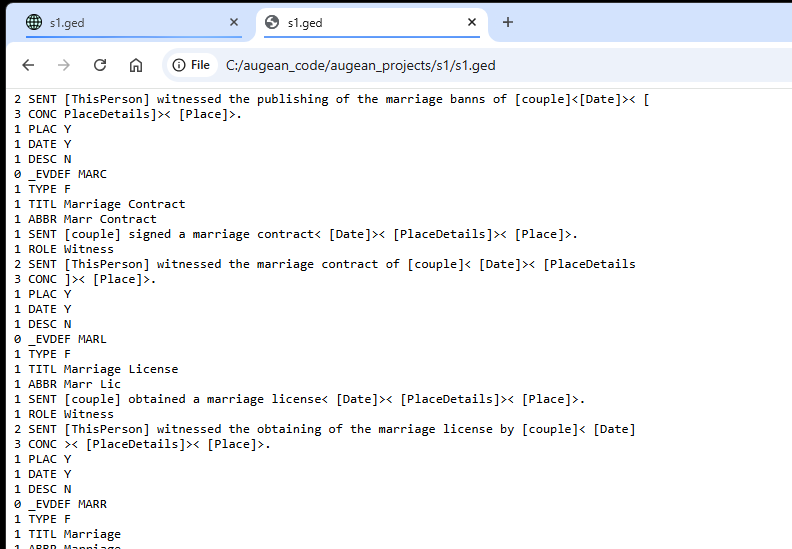 In the Gemini assistant, select + Add Tabs ⟶ Select the GEDCOM file, just opened in the browser tab The GEDCOM source file will be read and analyzed by Gemini. 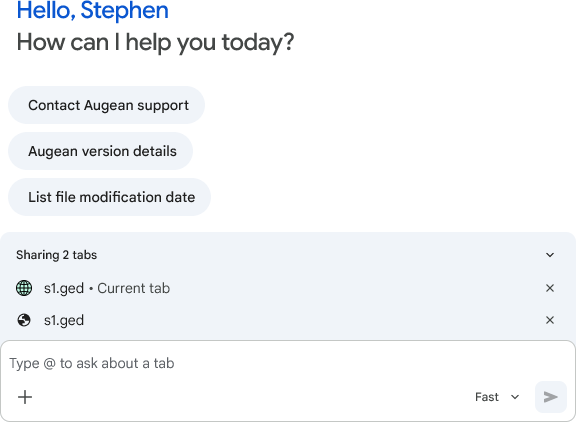 The Gemini Chrome assistant will then understand the context, and provide expert help. The chrome assistant doesnt allow uploading files, so open the GEDCOM file in a new browser tab which we share with Gemini. If you save an updated version of this GEDCOM file, just refresh the browser tab so the AI has the latest information. |