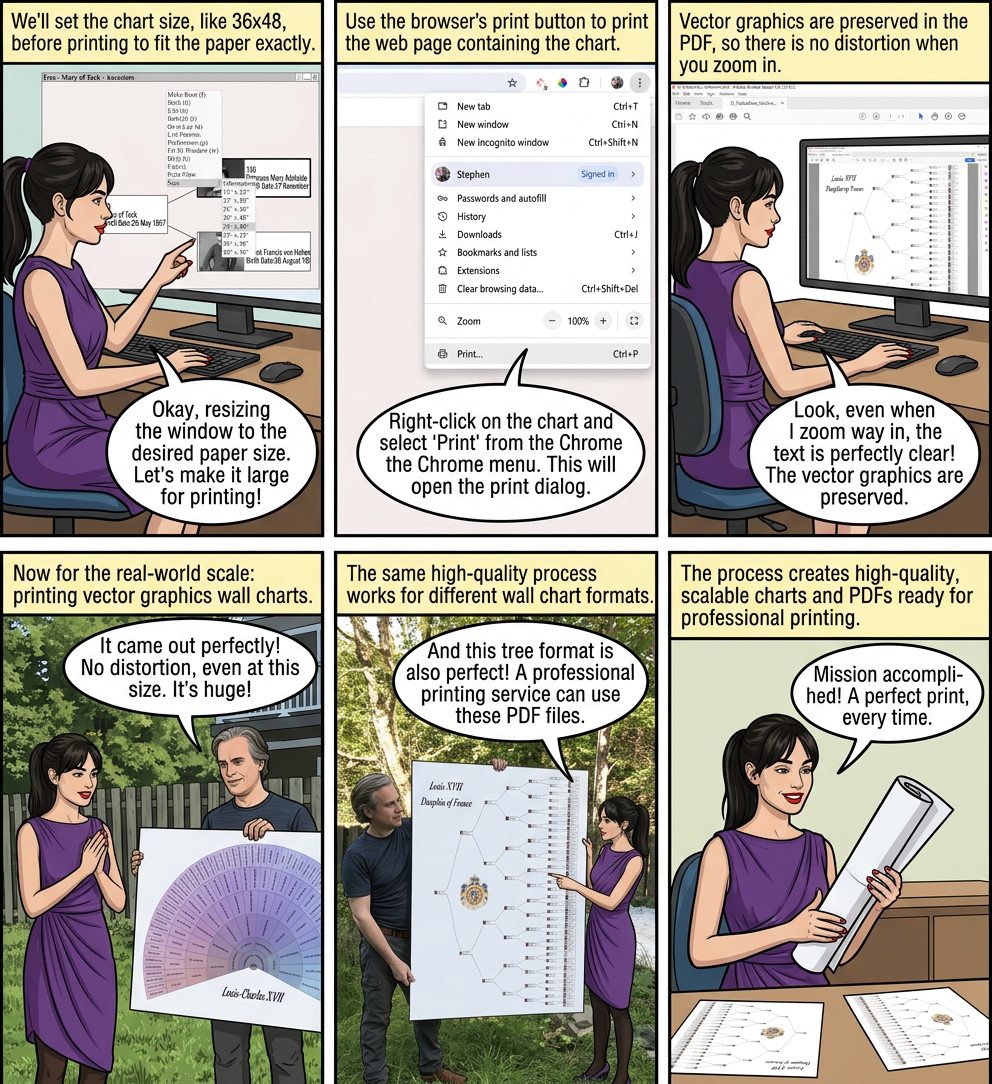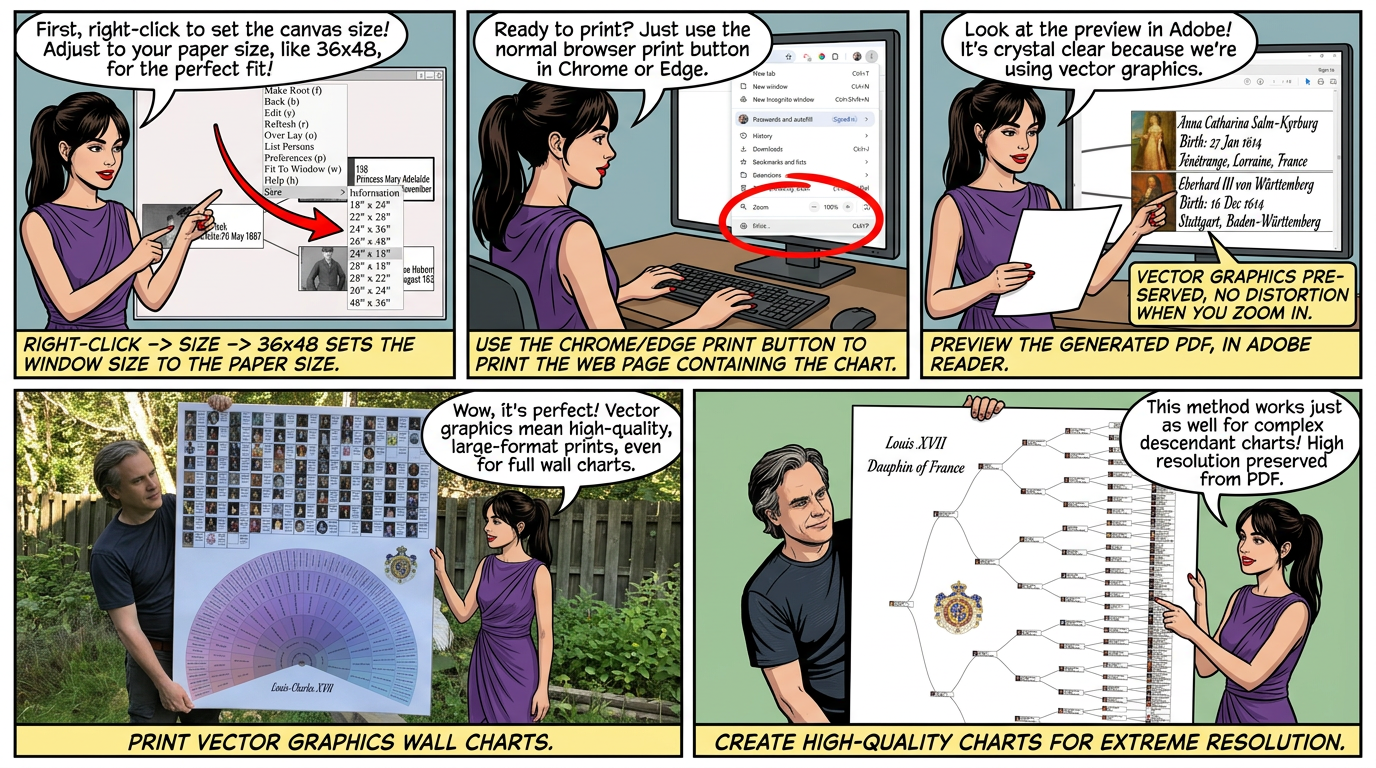
Augean creates high-quality charts using Vectors Graphics.
Chrome prints to PDF files and preserves the vector graphics.
The PDF file can be sent to a professional printing service, for example MegaPrint
Right Click ⟶ Print View makes the chart full screen and hides the title and other windows.
Resize the window to fit the chart, then resize the browser window before printing - this avoids space around the PDF.
• p to view the chart properties - change fonts / geometry
• w to fit the chart to the window
• Ctrl key + mouse scroll wheel to zoom in / out
• Right Click to display the context menu
• Resize the chart window by placing your mouse on the edge/corner of the window
- until the resize cursor appears ↔ ↕
↔
↕
- then hold the left mouse button down and drag
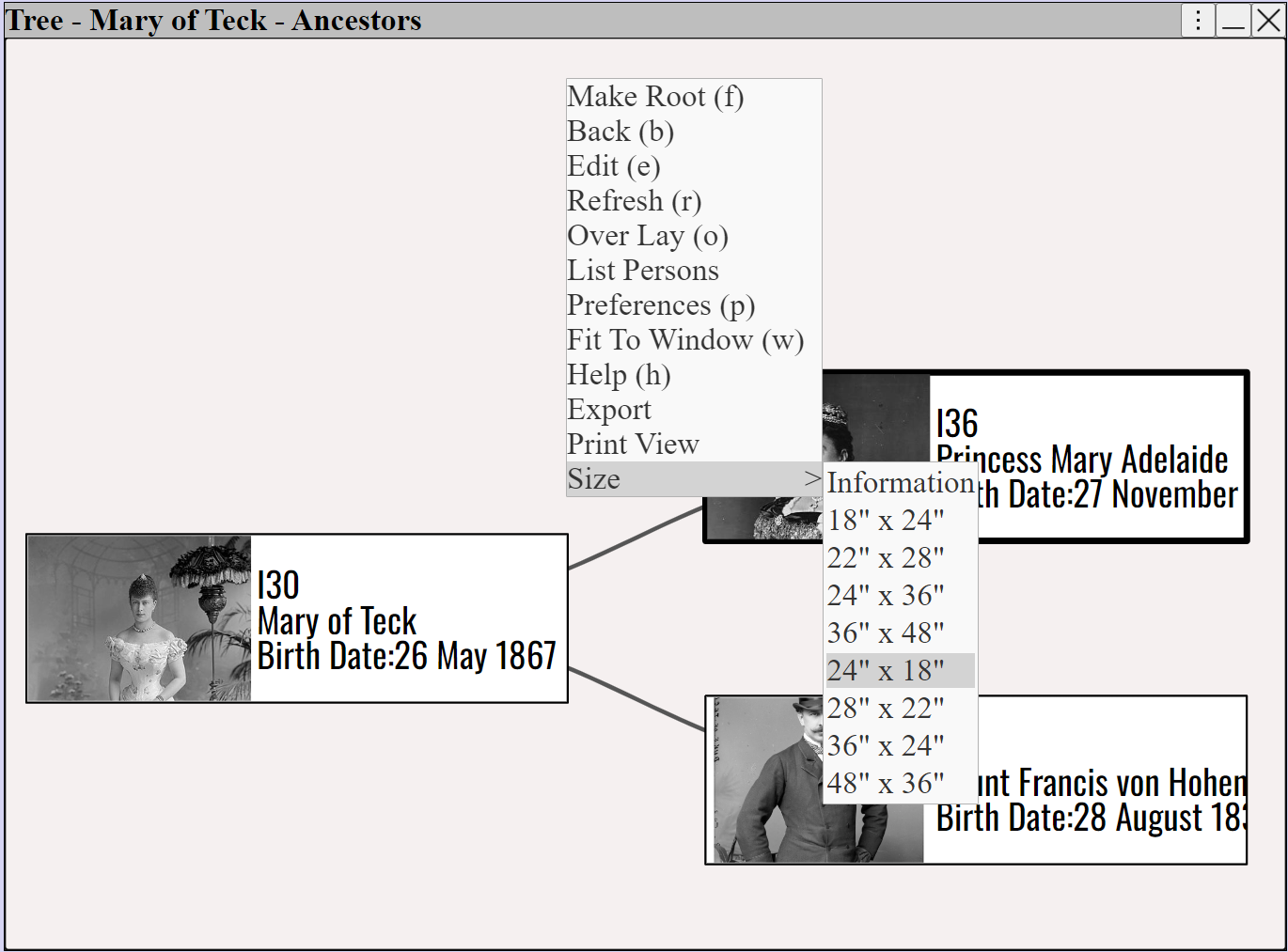
• Right Click ⟶ Size ⟶ 36x48 set the size of the window to the paper size
• Add Overlays to add titles, images.
Print the chart to a PDF file using the browser print method.
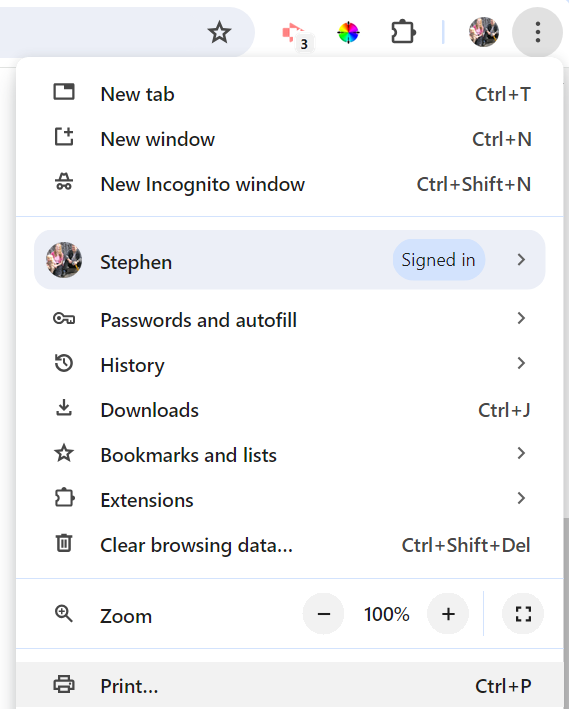
Use the Chrome/Edge print button to print the web page containing the chart
• Right Click ⟶ Print View - End restores the original view after printing.
• Preview the generated PDF, in Adobe Reader
The vector graphics are preserved in the PDF, so there is no distortion when you zoom in.
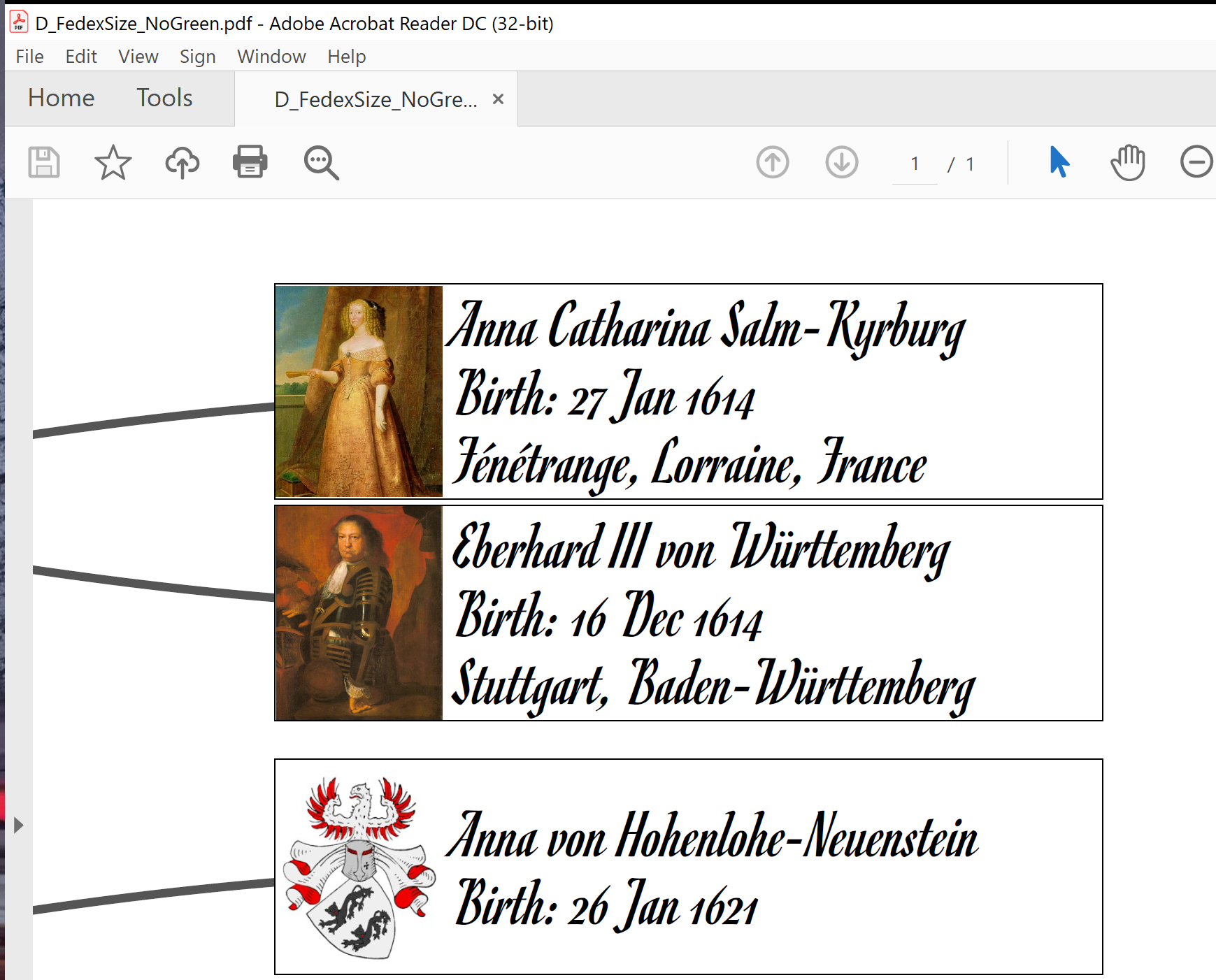
Vector graphics charts, printed from a PDF file using MegaPrint
Print vector graphics wall charts