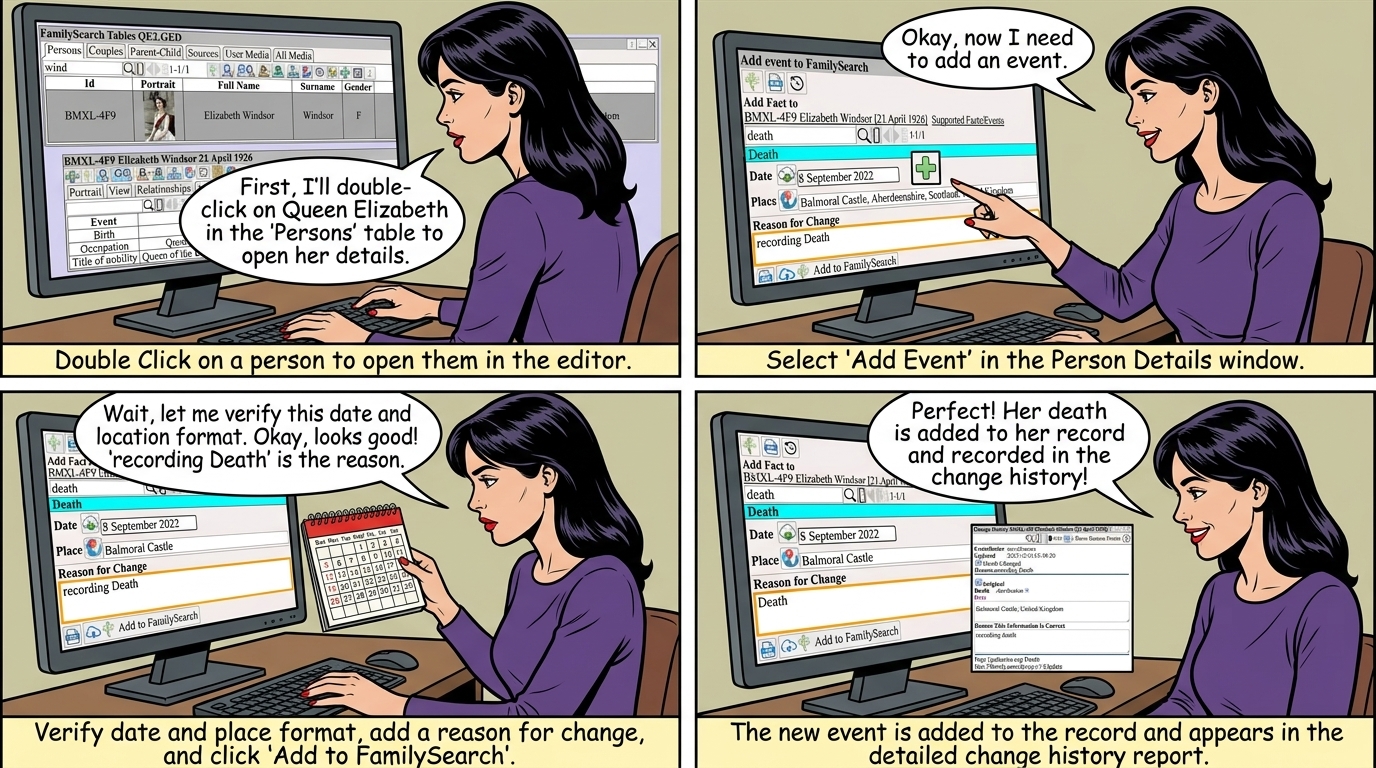
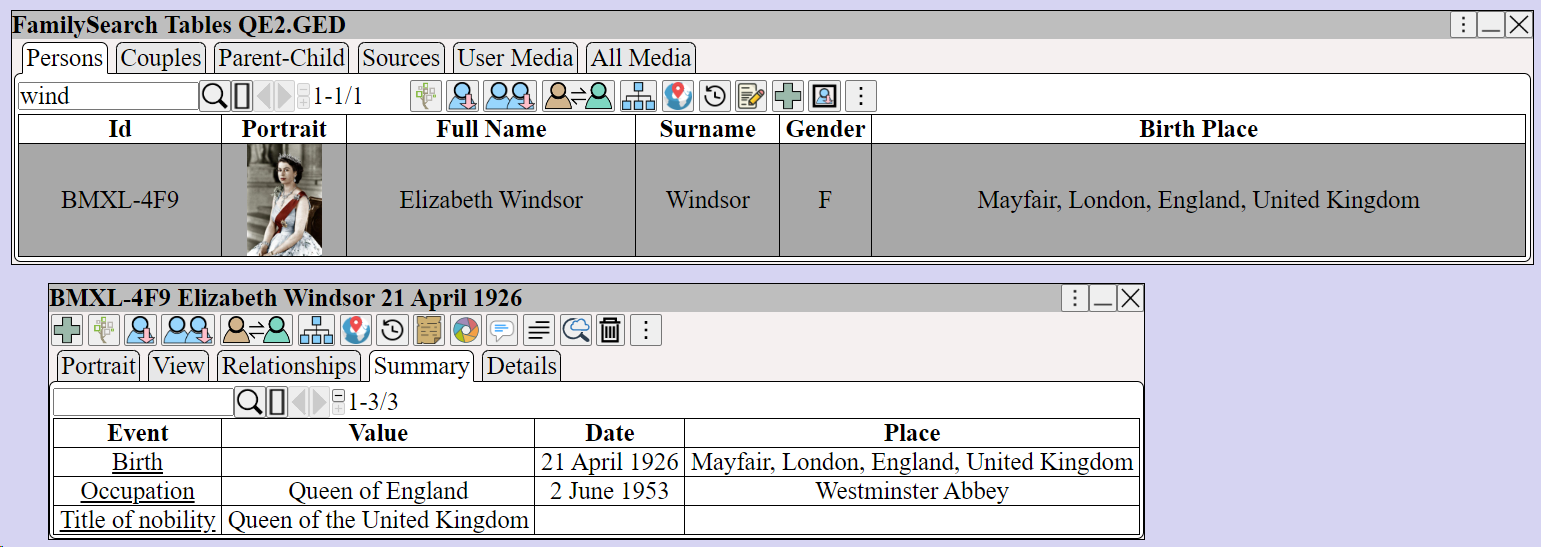
Double Click on a person to open them in the editor
to add an Event
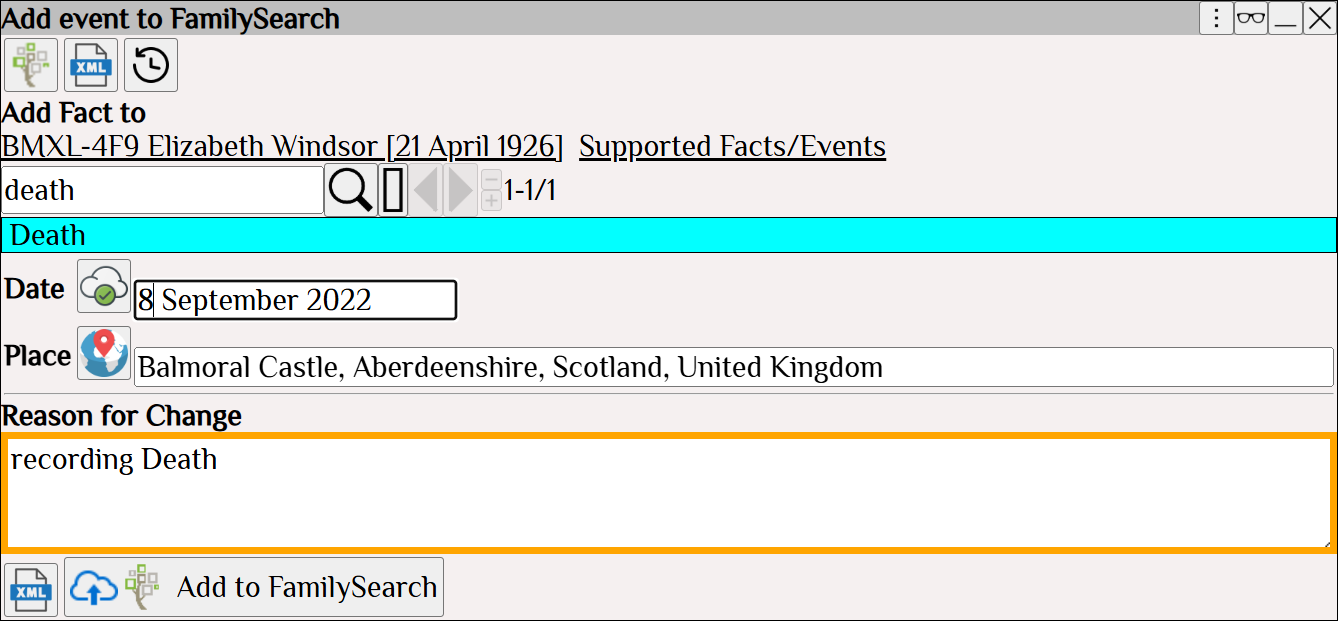
 Verify the date is in the correct format using Verify the place is in the correct format using
 Click
The death is now added and can be seen in the list of events.
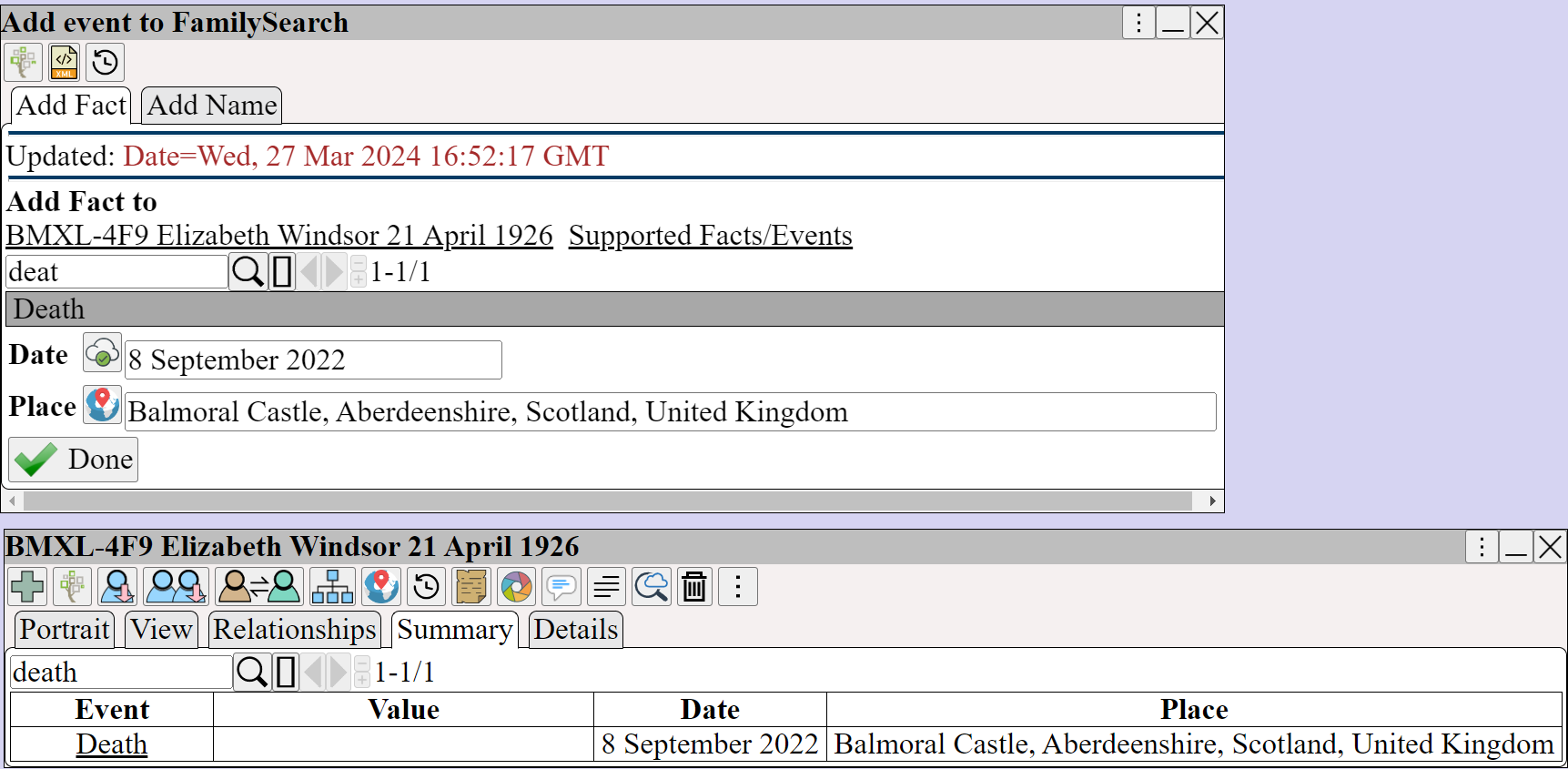
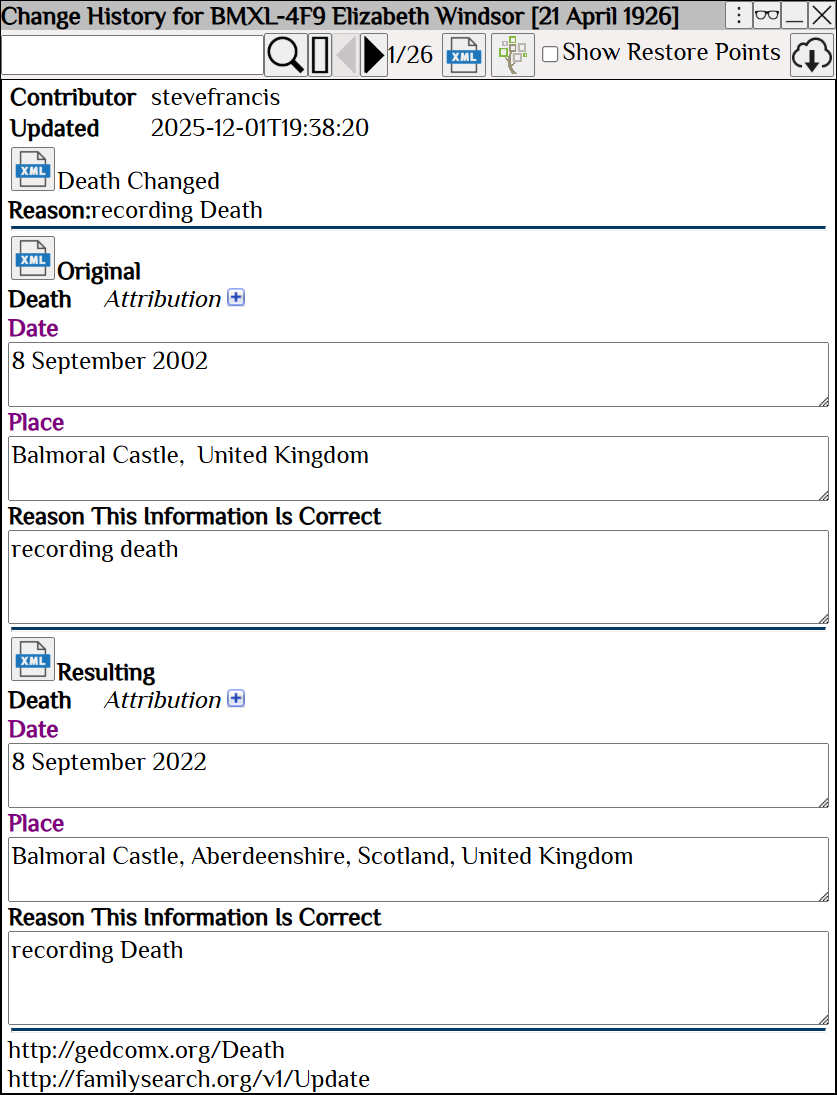
shows the change history, which also records the event
| Modifing Information All changes to FamilySearch require a Reason for change. The change is not made (committed) to FamilySearch until is pressed. Undo changes that are not yet committed to FamilySearch using which will refresh the person. will view the changes in the change history. |
| Deleting Information Delete the Date or Place using . The change is not made to FamilySearch until is pressed. To delete the entire event, use will view the changes in the change history. |
 Use Grammarly to check the spelling and grammar.