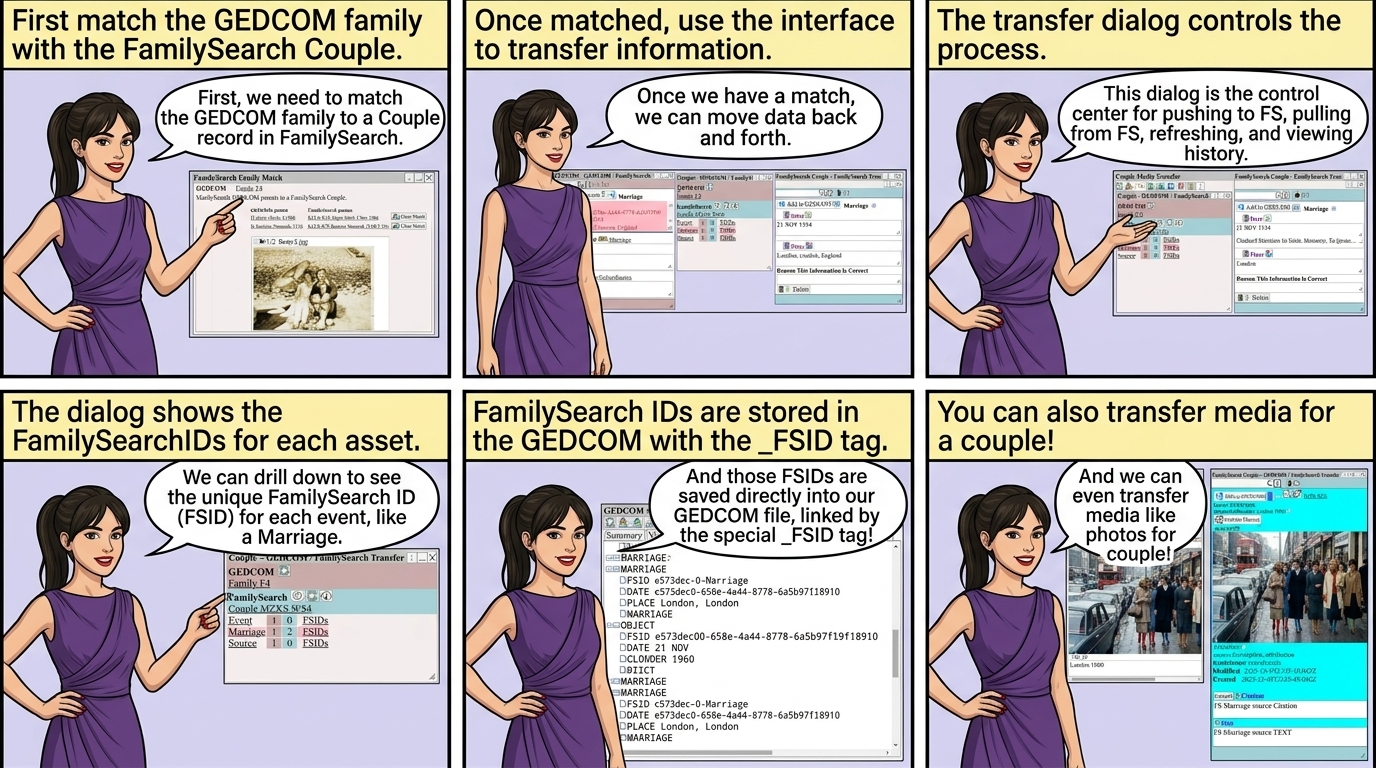
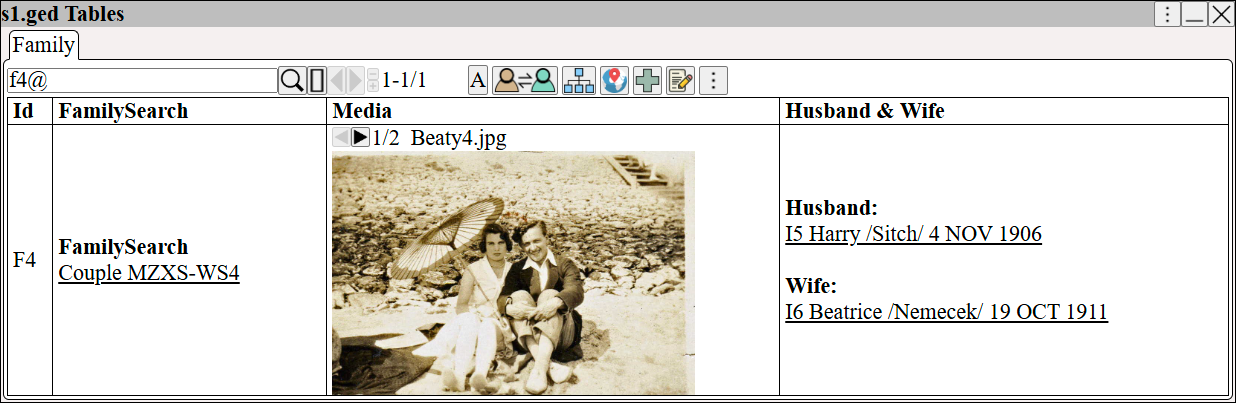
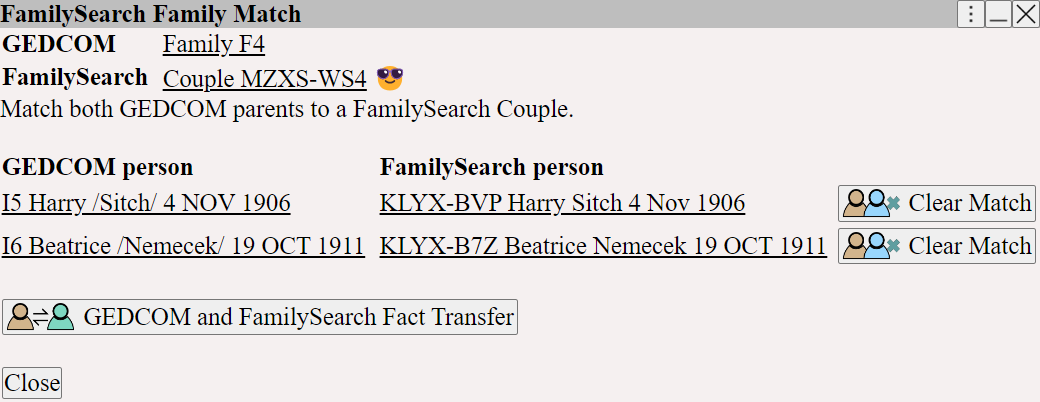
First match the GEDCOM family with the FamilySearch Couple see
FamilySearch Transfer ⟶ Match Families
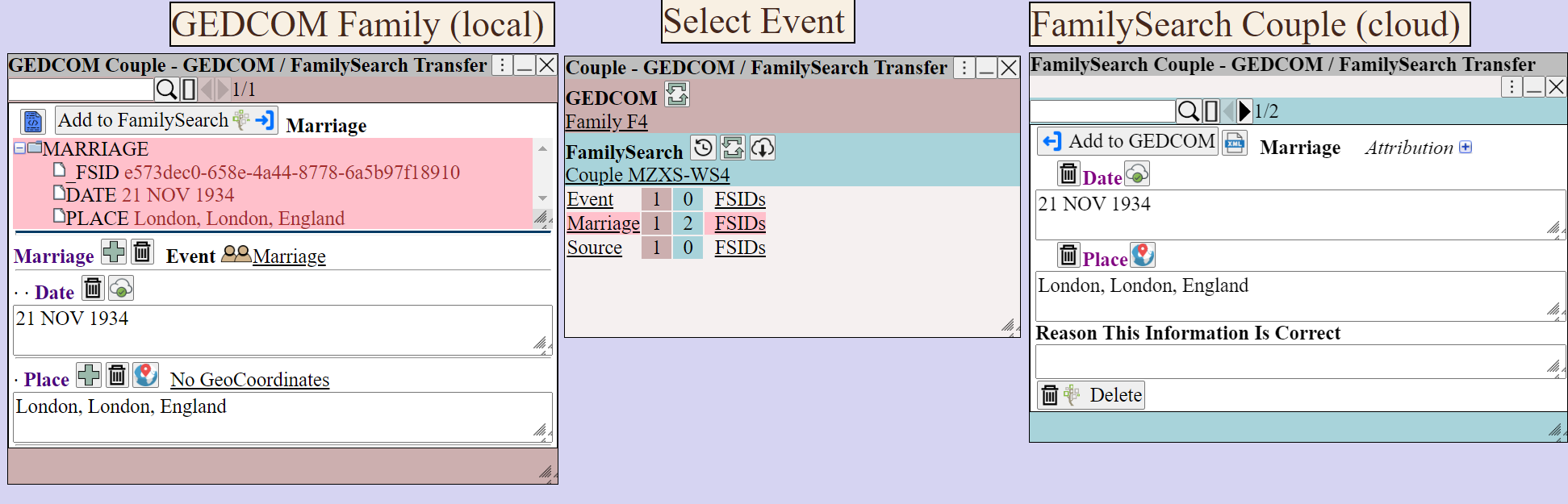
Once matched use To transfer information between GEDCOM and FamilySearch
The transfer dialog controls the process.
|
The FSIDs shows the FamilySearchIDs for each asset.
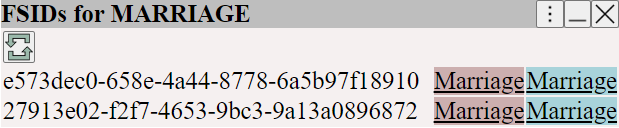
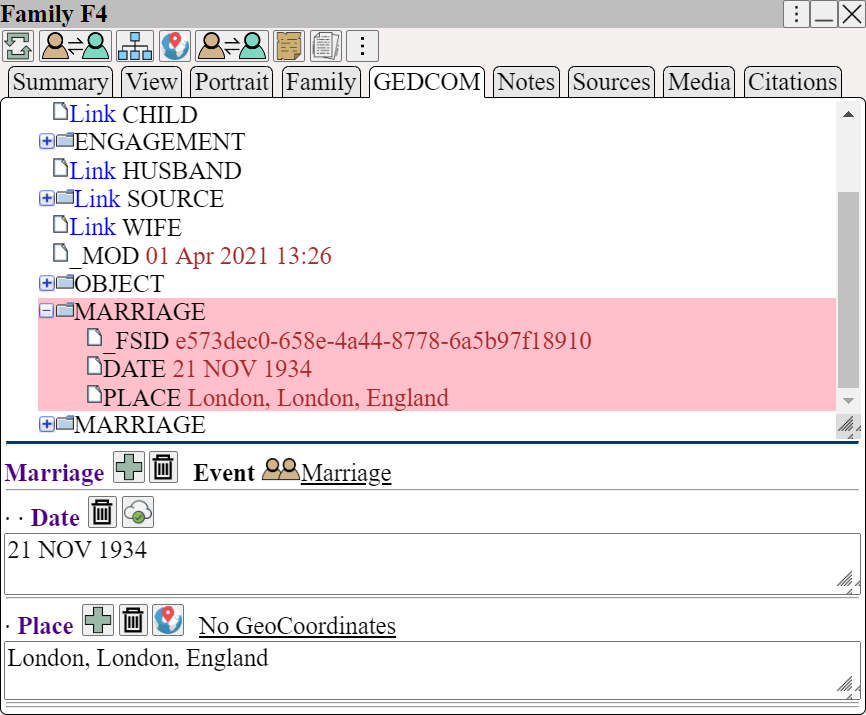
FamilySearch IDs are stored in the GEDCOM using the _FSID tag to record the transfer.
 GEDCOM supports media attached to persons and families.
FamilySearch supports media attached to persons only.
Hence, there is no option to transfer media for the family transfer dialog.
See also FamilySearch Transfer ⟶ Match Families
which explains how GEDCOM Families are matched to FamilySearch couples
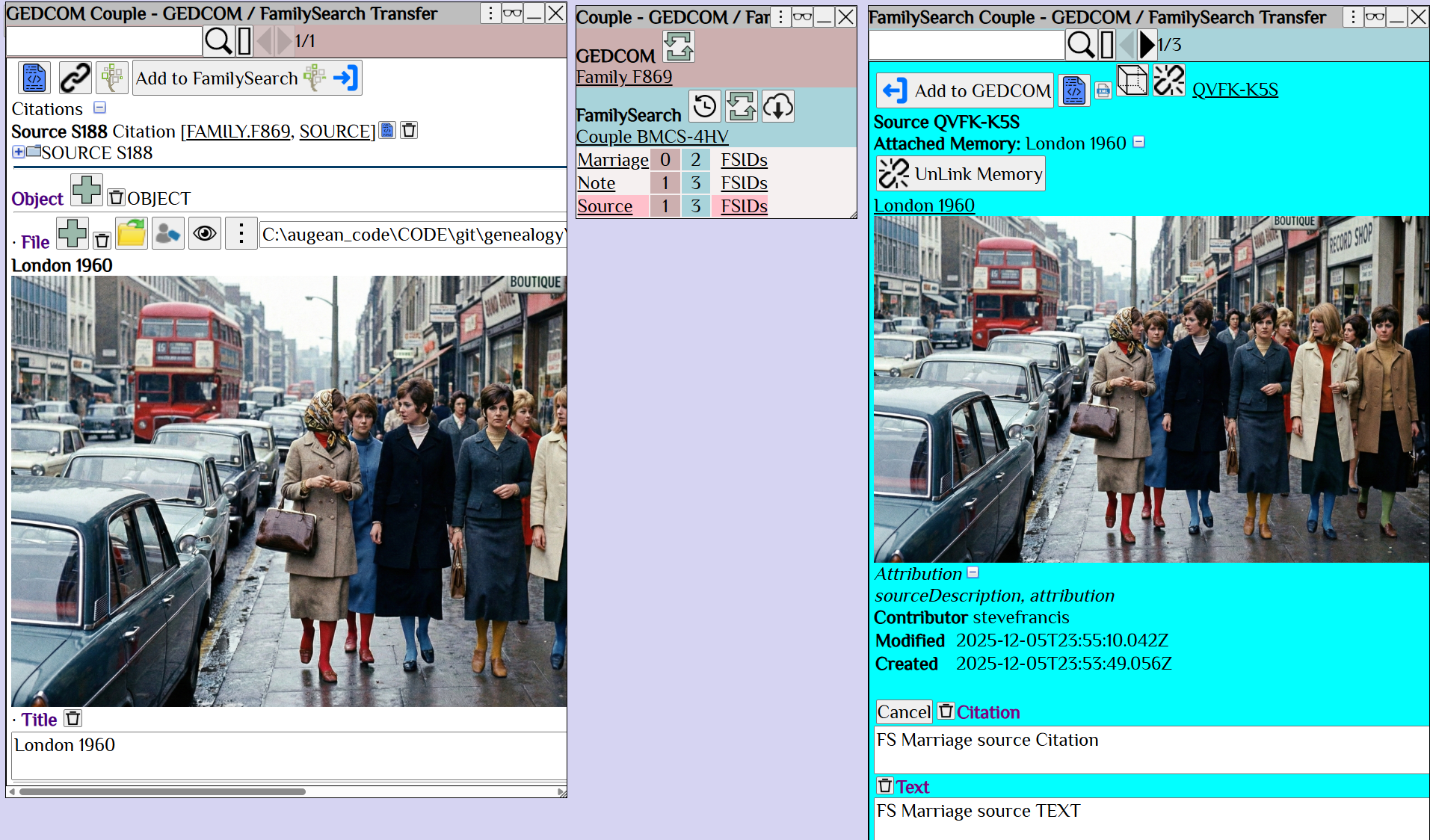
Media can also be transferred for couples.