Transfer events for Persons between GEDCOM and FamilySearch


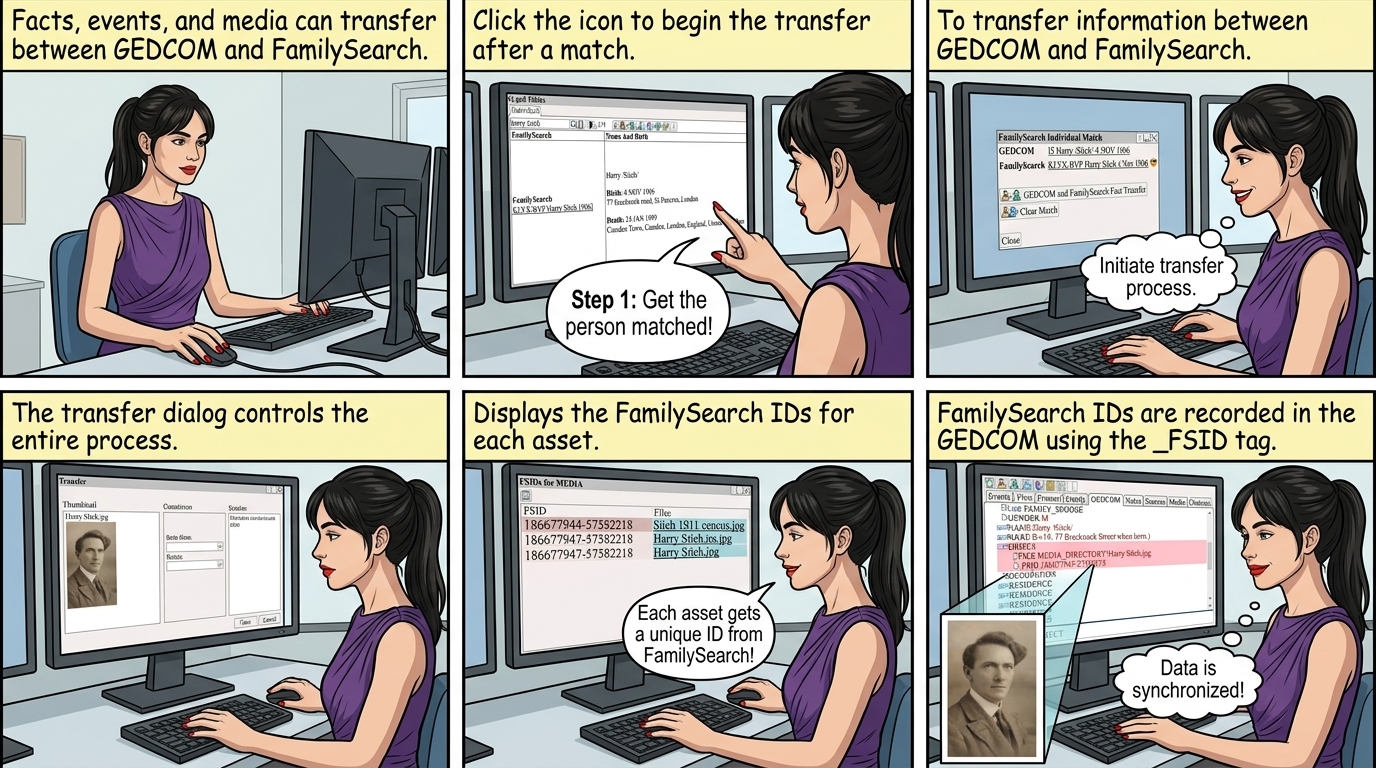
Facts, Events, Sources, Notes, and Media can be transferred between GEDCOM and FamilySearch.

After the person is matched - see  FamilySearch Transfer ⟶ Match Persons 
Click To transfer information between GEDCOM and FamilySearch
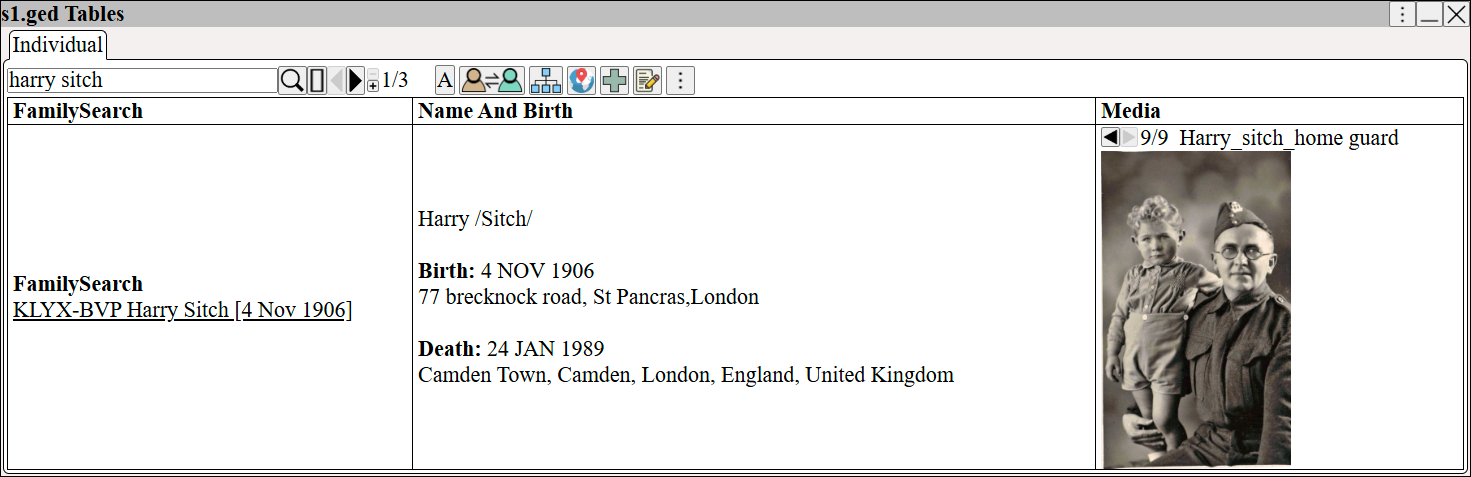
Augean table view showing a local GEDCOM profile matched to a FamilySearch ID, displaying birth, death, and media to help genealogists verify sync targets.


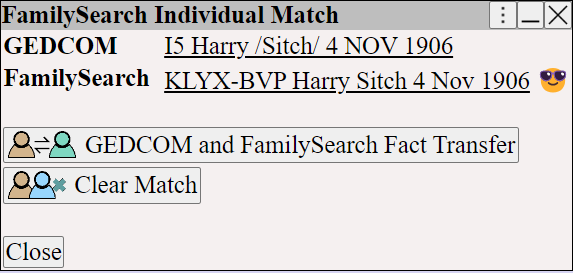
FamilySearch Individual Match dialog in Augean featuring the Fact Transfer button to initiate genealogy data synchronization between GEDCOM and cloud.


The transfer dialog controls the process.
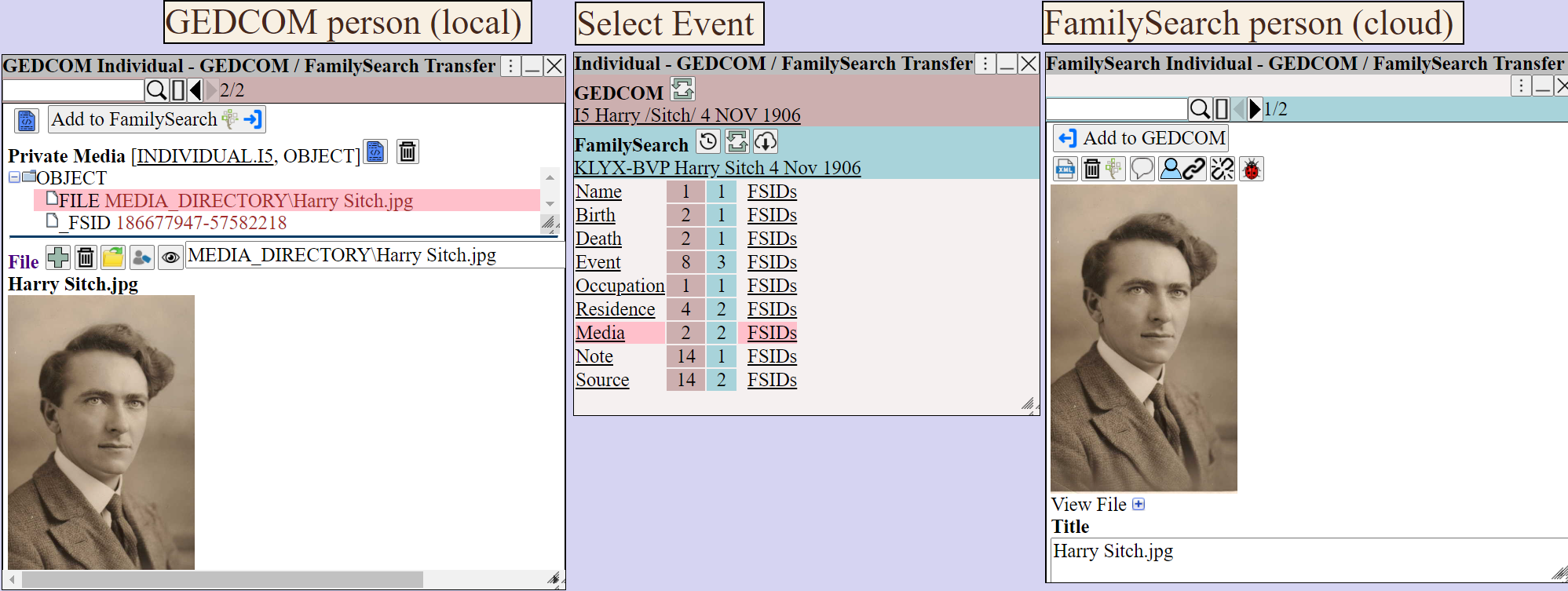
Augean three-panel transfer tool comparing local GEDCOM and FamilySearch records, giving genealogists granular control to sync events, media, and sources.


   Promote local information to FamilySearch
   Transfer from FamilySearch to the local GEDCOM database
   Refresh the dialog
   View the FamilySearch change history
   Download from FamilySearch

The FSIDs displays the FamilySearch IDs for each asset.

Augean interface mapping local media files to their unique FamilySearch IDs (FSIDs), ensuring genealogists can track synchronized family history documents.


FamilySearch IDs are recorded in the GEDCOM using the  _FSID  tag
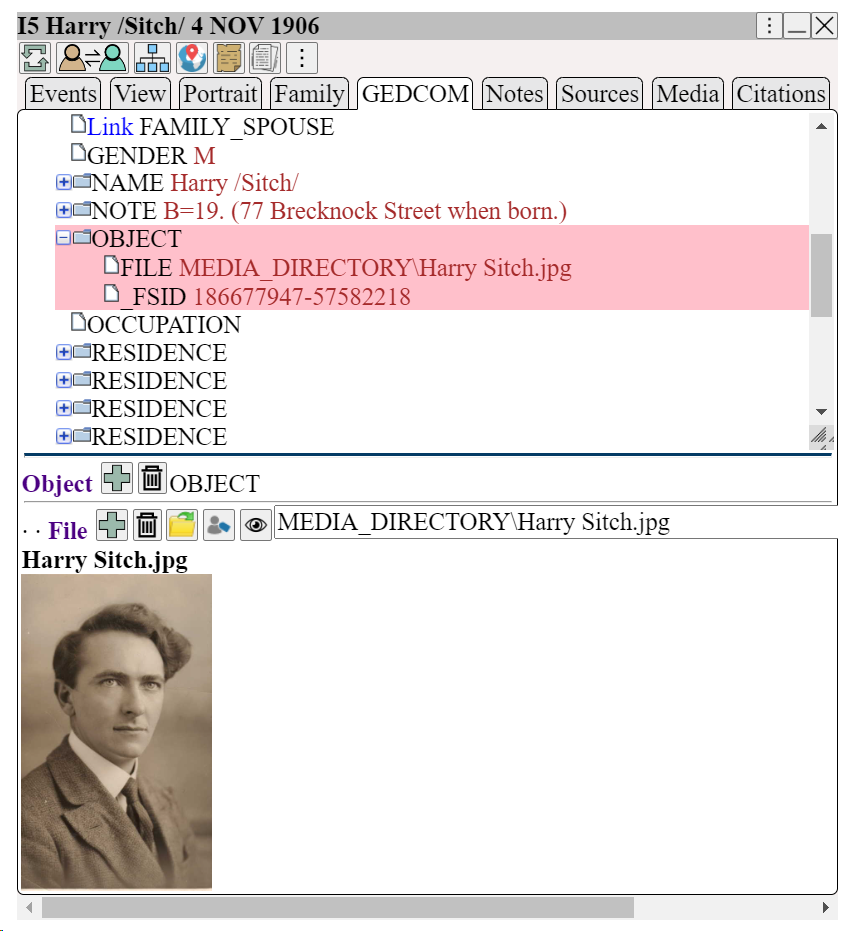
Hierarchical GEDCOM view in Augean highlighting the custom _FSID tag, showing genealogists how local media is permanently linked to the FamilySearch tree.